You can leave a review for a tradie in two ways. You can review them directly on their profile, or you can leave a review when you close your job.
Leave a Review on a Business Profile
Use this option if you want to review a tradie without posting a job.
Log in to your account
Log in using your Service.com.au or Facebook login.
Open the business profile
Navigate to the tradie's profile page in the directory.
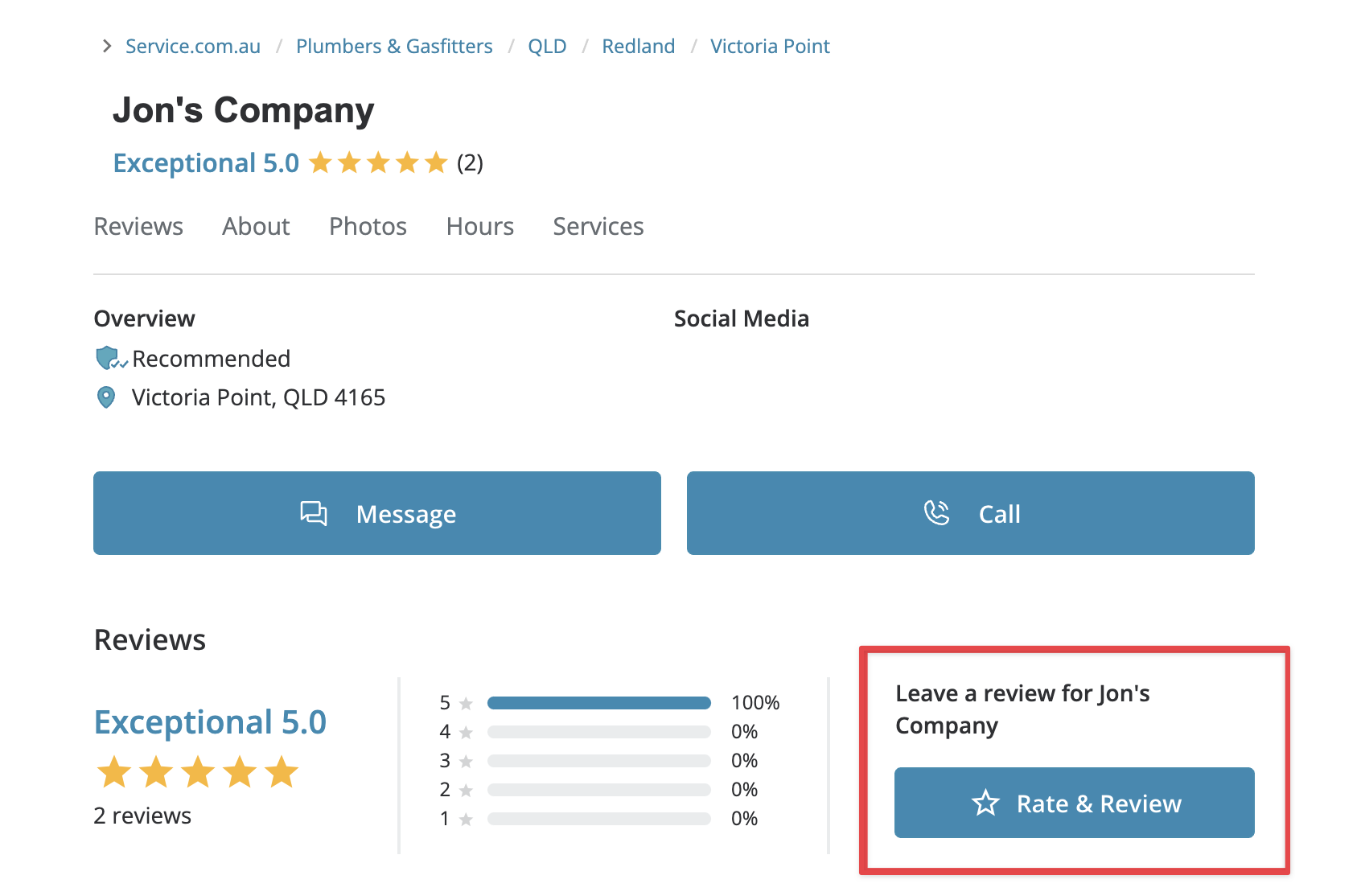
Start your review
Click on Rate & Review to begin.
Leave a Review When You Close a Job
If your job has been finished, you can leave a review while closing it from your Dashboard.
Log in to your Dashboard
Log in to your account and go to your Dashboard.
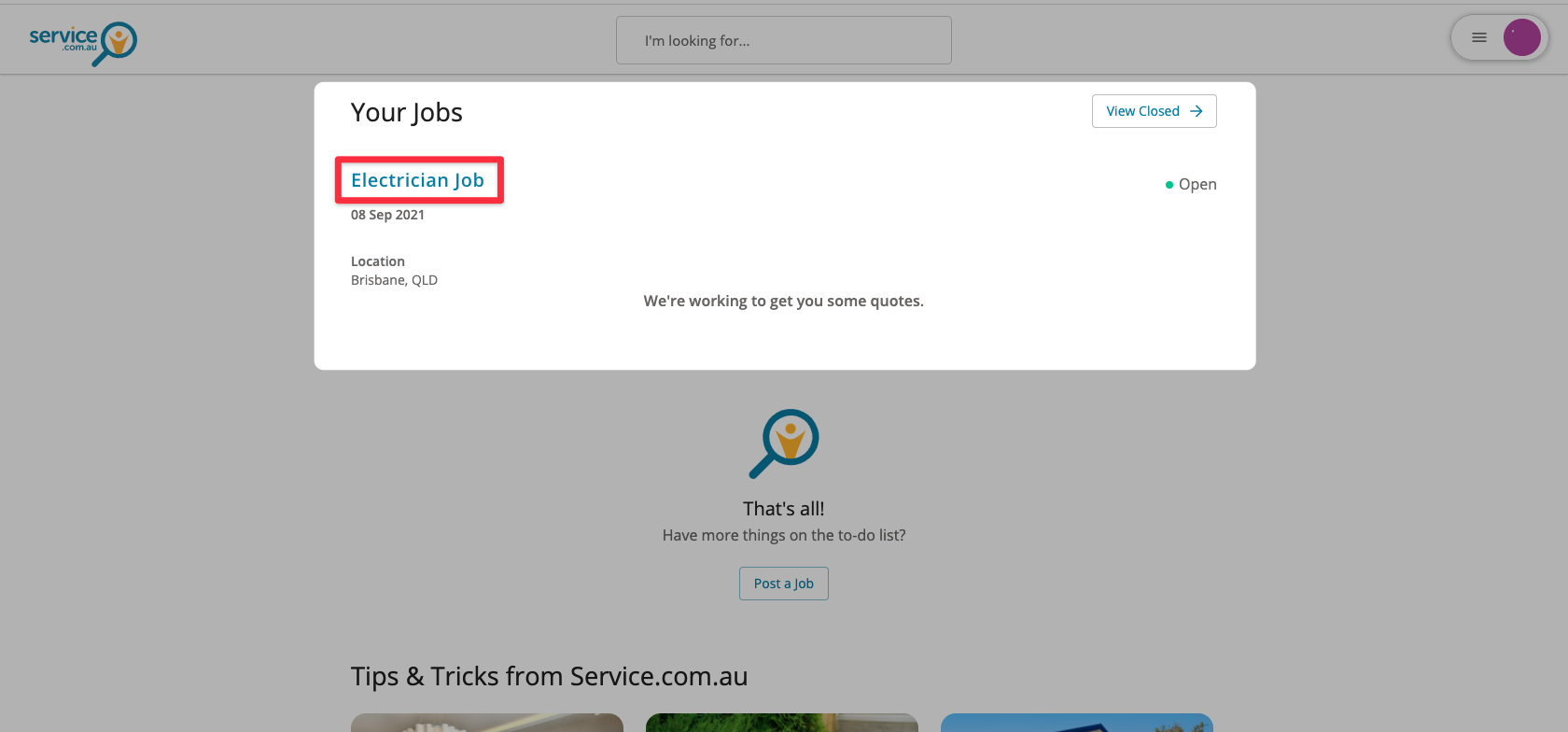
Open the job
Under Your Jobs, find the job you want to close and click on it.
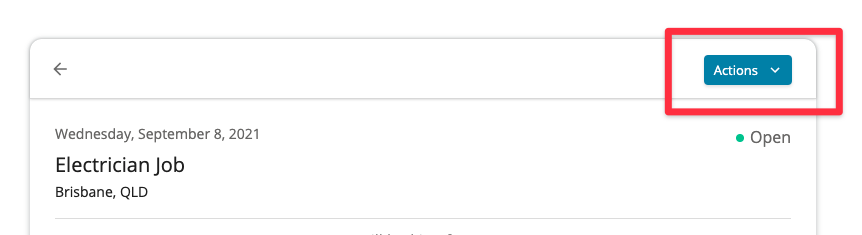
Open the Actions menu
Click on Actions in the top right corner.
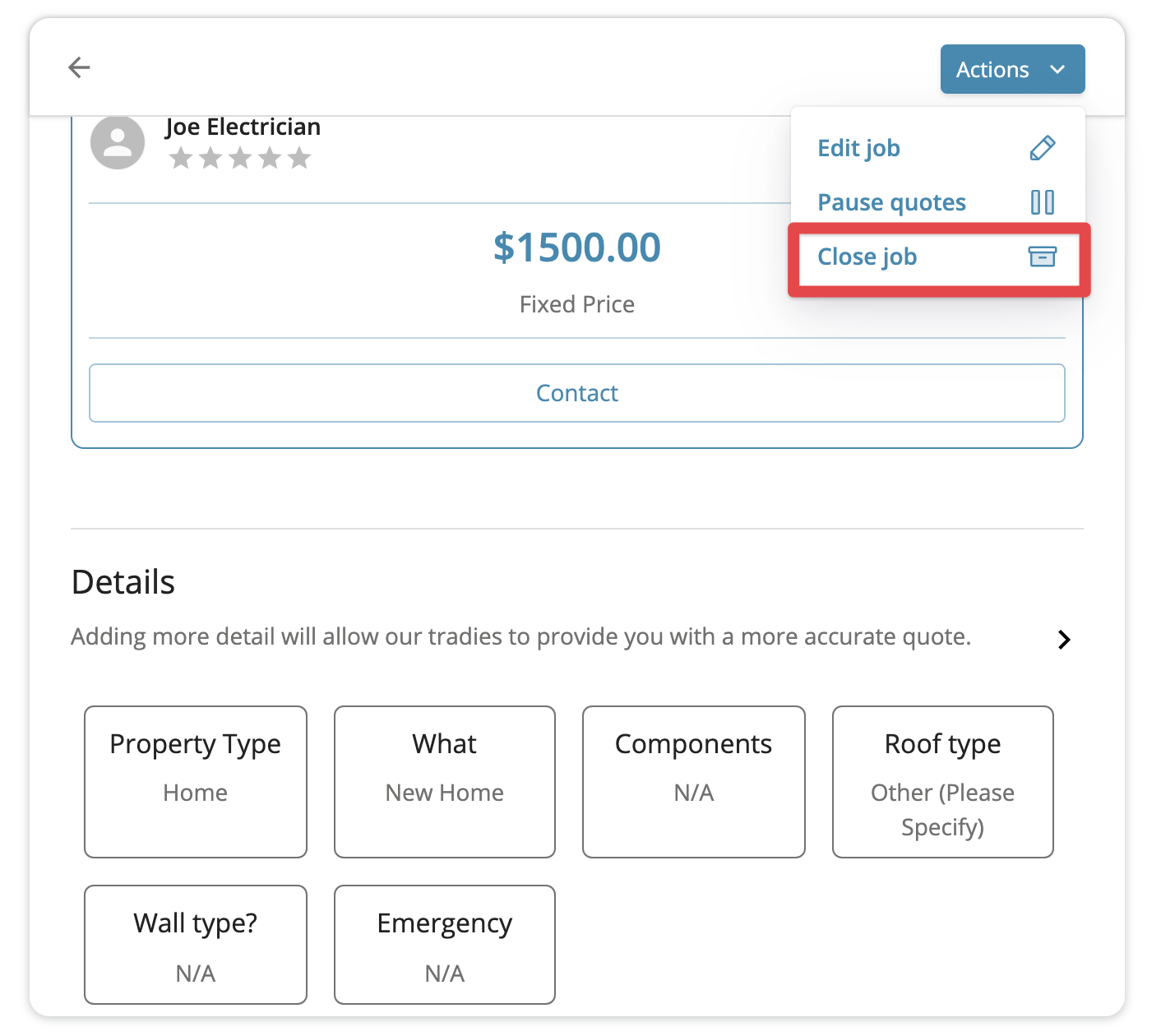
Choose Close Job
Select Close Job from the menu.
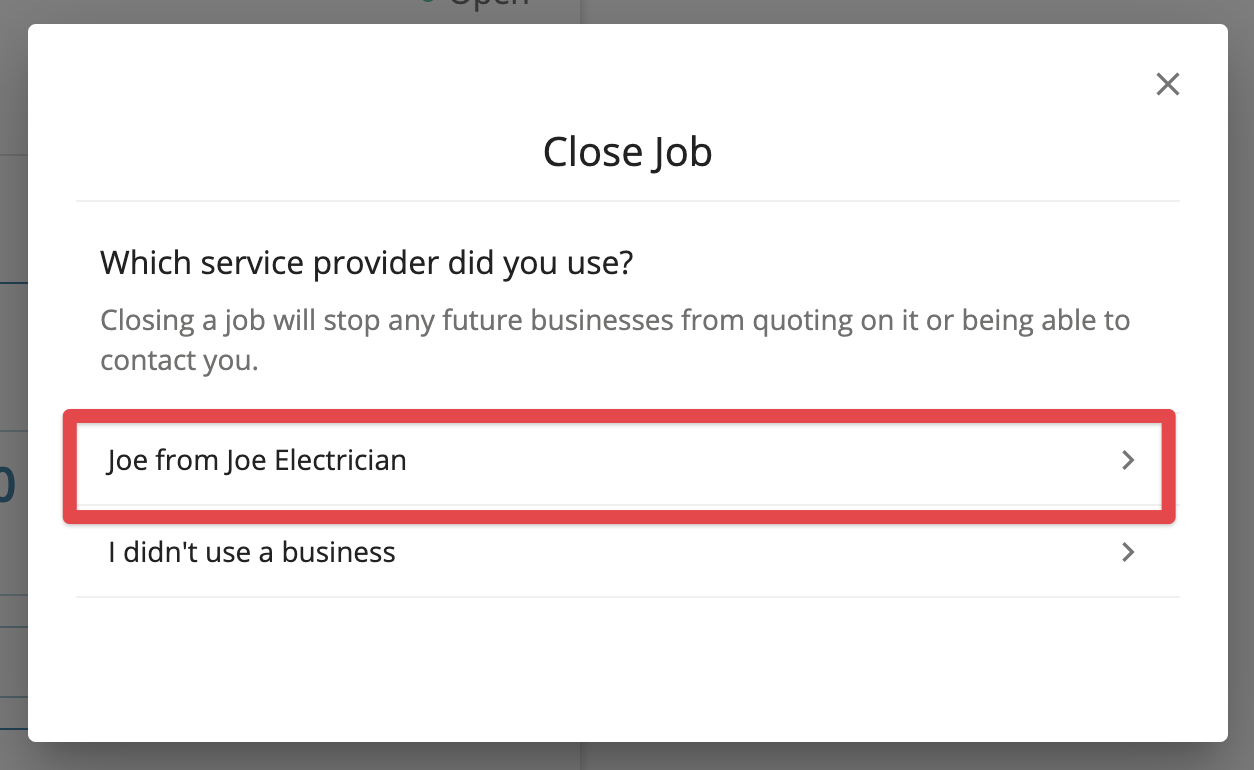
Select the business
Click on the business you worked with.
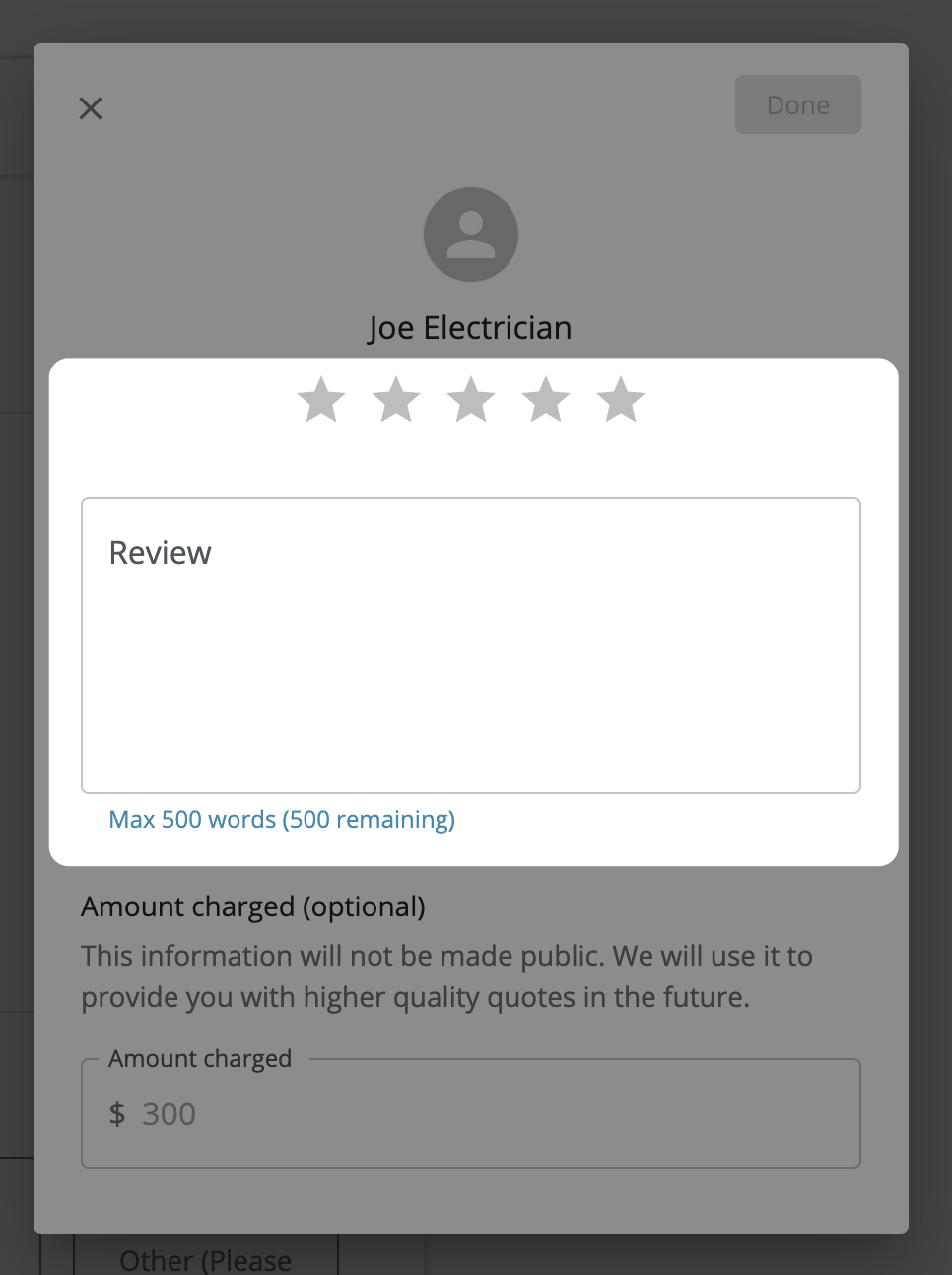
Add your rating and feedback
Pick a star rating and write your review message.
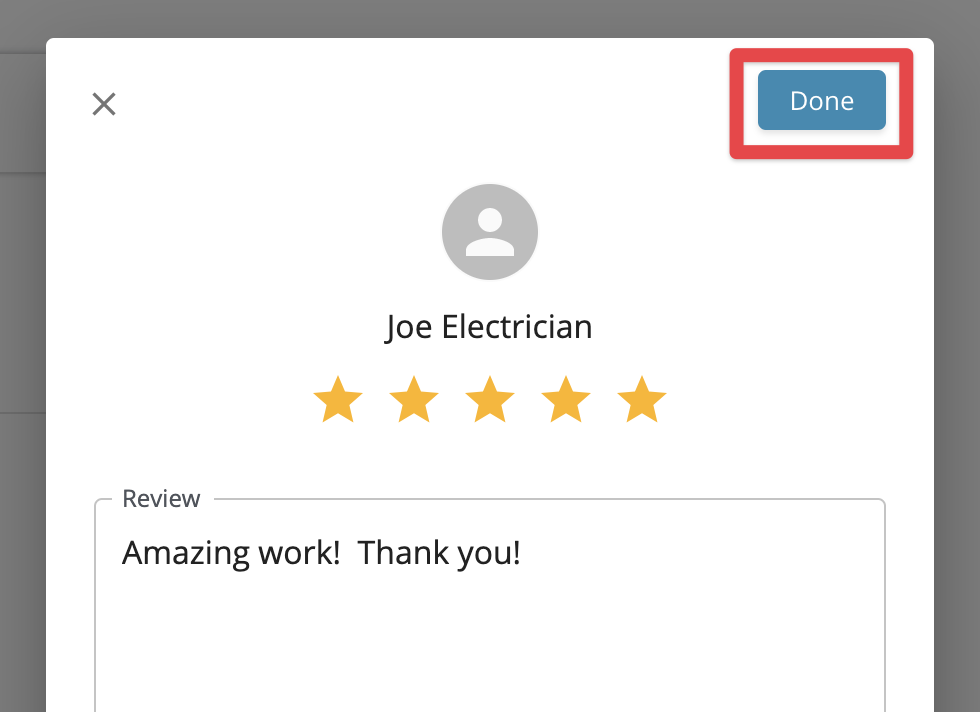
Submit your review
Click on Done in the top right corner to submit your review.
What Happens Next?
- Your review will be public and will appear on the tradie's profile.
- You'll get an email confirming that your review was received.
- The business will also be notified.
- If you do not want to leave a review yet, you can still close the job and come back later.
- You may also receive an email reminder asking you to leave a review.
Edit or Remove a Review
If you want to edit or remove your review after posting it, contact us and our team can help.
Need Assistance?
If you have questions, contact us at support@service.com.au or call 1300 523 787. Our team is here to help!