If you've cancelled your plan but want to keep it active, you can renew it from your Billing settings.
1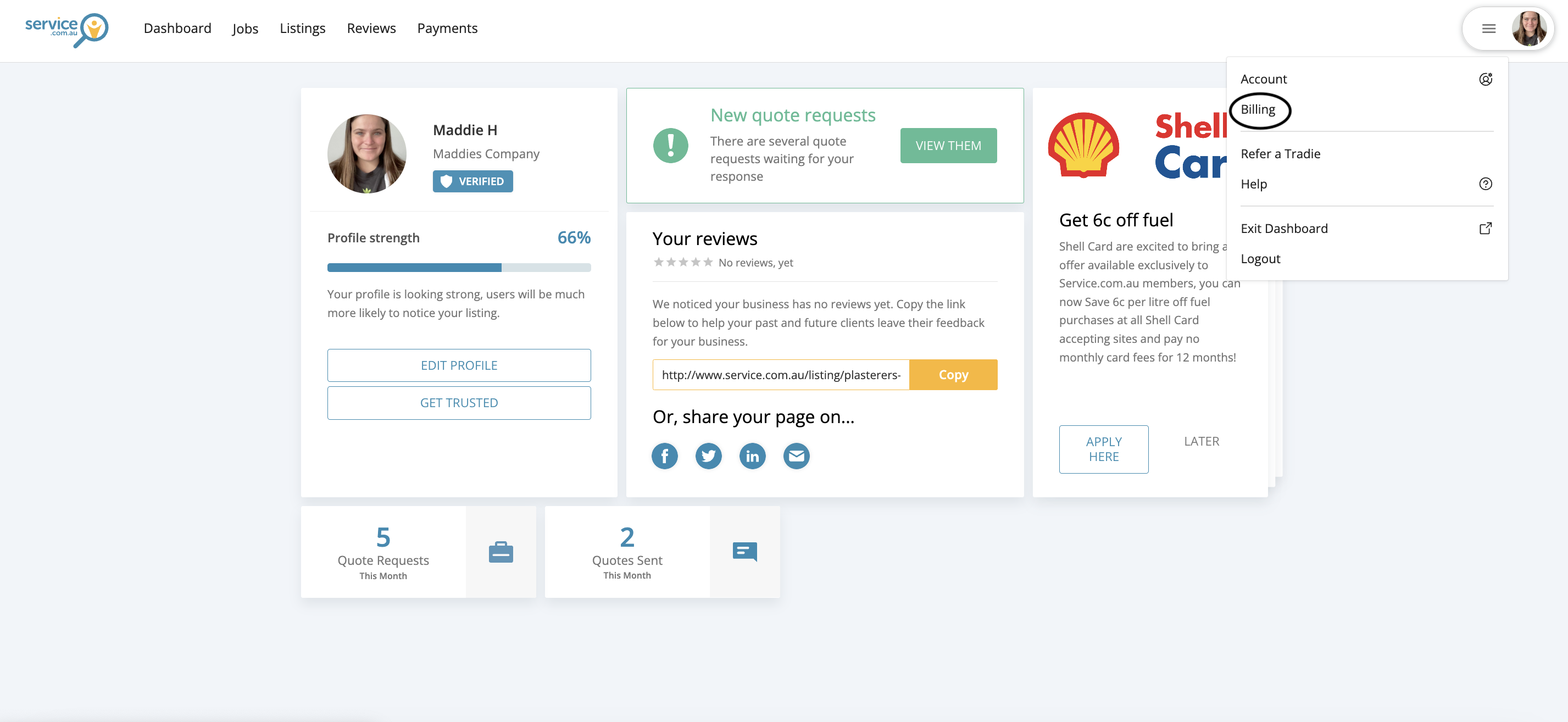
Billing option shown in the account menu
Open Billing
Log in to your account, click on the menu in the top right-hand corner, and select Billing.
2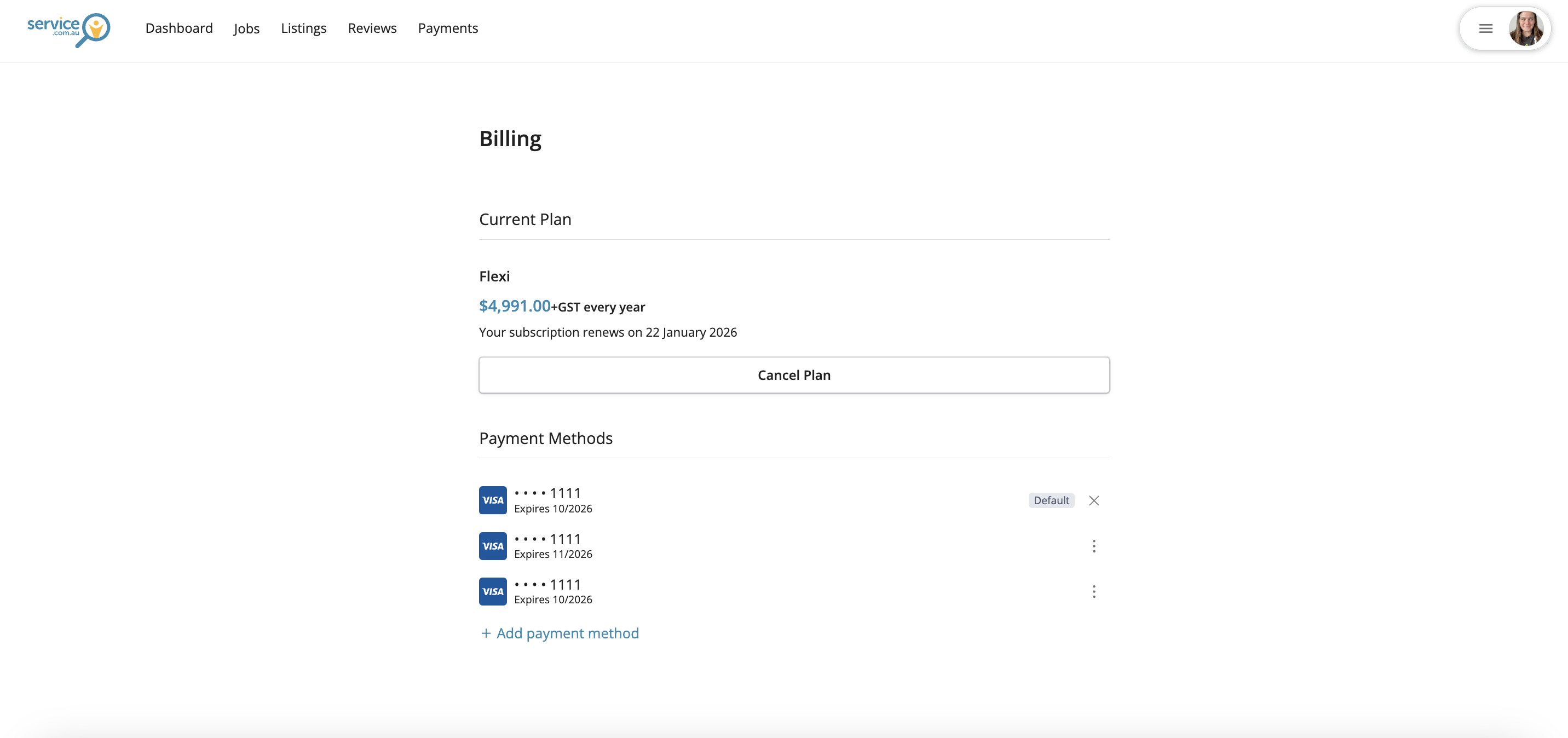
Renew Plan button shown in the Billing section
Renew Your Plan
In the Billing section, click on Renew Plan.
Then select Renew Plan again to confirm.
3Updated subscription renewal date displayed after renewing the plan
Check Your Renewal Date
Once your plan is renewed, your subscription will no longer be marked for cancellation.
You’ll also see your updated renewal date in Billing.
Need Assistance?
If you have questions, contact us at support@service.com.au or call 1300 523 787. Our team is here to help!