When a relevant job comes through in your trade and service area, you can review the lead and respond with a quote straight from your Dashboard.
Submit a Quote
Open Your Jobs
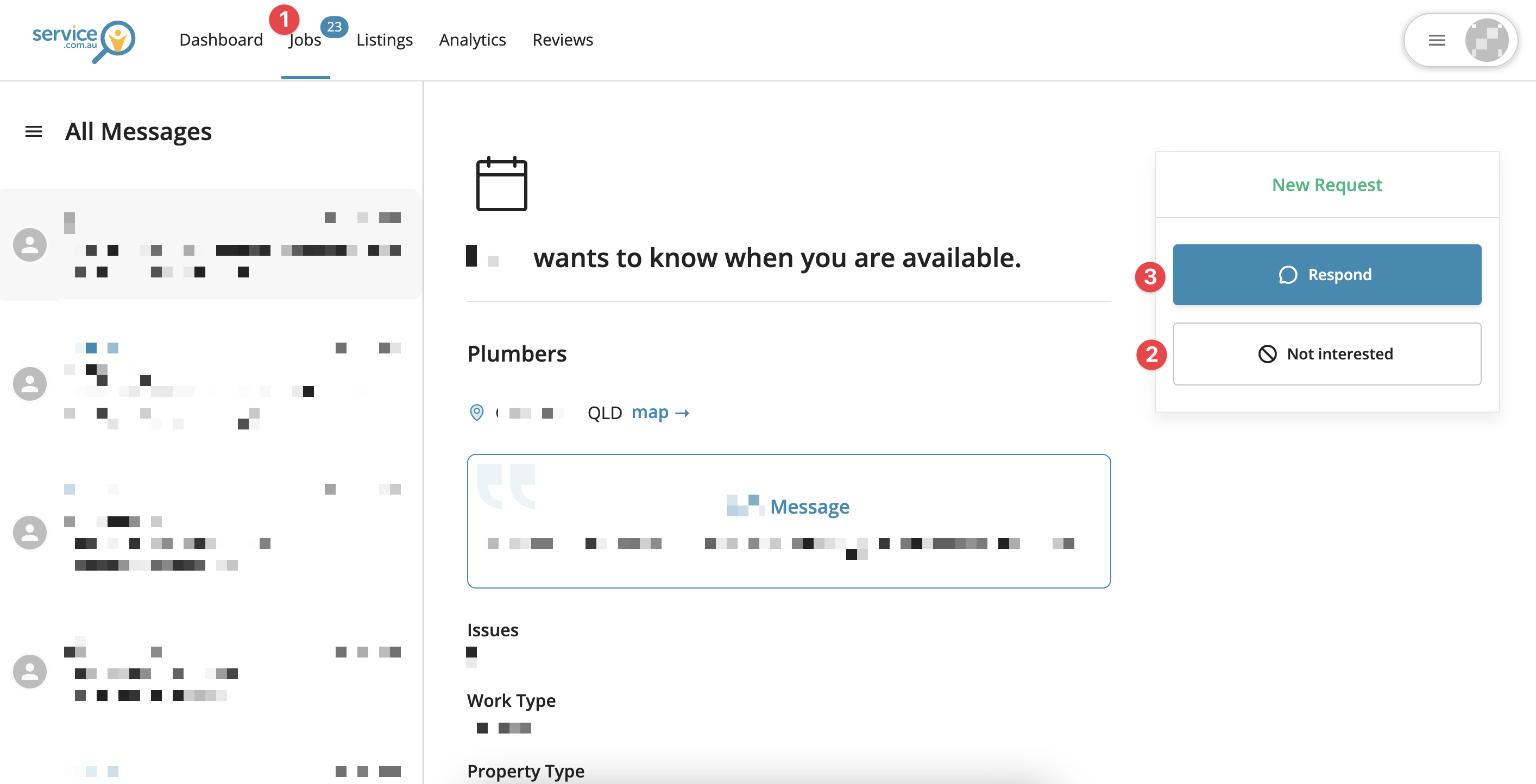
Log in to your account dashboard and click on Jobs at the top of the page.
Review the Lead
Open the job and check the details to decide whether you want to respond.
Decline the Job If Needed
If you're too busy or the job is not a good fit, click on Not Interested and select a reason. The homeowner will not see that you declined the job.
Start Your Quote
To continue, click on Respond.
Choose a Response Type
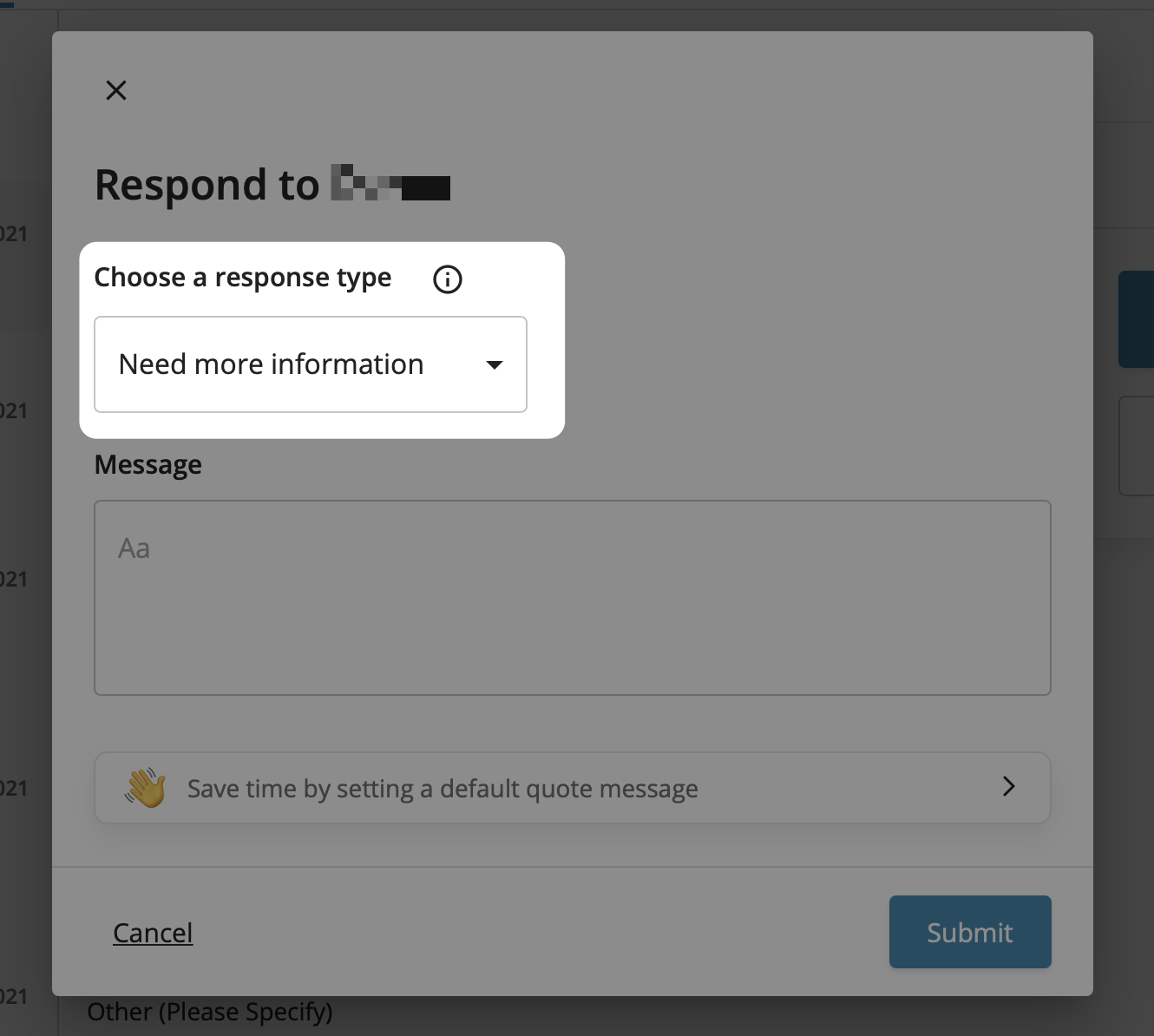
In the quote form, select an option from Choose a response type. Your options are Need more information, Hourly rate, and Fixed price.
Enter Your Quote Details
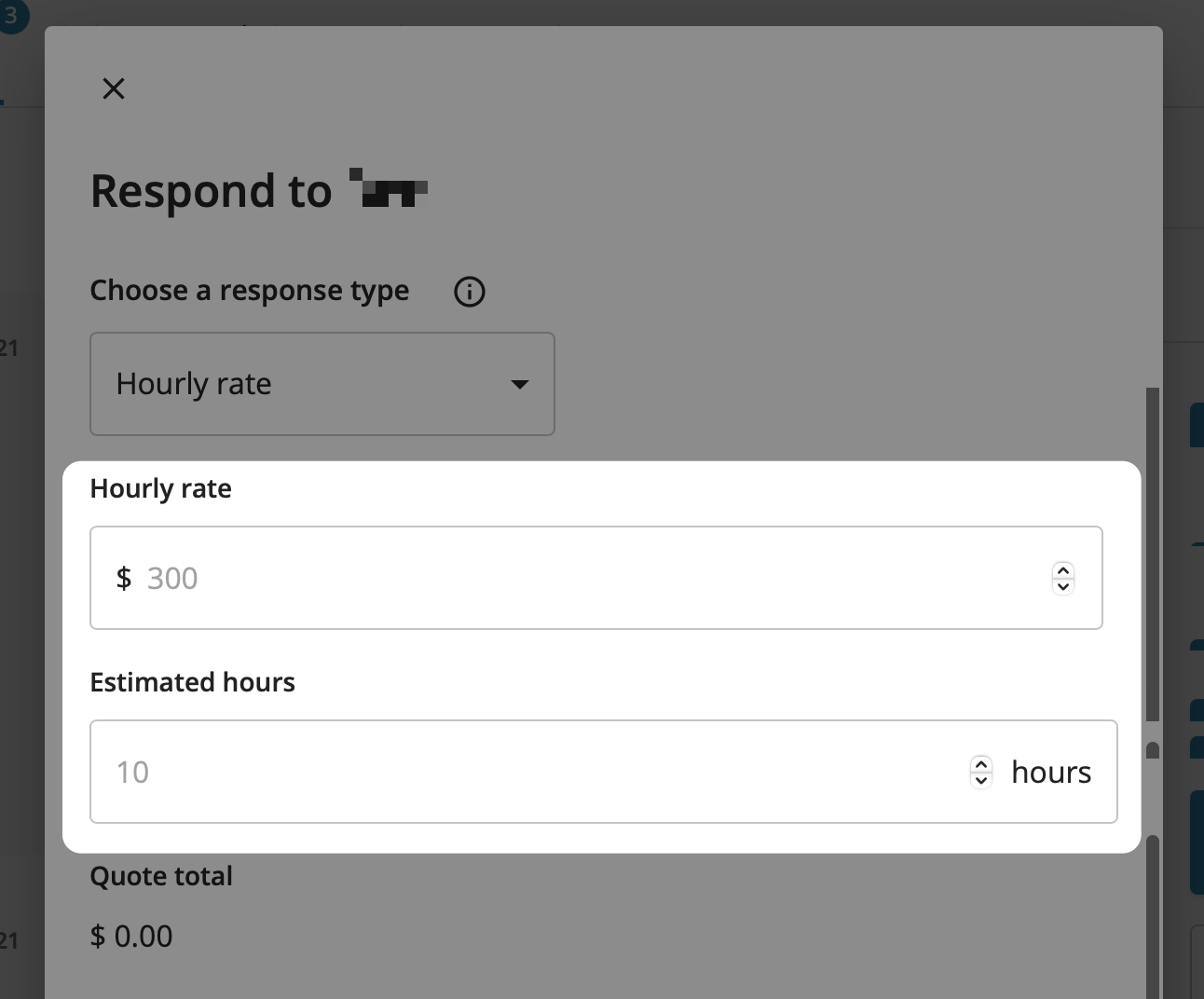
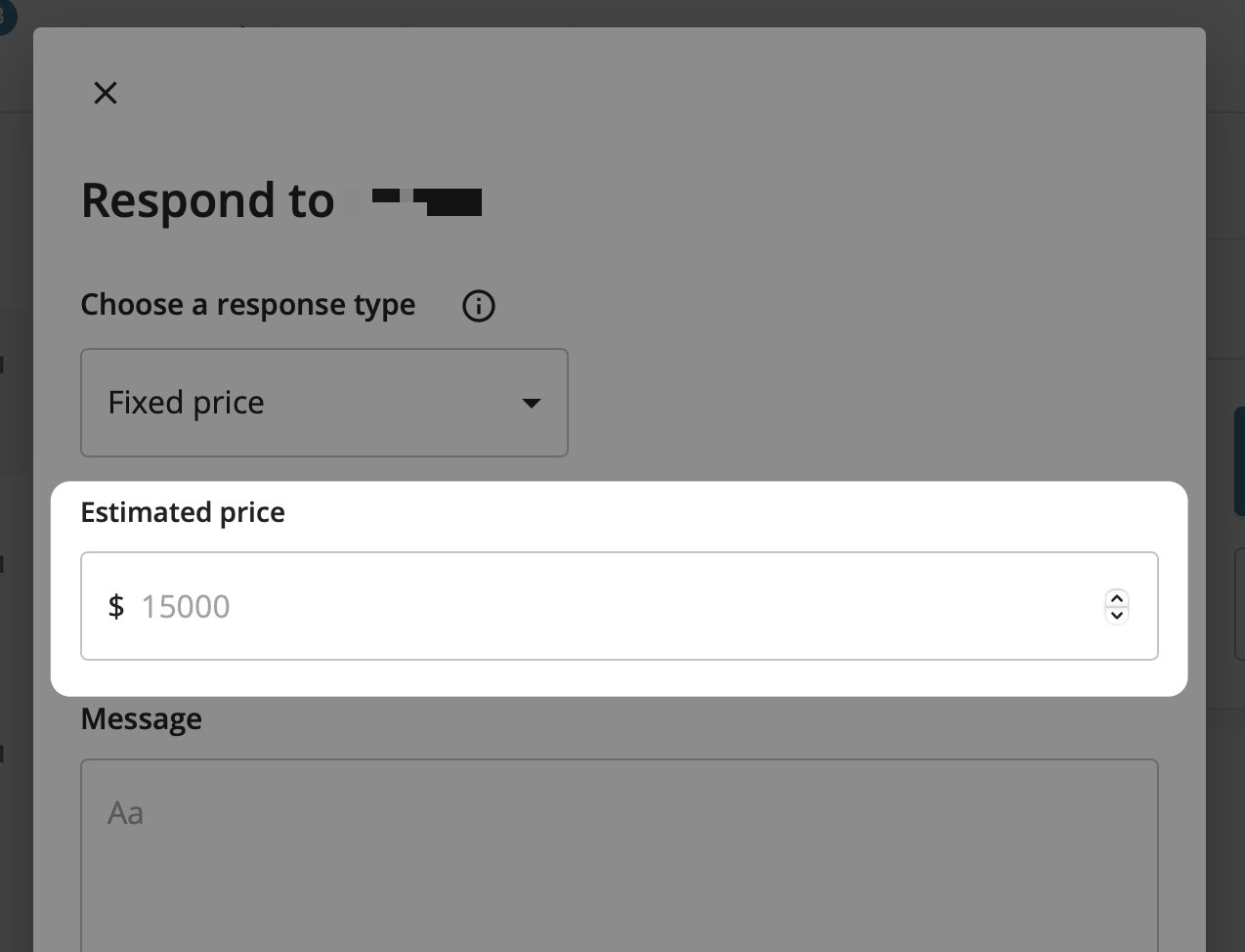
If you choose Hourly rate, enter your rate and estimated hours. If you choose Fixed price, enter your estimated total price.
Add Your Message
Enter a message for the homeowner with any useful details about your quote, availability, or next steps.
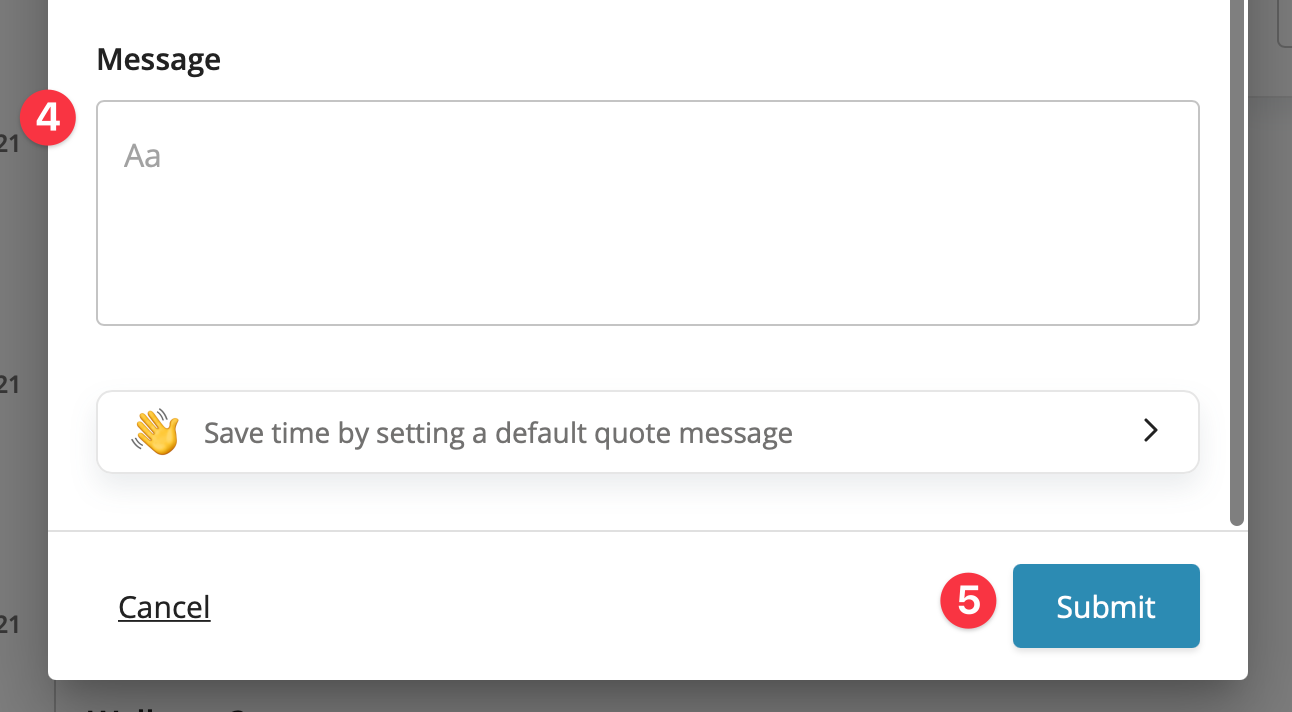
Submit the Quote
When you're ready, click on Submit to send your response.
Tips for Sending Better Quotes
- Respond quickly to give yourself the best chance of winning the job.
- Call the homeowner as soon as possible after responding if their contact details are available.
- Follow up with a voicemail, text, or app message if they do not answer straight away.
- Customise your message so it is relevant to the job instead of sending a generic reply.
- Highlight your business by mentioning your experience, services, and any guarantees you offer.
- Check in after the job and ask the homeowner for a review if they are happy with the work.
You can also read our guide with tips on submitting winning quotes.