Service.com.au lists jobs across more than 200 categories across Australia. Once your profile is set up, you can view job opportunities that match your location, service categories, and profile description.
View available jobs
Log in to your dashboard
Log in to your account dashboard.
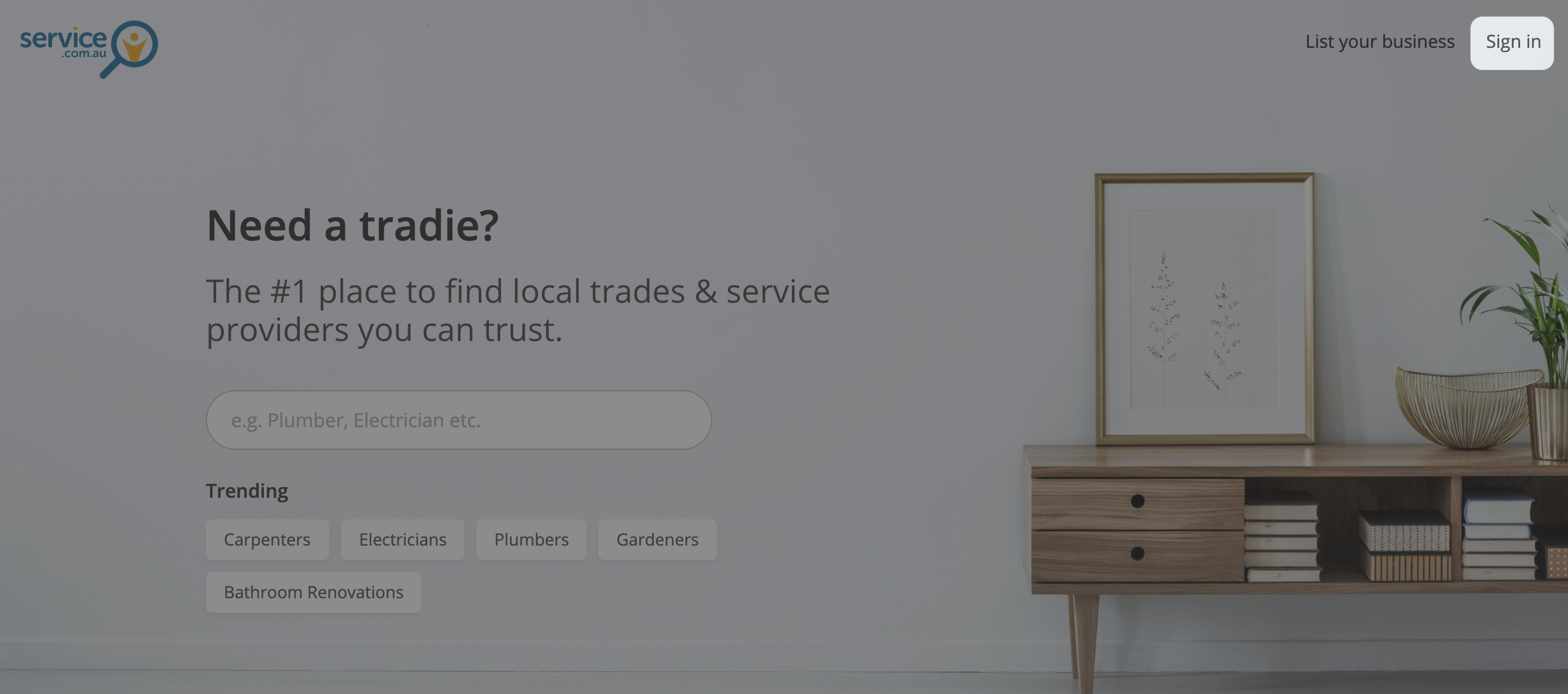
Open Jobs
Click on Jobs in the top menu to view your available leads.

Check new quote requests from your dashboard
You can also click on View them under New quote requests on your Dashboard to go straight to matching jobs.
How job matching works
Jobs on the platform can range from small repair work to large building projects. Service.com.au matches jobs to your business based on your location, categories, and the information in your profile.
If the jobs you're receiving do not look right, update your service categories or service area so your matches are more relevant.
Get job alerts faster with the app
To stay on top of new leads, download the Service.com.au app and turn on notifications. This helps you see new quote requests as soon as they come in.
Download the app and turn on notifications
Download the Service.com.au app and enable notifications so you can respond to new quote requests sooner.
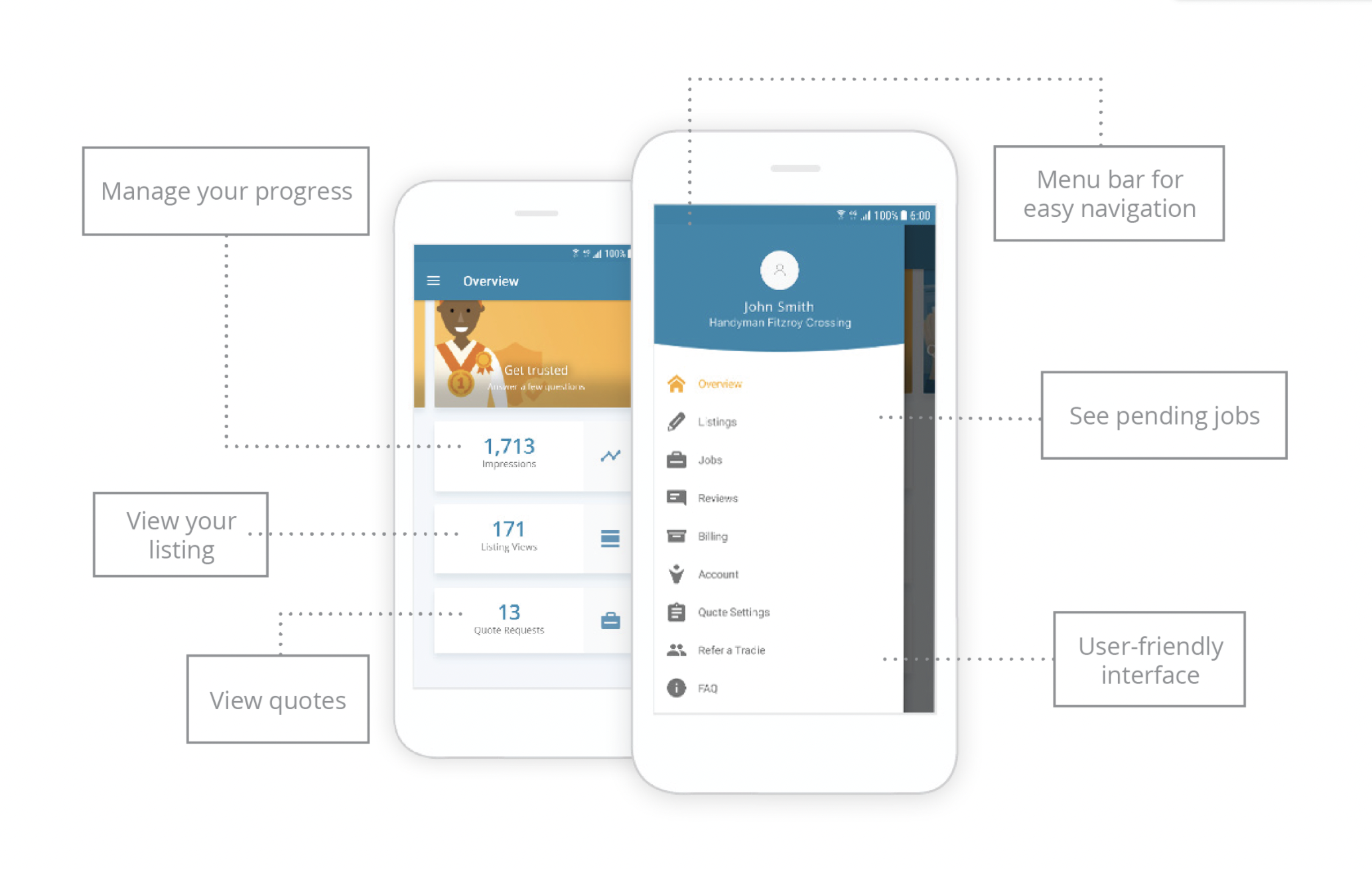
You can also watch the YouTube tutorials for a quick overview of how to use the app.
Need assistance?
If you need help, email support@service.com.au or call 1300 523 787.