Use your lead settings to control which jobs match your business. You can update your service categories, subcategories, location, and travel distance from your listing.
Open your listing
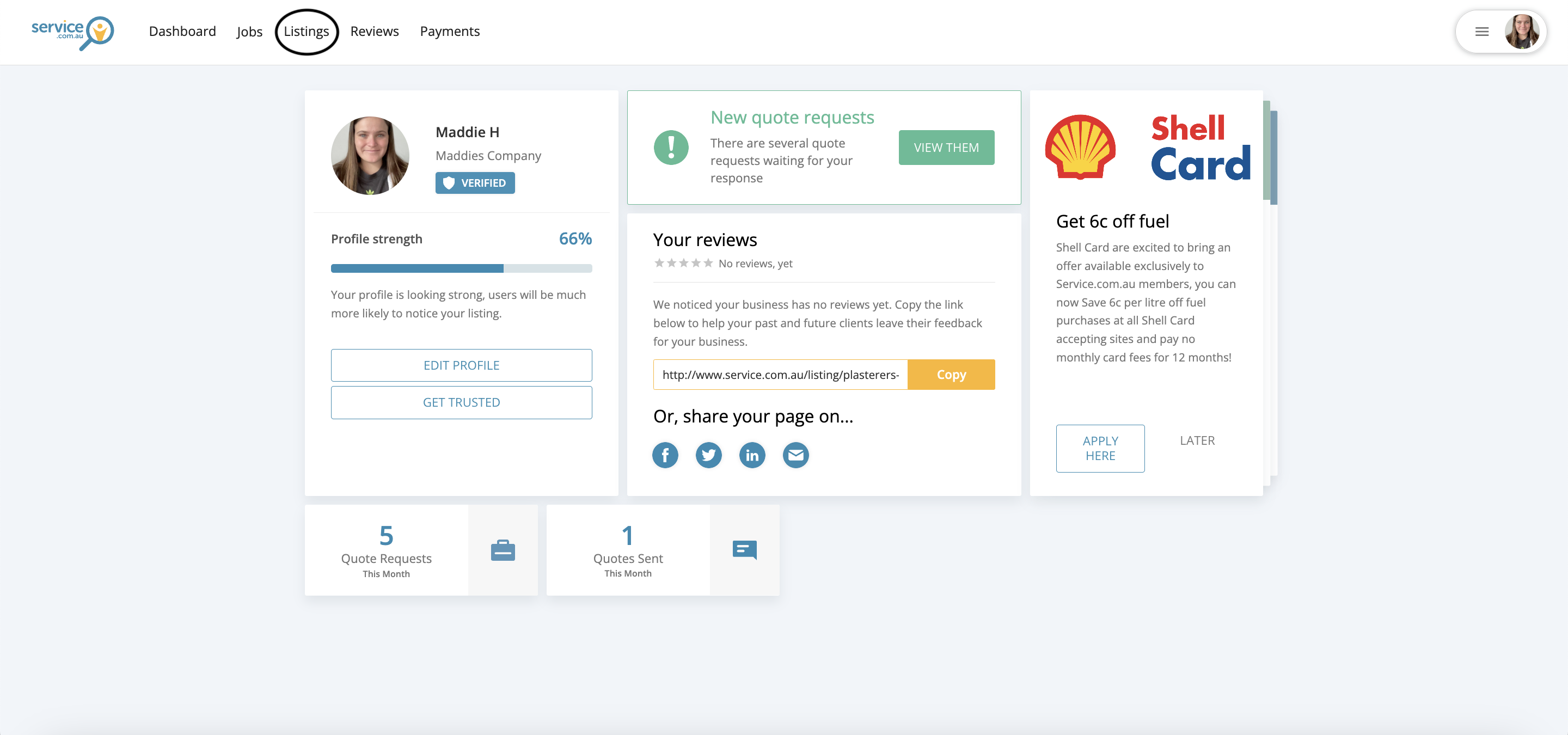
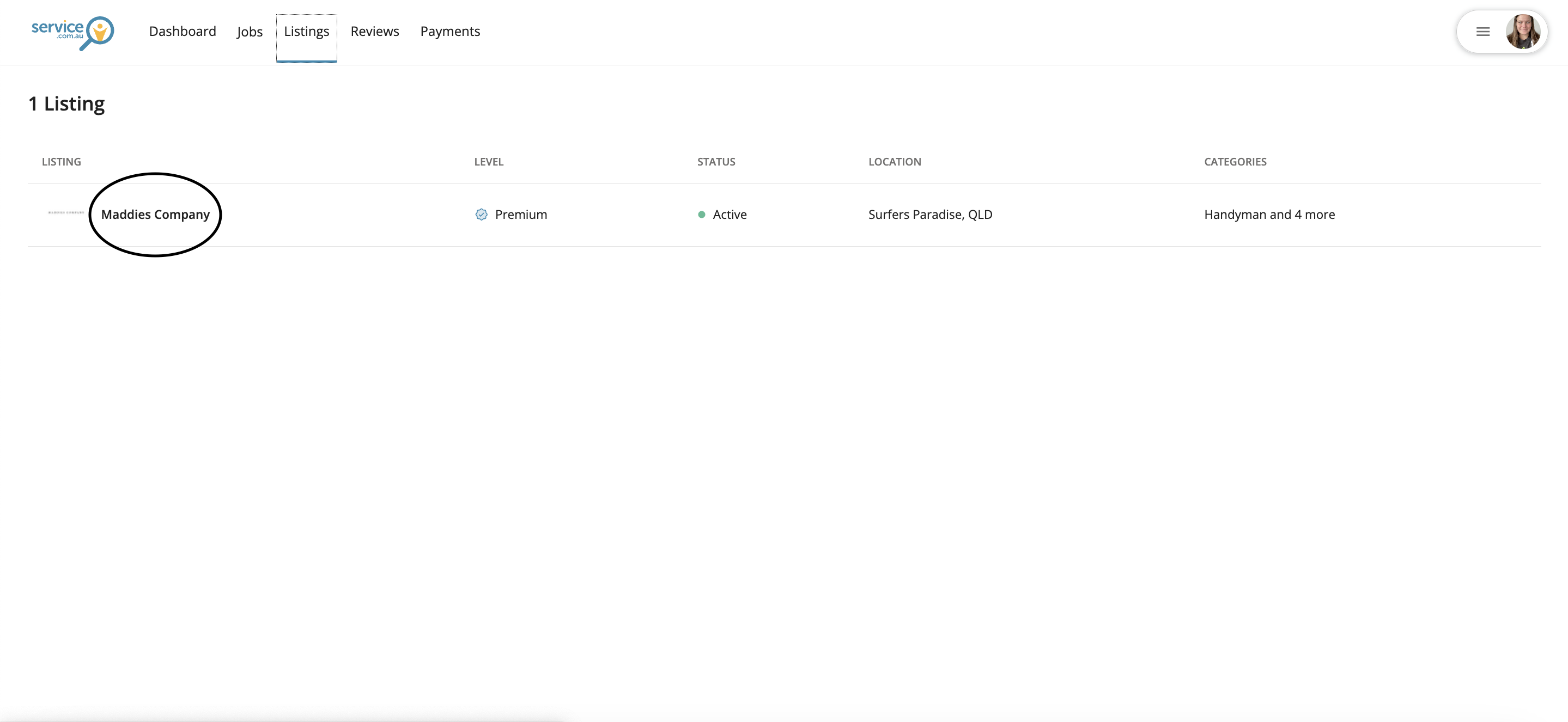
Log in to your account dashboard, go to Listings, and click on your business name.
Open Categories and Location
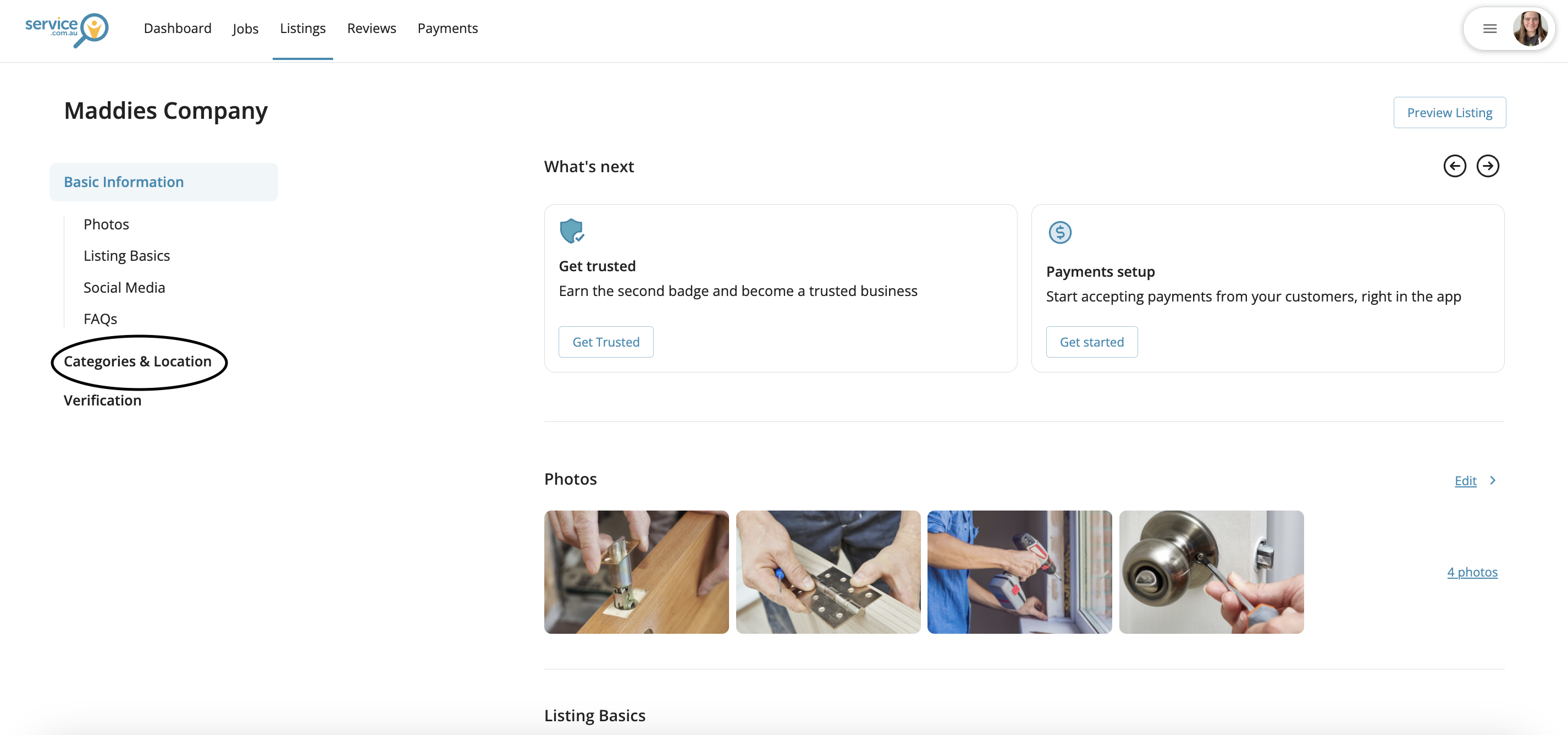
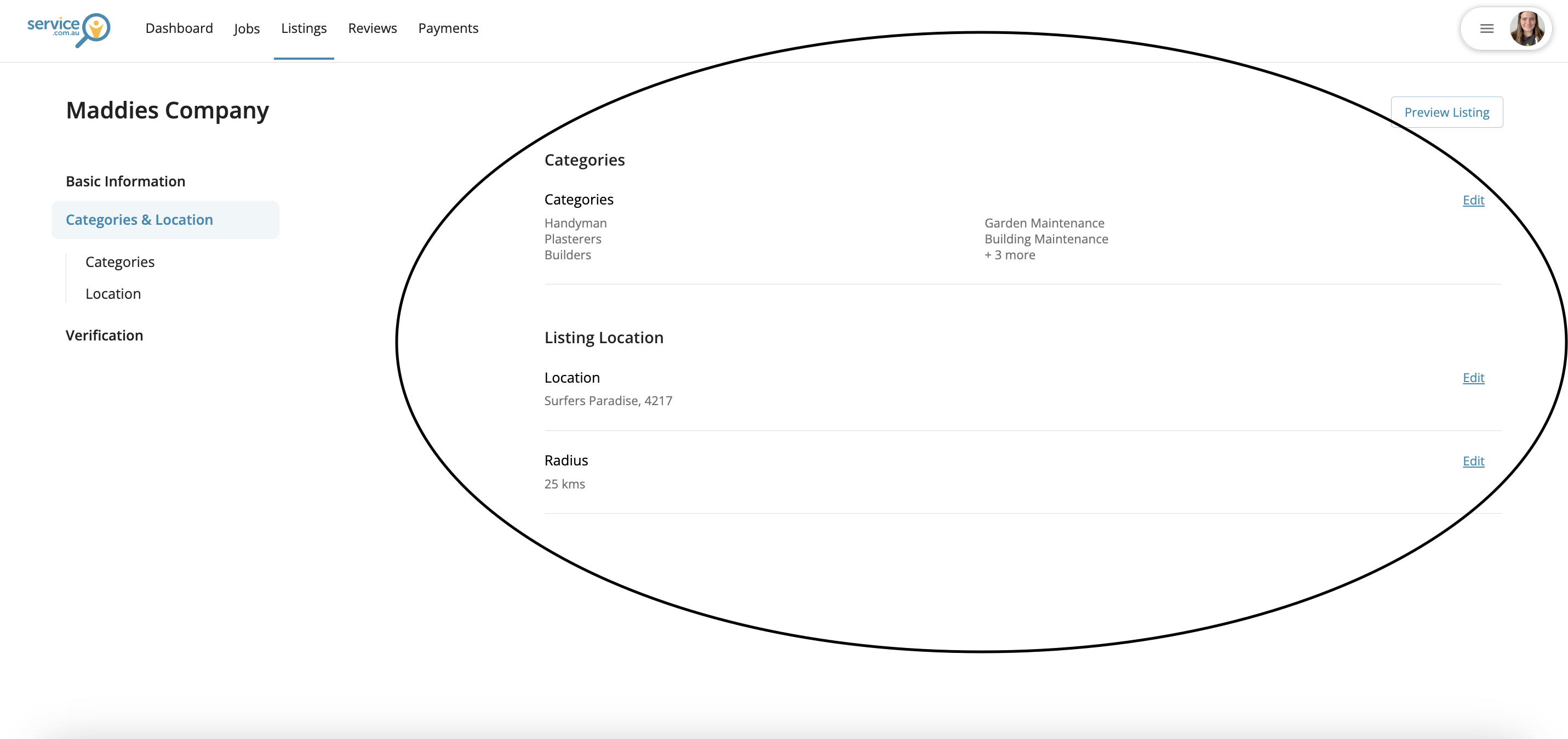
Select Categories and Location to manage the services you offer and the areas where you want to receive leads.
Update your categories
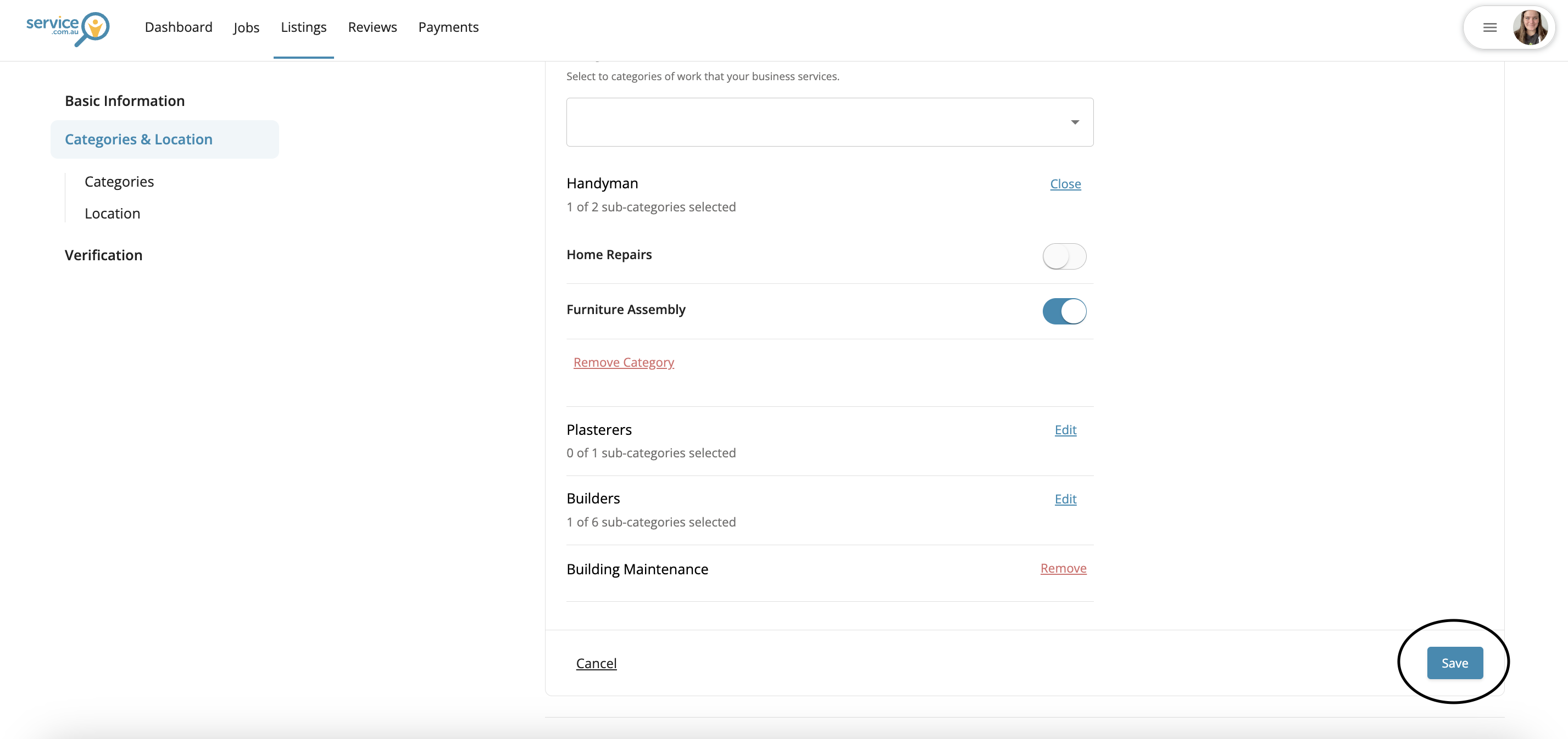
Click on Edit next to Categories, then select a category from the dropdown or enter a service in the search field.
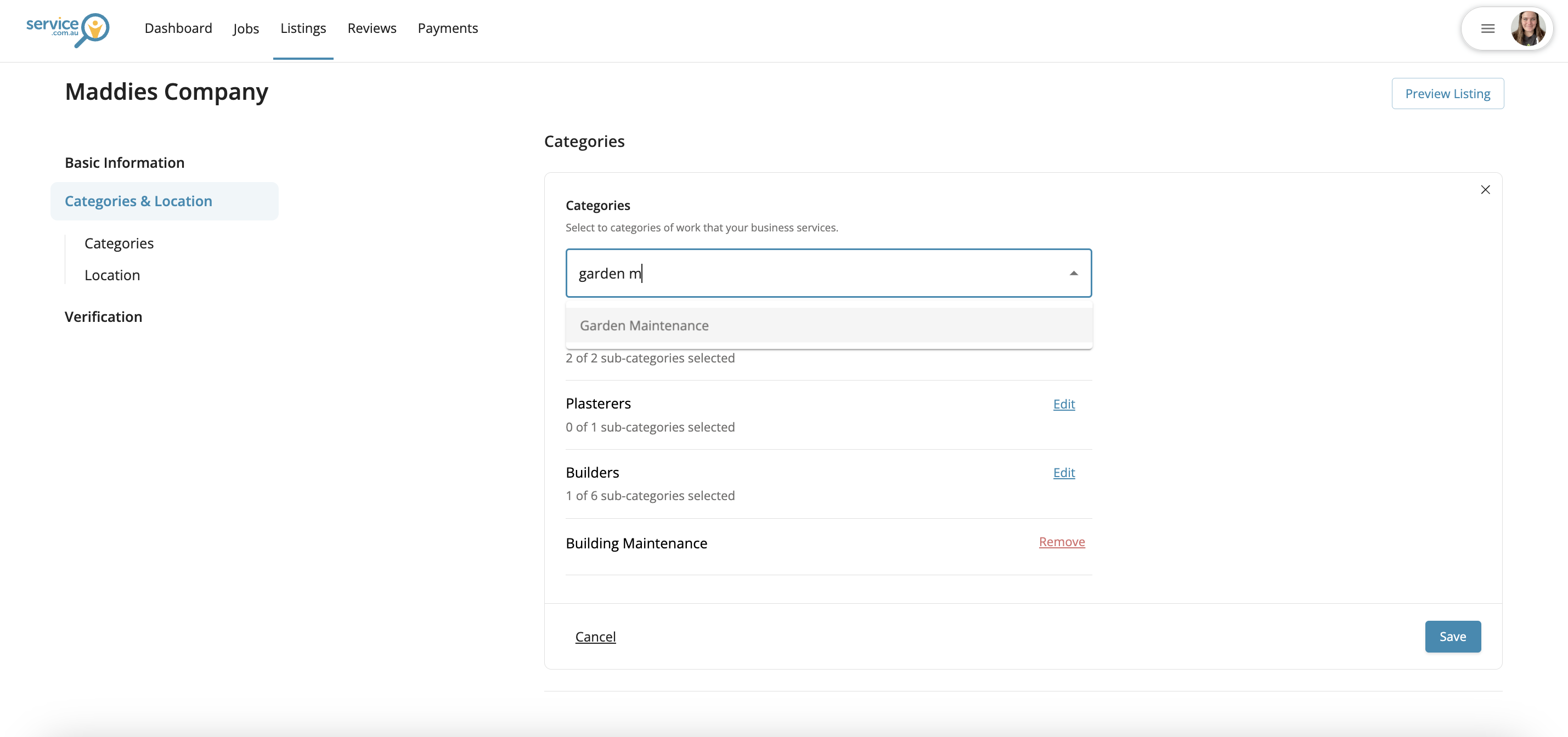
Remove a category
To remove a service, click on Edit in Categories, then remove the category you no longer want on your listing.
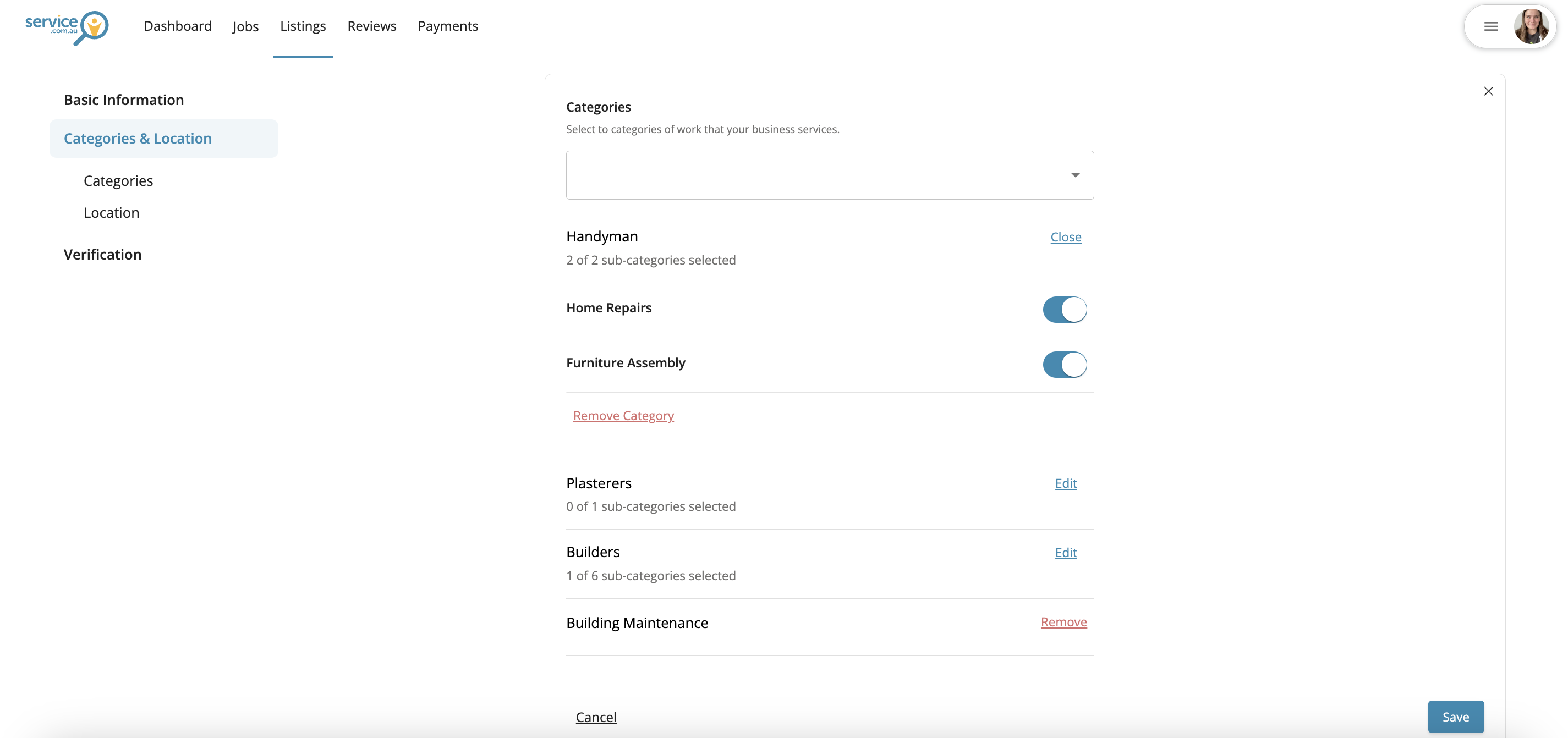
Manage subcategories
Some categories include more specific service options. Click on Edit and toggle the relevant subcategories on or off.
Update your service area
In Categories and Location, edit your Location and Travel Distance to control where you want to receive leads from.
Save your changes
When you're finished, click on Save to update your lead settings.