If a homeowner leaves a review on your business profile, you can post a public reply from your dashboard. This is a good way to thank homeowners for positive feedback or respond professionally to concerns.
Open Reviews
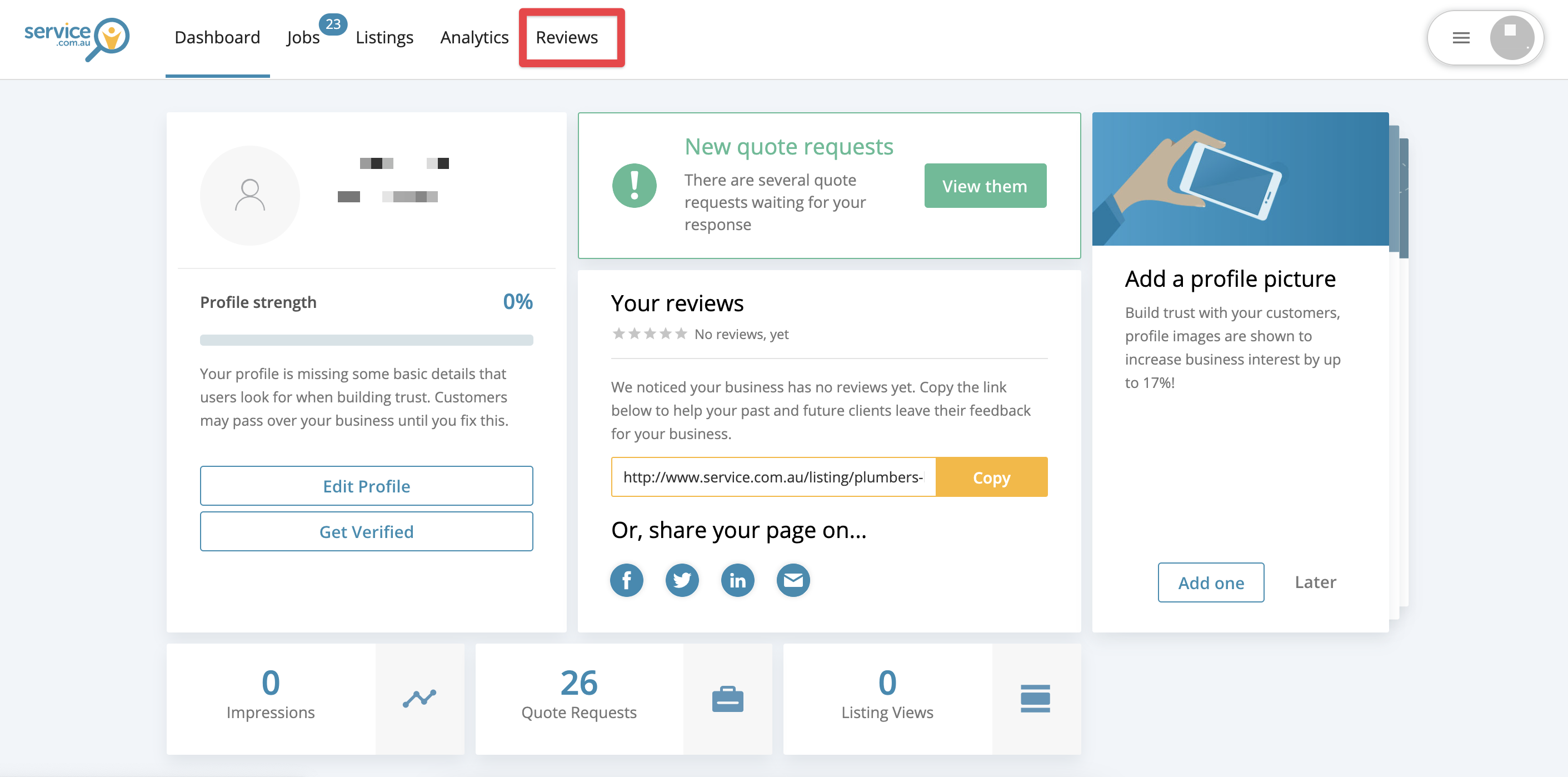
Log in to your account dashboard and select Reviews from the menu bar.
Open the Review
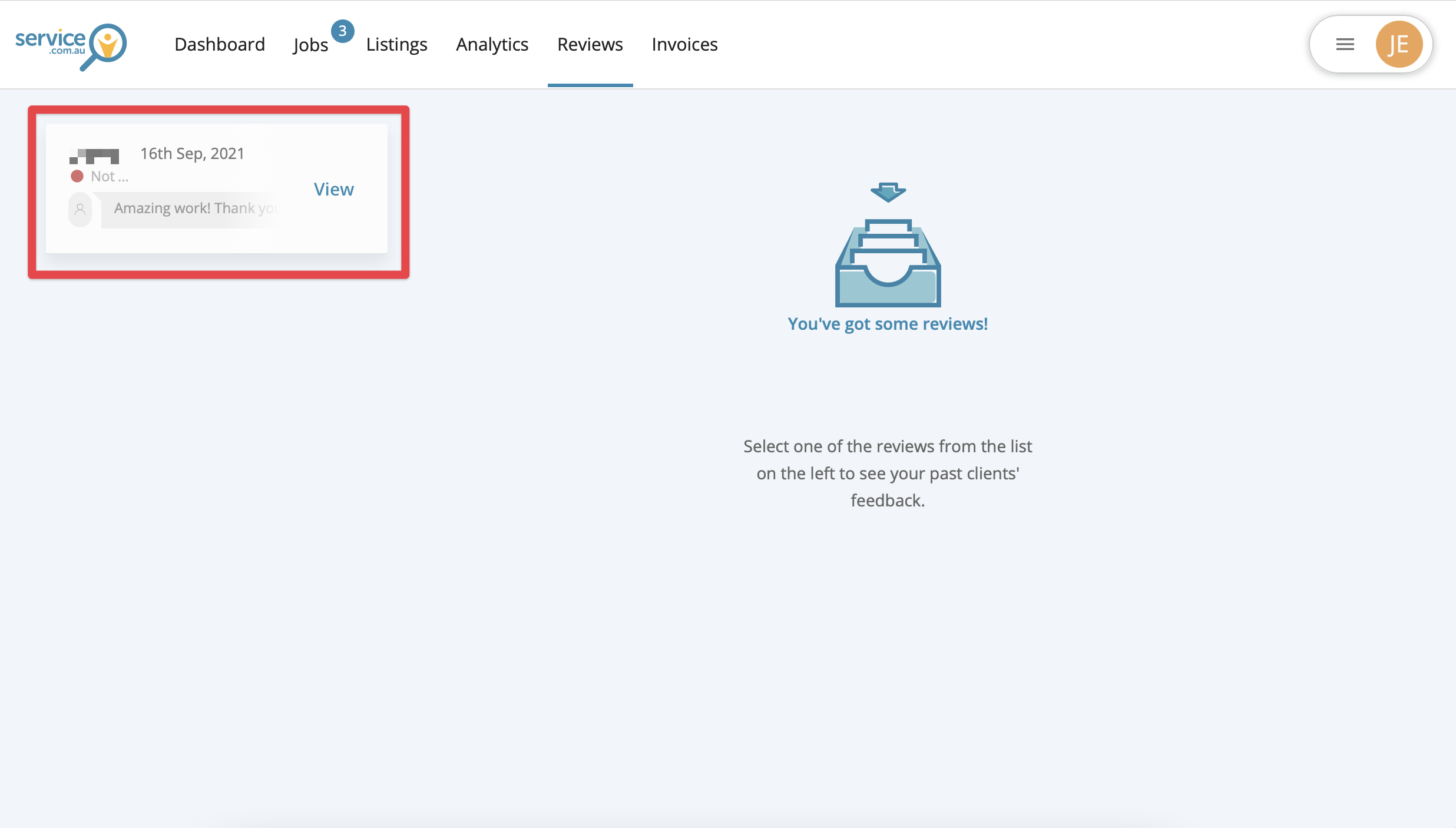
Click on the homeowner's name to open the review and view their feedback.
Send Your Reply
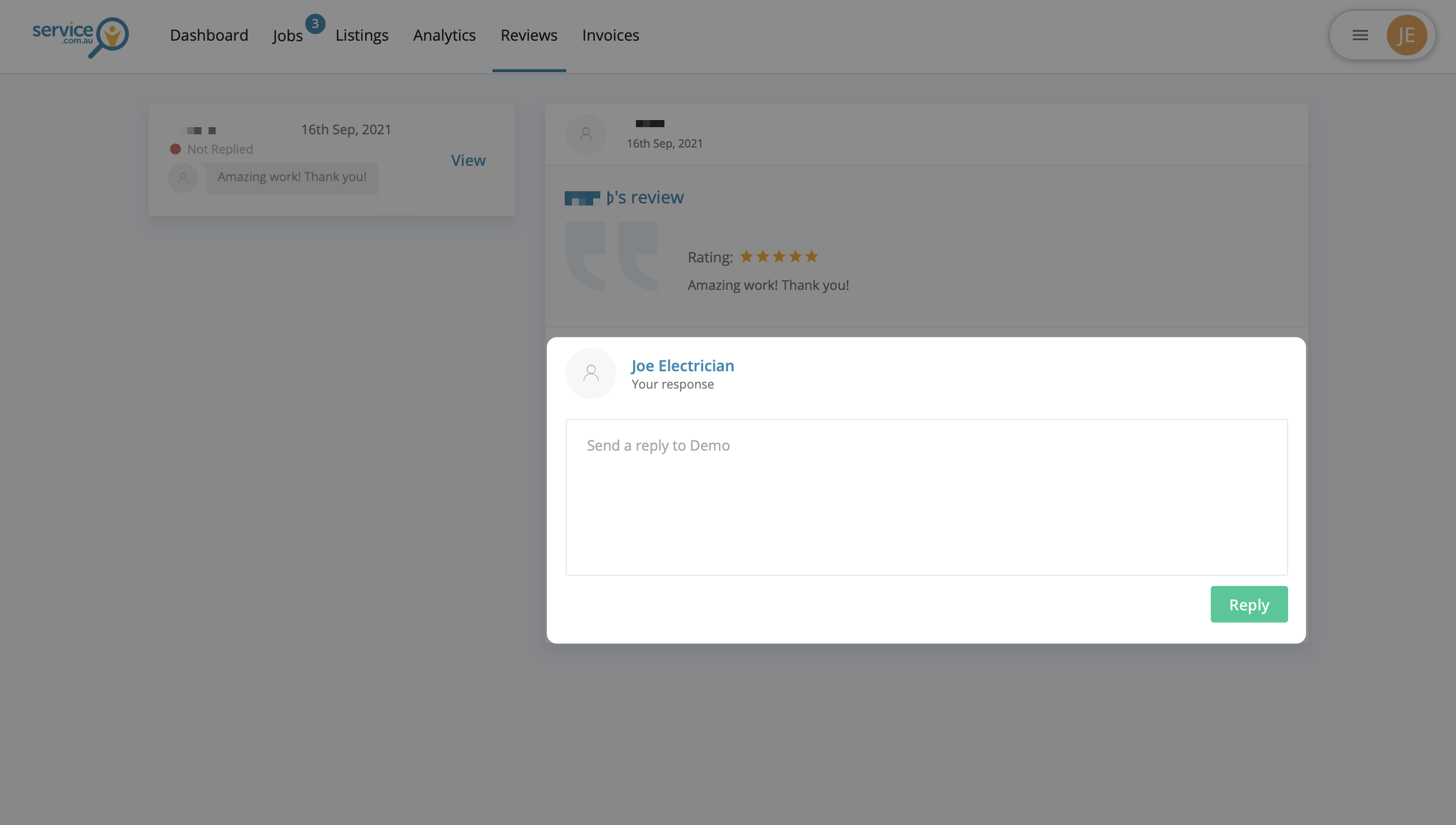
Enter your response in the message field, then click on Reply to publish it publicly on your listing.
Responding to a Negative Review
If you receive a negative review, it is best to work directly with the homeowner to resolve the issue.
If you do not agree with the review, you can discuss the problem with the homeowner, address any concerns, and see if they are willing to update or remove their review. You can also post a public reply on your listing to share your side professionally and transparently.