If you're getting emails from Service.com.au and aren't sure why, it's usually because your email address was used on our site, often to post a job. If you didn't post a job or don't recognise the emails, contact us and we'll look into it.
What is Service.com.au?
Service.com.au is an Australian website that connects homeowners with local tradies. Homeowners post a job for free, and local businesses respond with quotes. Businesses list on Service.com.au to get leads for jobs in their area.
Why you might be getting emails
Our emails end with "You're receiving this email because you interacted with Service.com.au". That usually means one of these:
- You posted a job. When a job is posted, we send a confirmation to the email address entered on the job form, with the subject "New Quote Request Confirmation". You don't need to be logged in to post a job, so this email can arrive even if you've never created an account.
- Tradies have responded to your job. You'll get emails such as "[Tradie's first name] has responded to your job on Service.com.au" and "We've received several responses to your job on Service.com.au".
- You have a business listing. Businesses get emails about new leads, such as "New [category] request in [suburb]".
- You're on our mailing list. We send marketing emails, such as tips and offers.
Only marketing emails have an Unsubscribe link. Emails about a job, a quote or a message end with "You're receiving this email because you interacted with Service.com.au" and have no unsubscribe link, because they're about something happening on your account.
Emails about a job you didn't post
When someone posts a job without logging in, they type in an email address. If they typed yours by mistake, or used it without your permission, the emails about that job come to you.
If you're getting emails about a job you didn't post:
- Don't reply to tradies or share any personal details.
- Contact us with the email address that's receiving the emails and the subject line of one of them. Our team will check the job and the account.
How to stop marketing emails
Open the email
Open any marketing email from Service.com.au and scroll to the bottom.
Unsubscribe
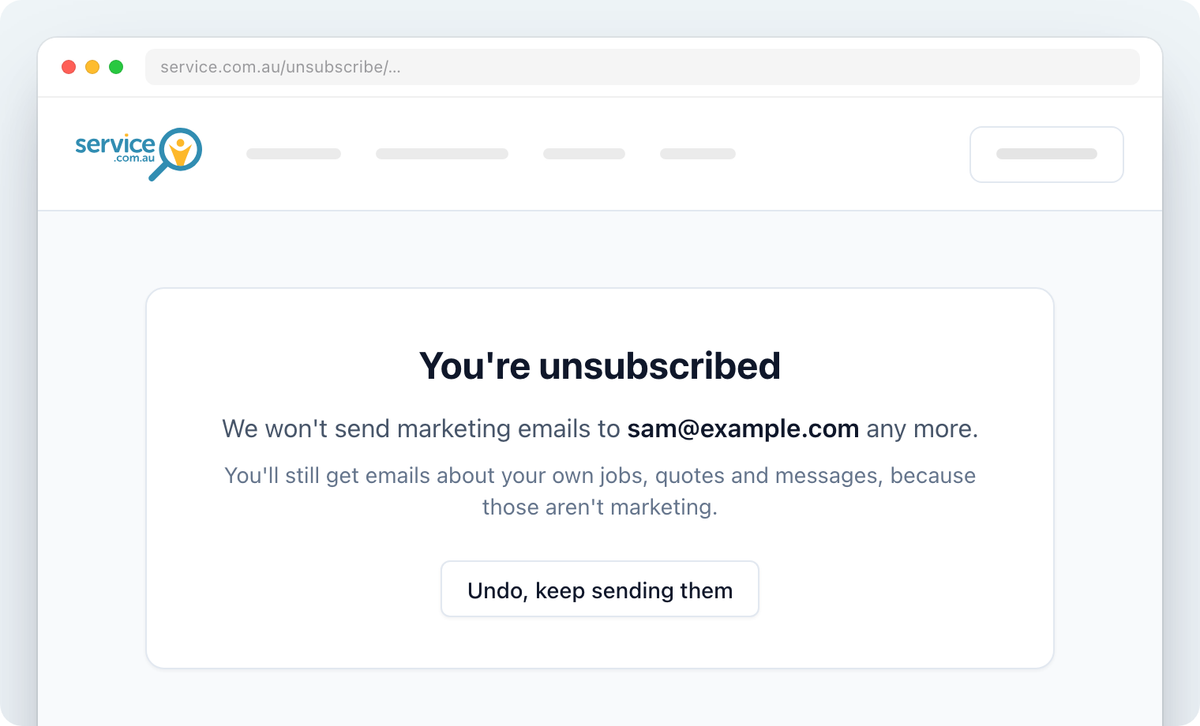
Click on Unsubscribe. You'll see "You're unsubscribed" straight away, and there's nothing more to click.
Undo it if you change your mind
If you unsubscribed by mistake, Select Undo, keep sending them on the same page.
Some of our emails open a different unsubscribe page. Follow what it says, and you'll be unsubscribed from our marketing emails.
Unsubscribing stops marketing emails only. You'll still get emails about your own jobs, quotes and messages, because those aren't marketing.
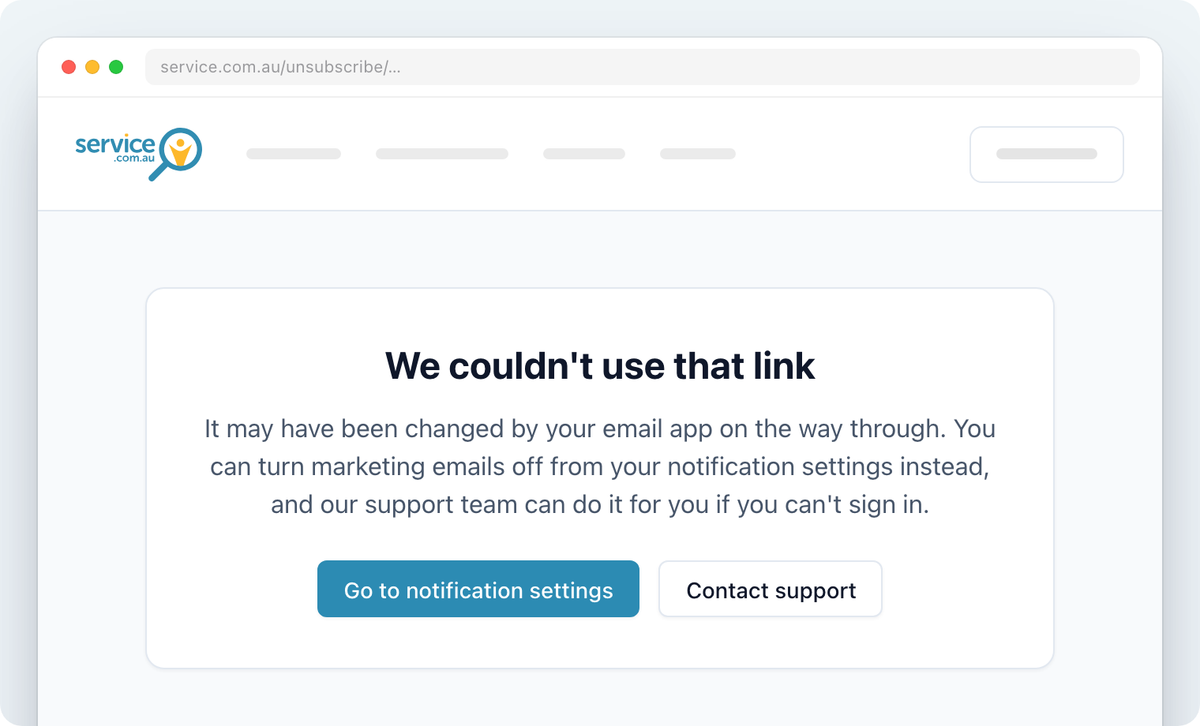
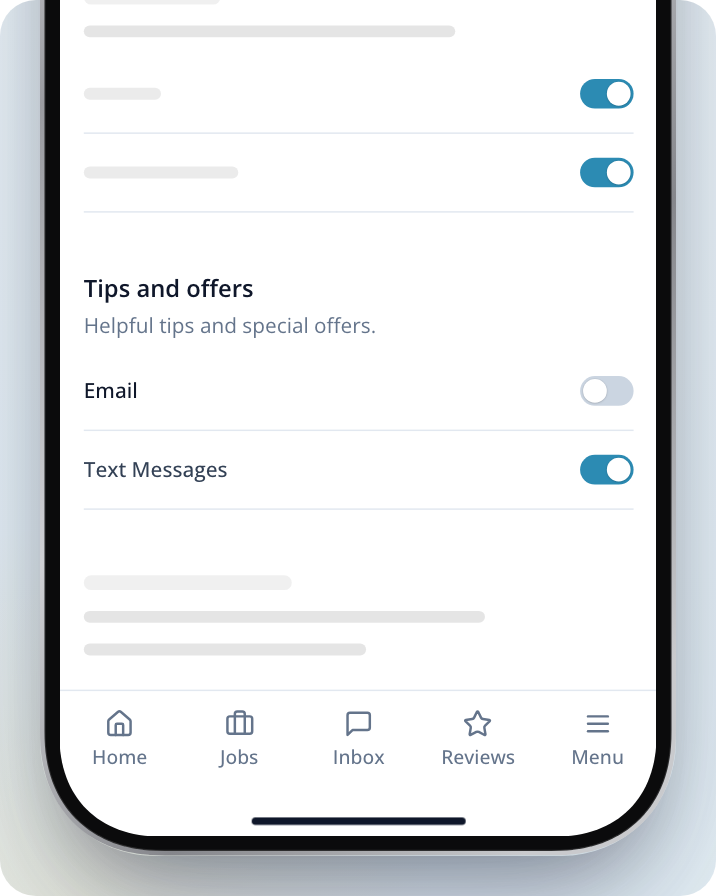
If the page says "We couldn't use that link", Select Go to notification settings, sign in, then turn off Email under Tips and offers. If you have a business listing, you can instead go to Menu > Notification settings on your phone or in the app, where it's Business tips and offers. If you can't sign in, contact us and our team can turn marketing emails off for you.
Need Assistance?
If you have questions, contact us at support@service.com.au or call 1300 523 787. Our team is here to help!