Create your business profile to advertise your services and connect with homeowners on Service.com.au. You can start with a free Basic Listing and upgrade to Premium at any time.
Open the sign up page
Go to the Service.com.au homepage and select List your business in the top right corner.

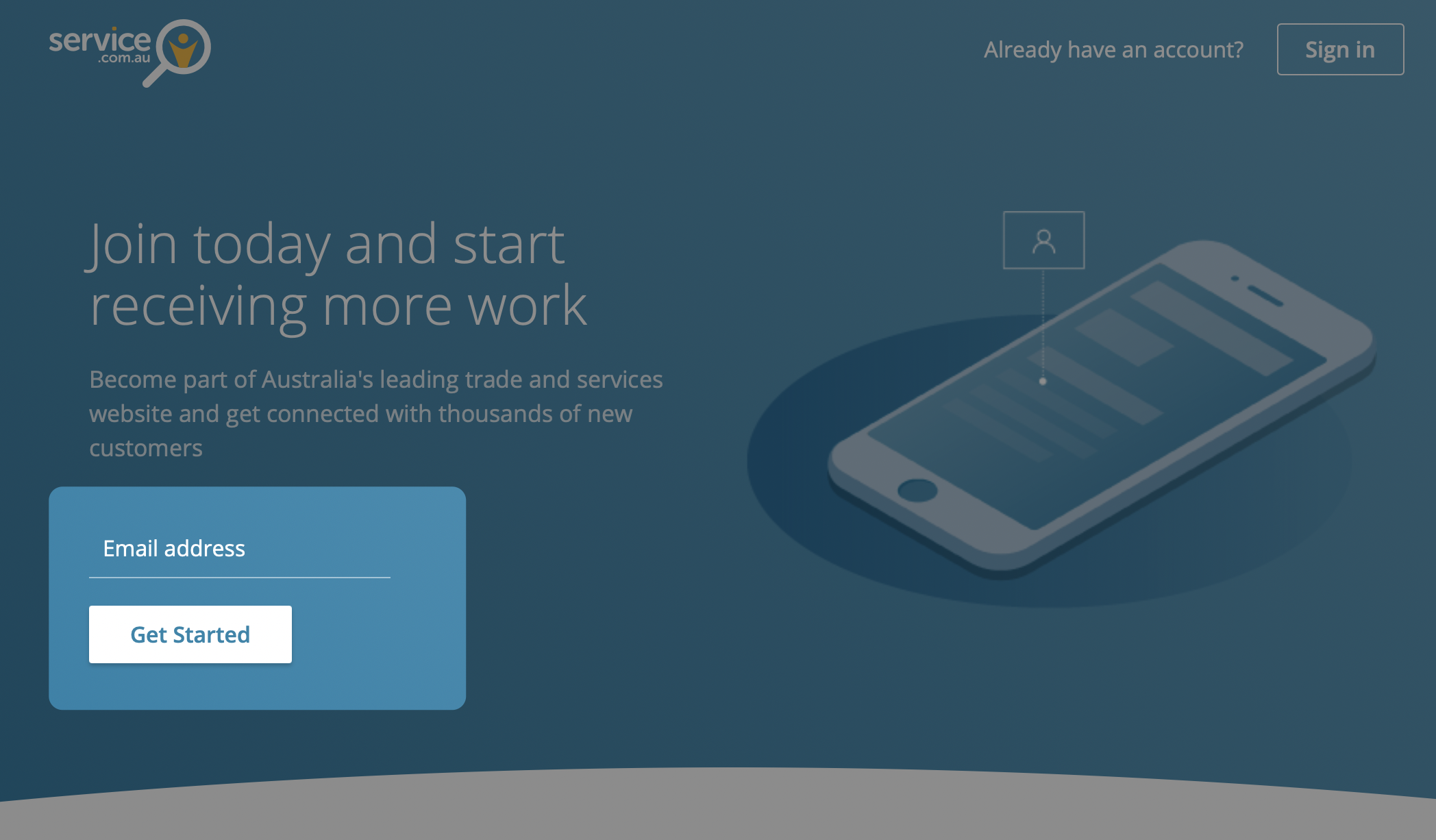
Enter your email address
Enter your email address and click on Get Started to begin creating your account.
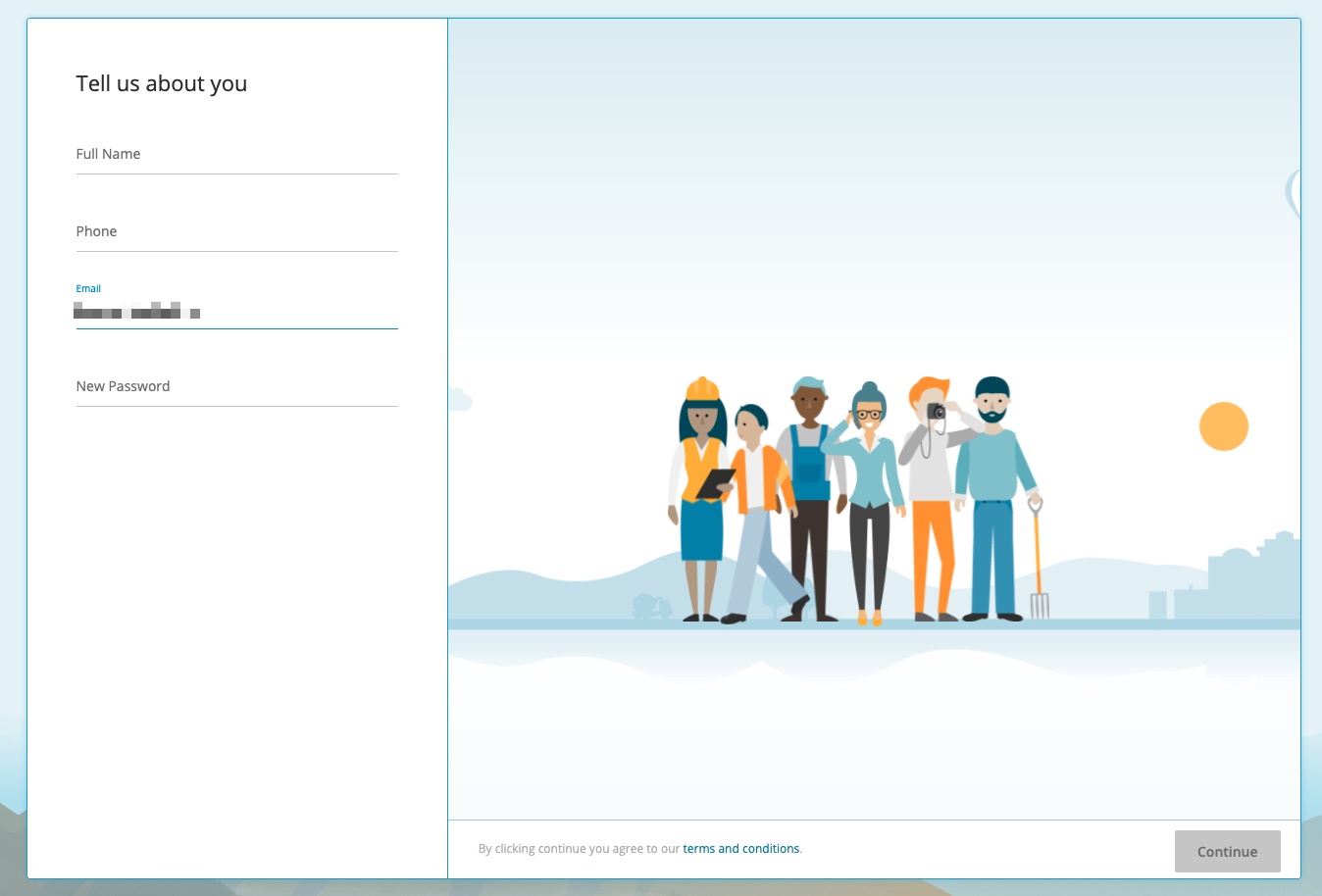
Add your personal details
Enter your full name, phone number, and a new password, then click on Continue.
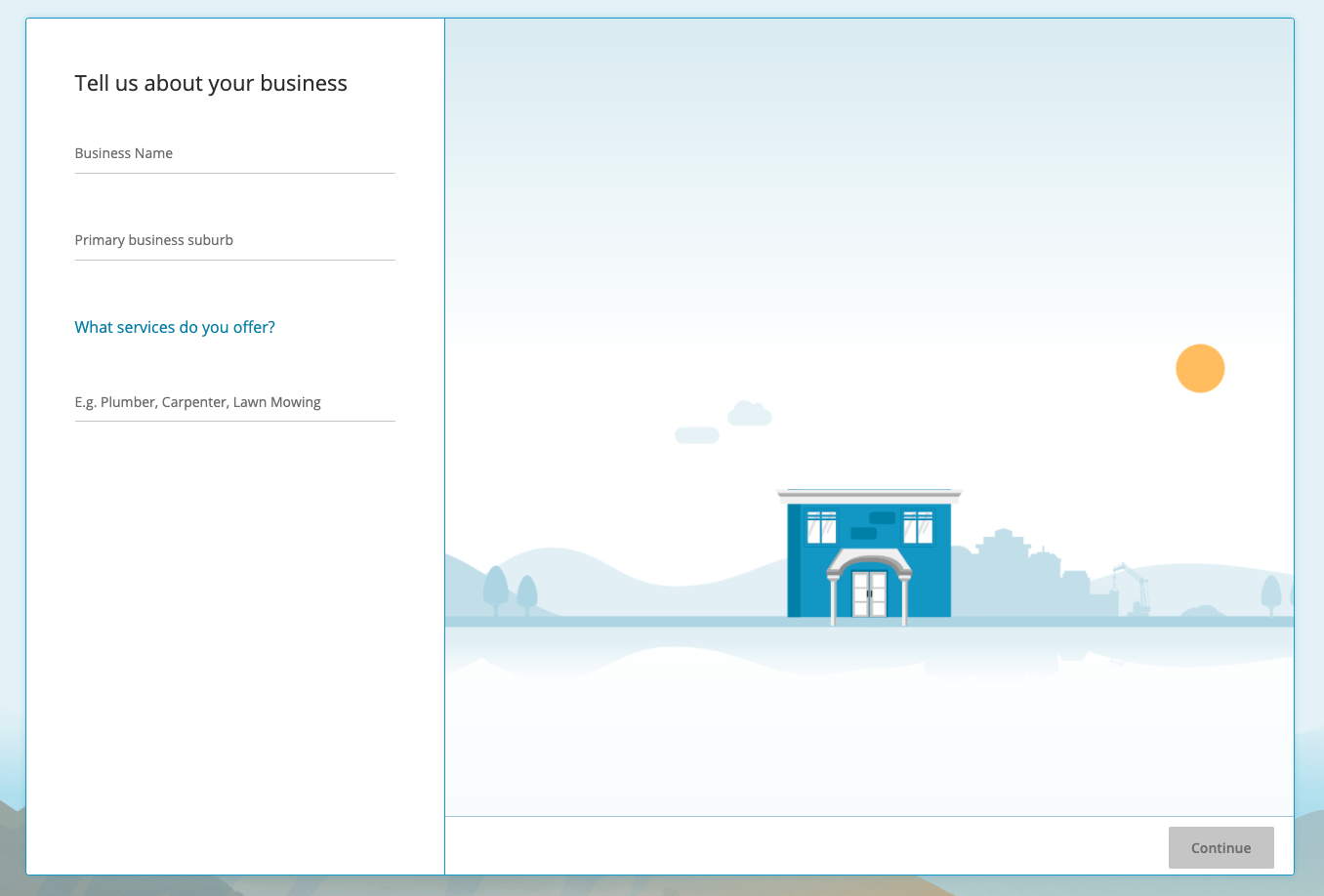
Add your business details
Enter your business name, suburb, and services, then click on Continue.
Choose your plan
Review the plan options and pricing, then select the option that suits your business.
Basic and Premium listings
Once you finish registration, your business will have a Basic Listing by default. You can upgrade to Premium at any time.
Basic Listing
A Basic Listing is free and includes:
- Your business name
- Your phone number
- Your location
- One service
With a Basic Listing, you can receive quote notifications and accept your first quote at no cost. To access more features and accept more leads, you can upgrade to Premium.
Premium Listing
A Premium listing gives your business more visibility and access to more features.
With Premium, you can:
- List your business in multiple relevant categories
- Appear in more searches
- Get more traffic and leads
- Target homeowners based on your listing details
For trade-qualified categories, you must provide the relevant licences.
Your Premium listing automatically covers a 50 km radius from your main business location.
Need help?
If you have questions, contact us at support@service.com.au or call 1300 523 787.