You can't delete your account yourself. To delete your Service.com.au account, remove your business listing or close your business profile, contact our team and ask for it. This applies if you've retired, stopped trading, closed the business or just want your details removed.
Ask us to delete your account
Contact our team
Call 1300 523 787, email support@service.com.au, or go to the Contact Us page and select Email us to send us a message. Our phone line is open Monday to Friday, 9:00am to 4:30pm AEST.
Tell us what to delete
Give us your business name and the email address or phone number on the account. Say whether you want your whole account deleted or just your business listing removed from the website.
Mention any paid plans
If you pay for Premium or Toolbox, tell us in your request so our team can look at your billing with you.
If you didn't create the account or can't log in
You don't need to log in to ask us to delete an account. If an account was set up in your name or your business's name without your consent, contact us the same way. Tell us the email address, phone number or business name it uses, and that you didn't create it.
Stop emails and texts while you wait
You can turn off lead and message notifications straight away, before your account is deleted.
Log in to your dashboard
Log in to your account dashboard.
Open your notification settings
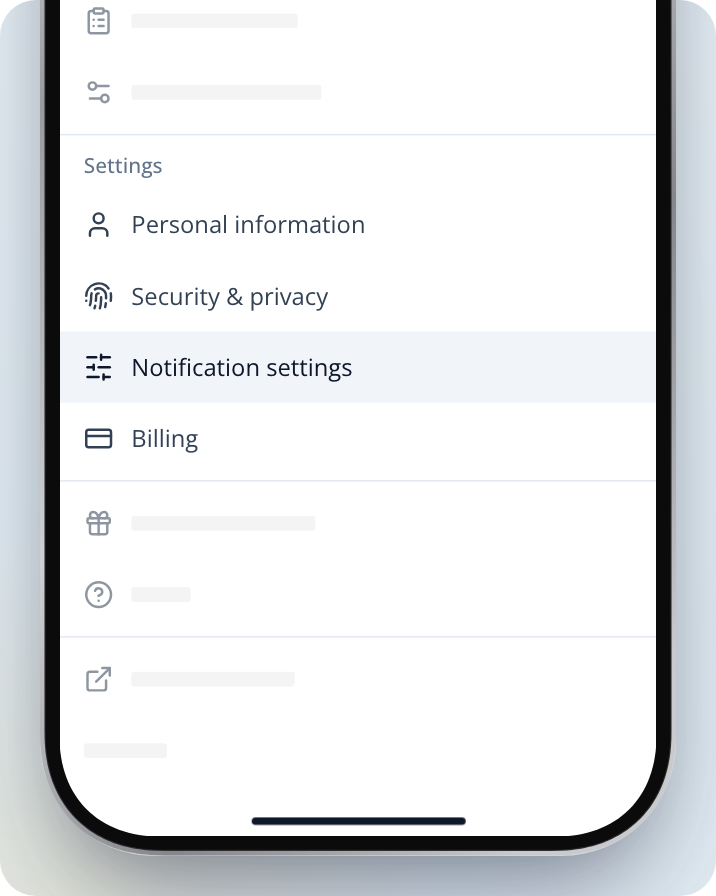
On a computer, select the menu button at the top right, then Notifications. On a phone or in the app, tap Menu at the bottom of the screen, then Notification settings.
Turn off what you don't want
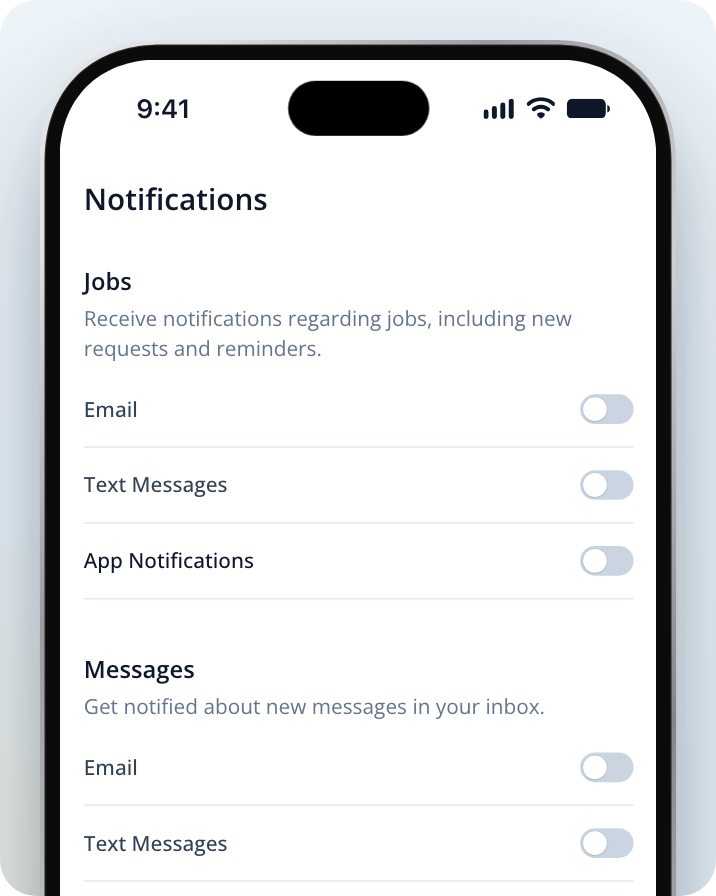
Turn off Email and Text Messages for Jobs, Messages and Business tips and offers. In the app, also turn off App Notifications, including under Your own enquiries.
Cancelling a paid plan yourself
If you'd rather stop your billing before you contact us, you can cancel from Billing in your dashboard menu.
Premium
Open Billing
Open the menu and select Billing.
Cancel your plan
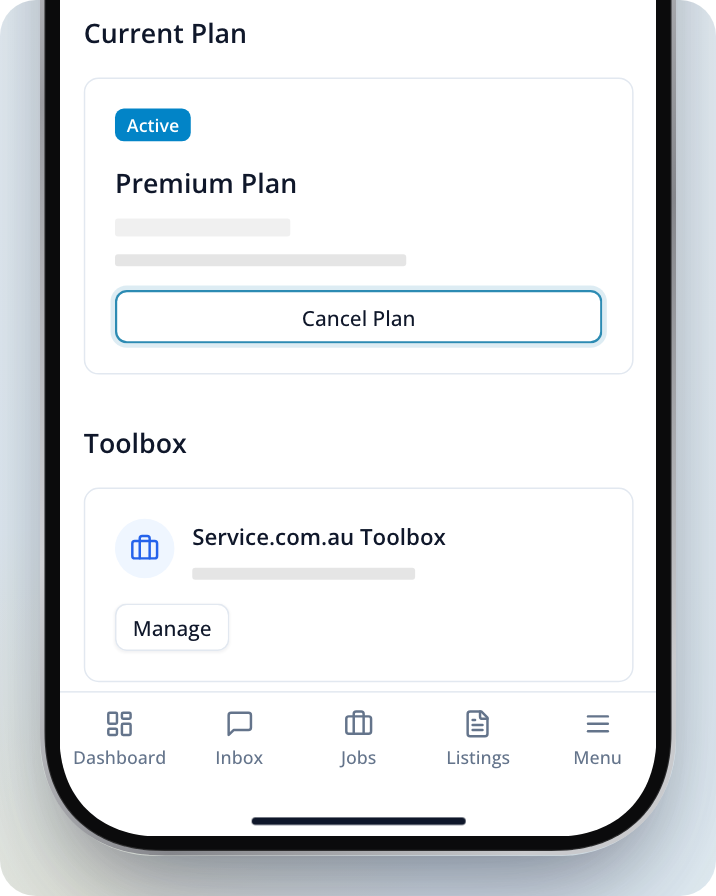
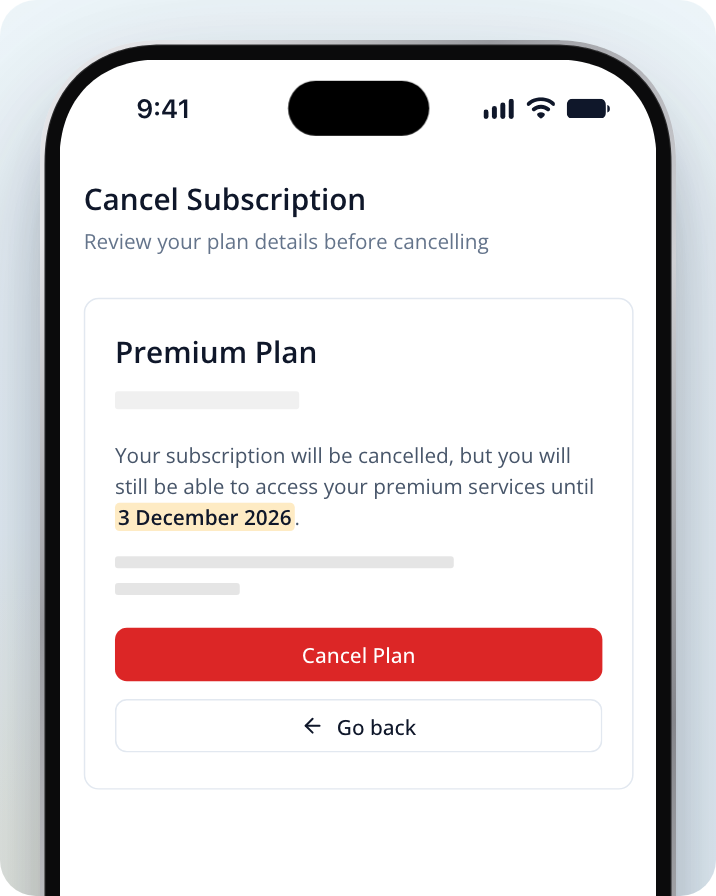
Select Cancel Plan on your plan. On the Cancel Subscription page, select Cancel Plan again, then Confirm cancellation.
You keep your premium services until the date shown on the Cancel Subscription page.
Toolbox
Under Toolbox on the Billing page, select Manage to change or cancel your Toolbox subscription.
Account managed manually
If our team set up your account, the Billing page shows Account managed manually. Contact us to cancel.
What happens next
Once we receive your request, we'll start processing your account deletion. This usually takes no longer than 1 day.
You'll receive an email confirmation once your account has been deleted.
Need Assistance?
If you have questions, contact us at support@service.com.au or call 1300 523 787. Our team is here to help!