Use your listing photos to show homeowners your work and keep your business profile up to date.
1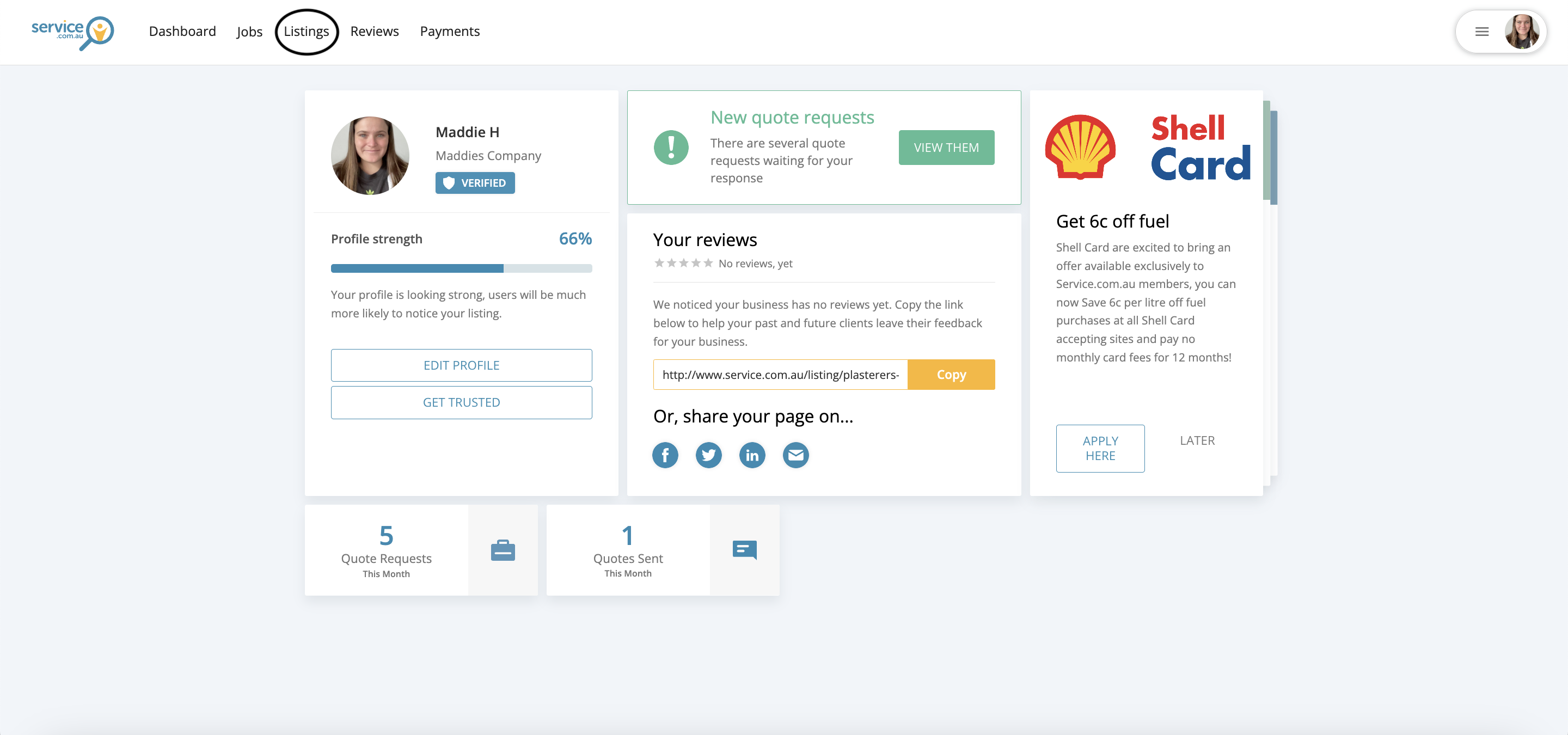
The Listings area in the business dashboard
Open your listings
Log in to your account and navigate to Listings from your dashboard.
2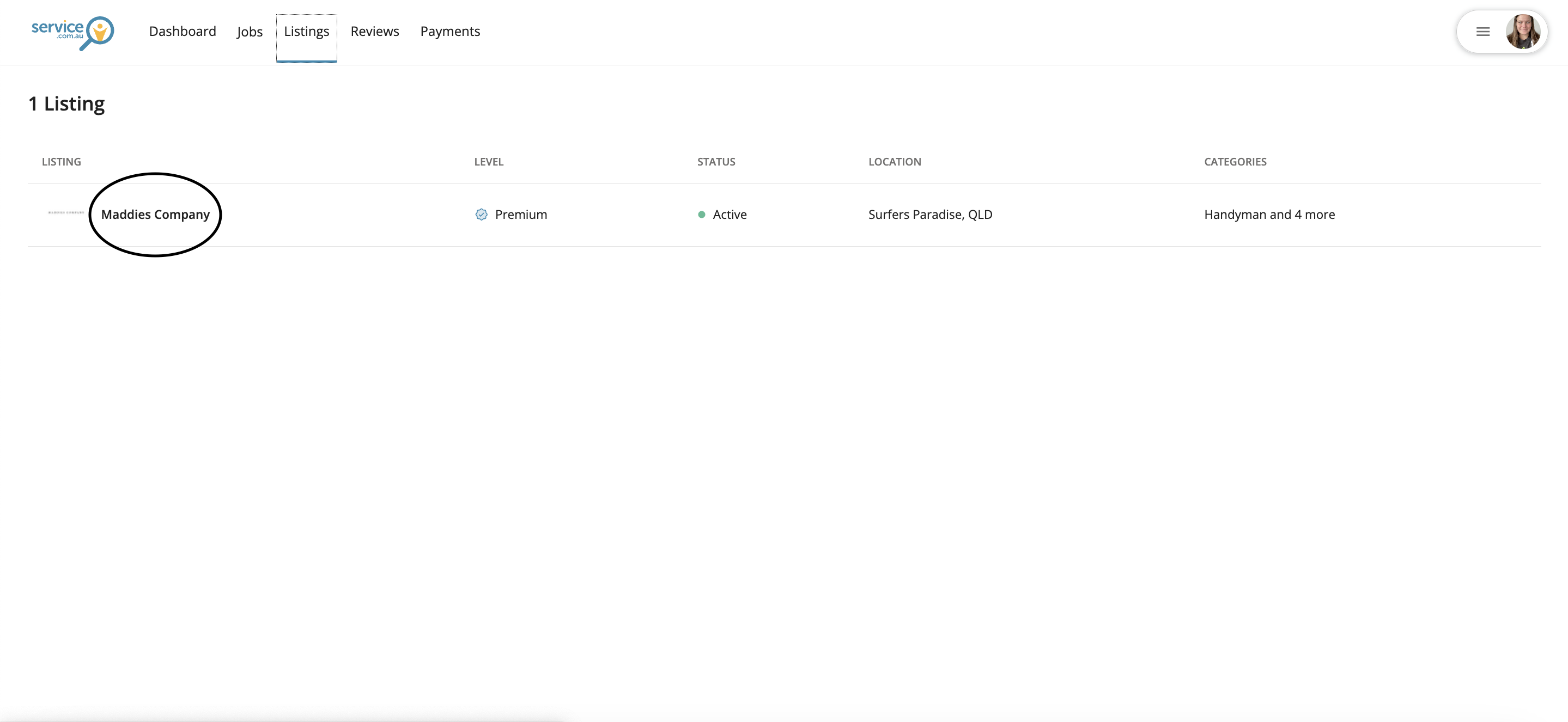
A business listing selected for editing
Select your listing
Click on the listing you want to update.
3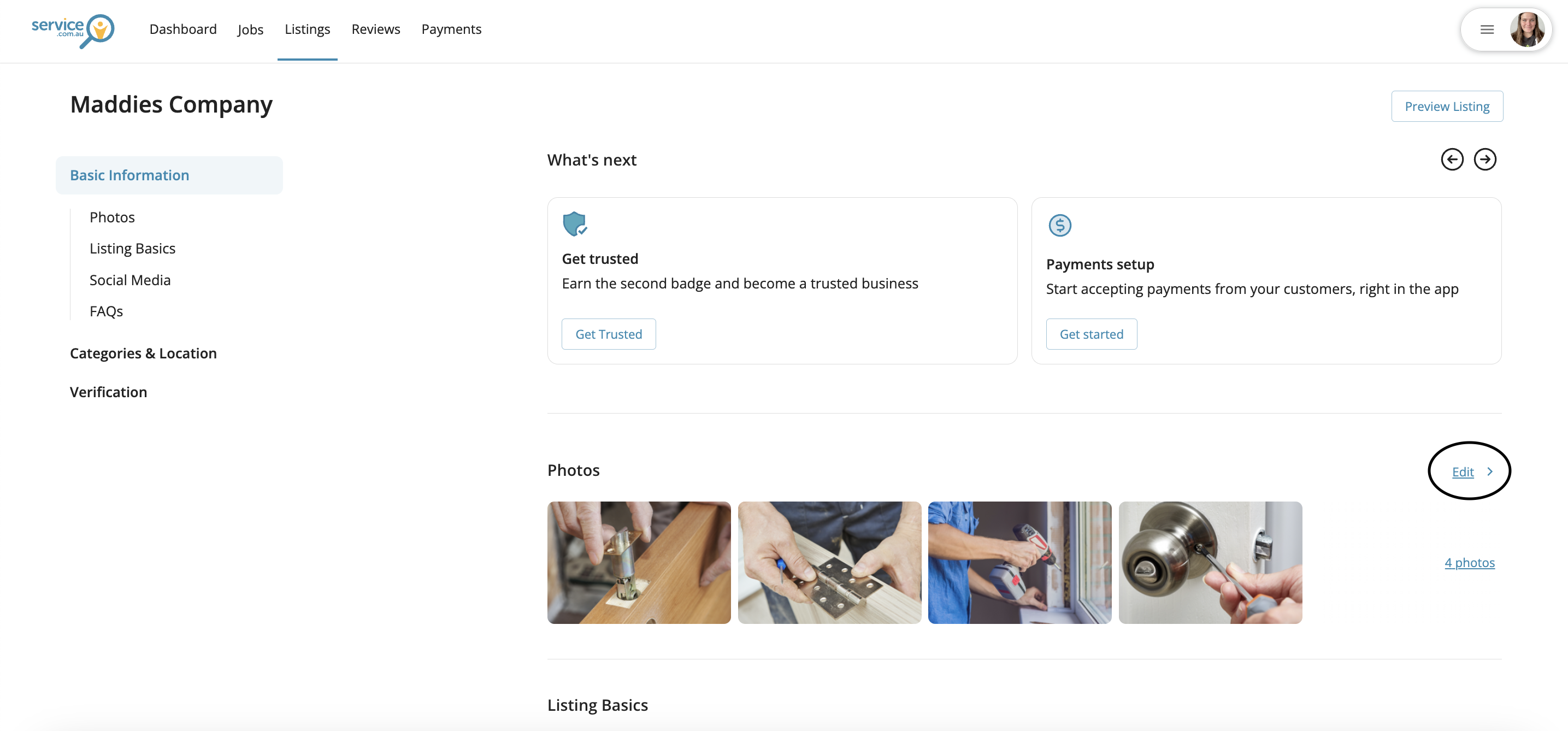
The section where you can update your logo and gallery photos 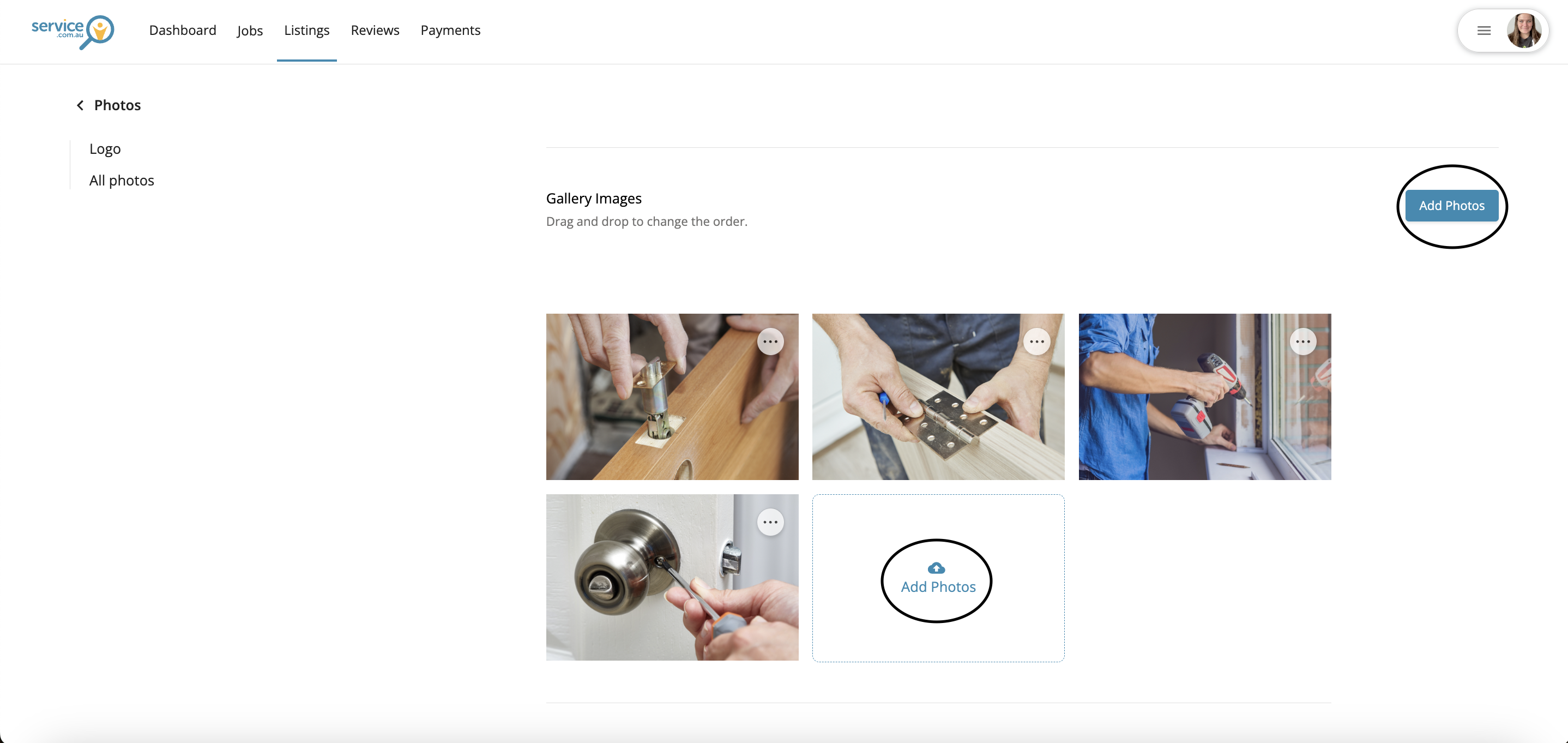
The Add Photos option for uploading images to a listing
Add or update your photos
Go to the photo section to update your logo or gallery pictures. To upload new images, click on Add Photos and select the files from your device.
4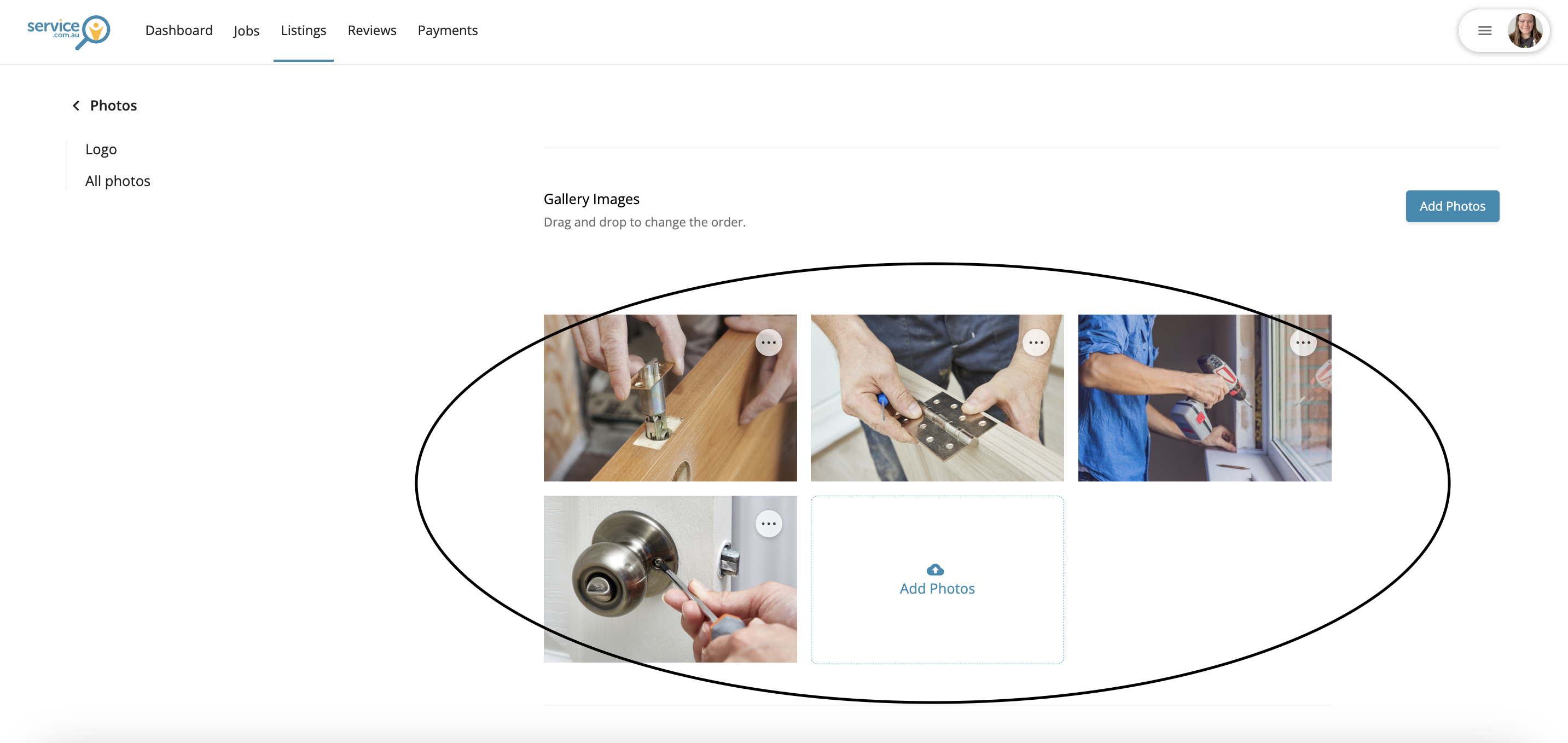
Uploaded photos displayed in the listing gallery
Review your uploaded photos
Once your upload is complete, check that the new images appear in your listing gallery.