Your profile is often the first thing a homeowner sees. A complete, professional listing can help your business stand out and build trust.
Improve your profile strength
Open your listing
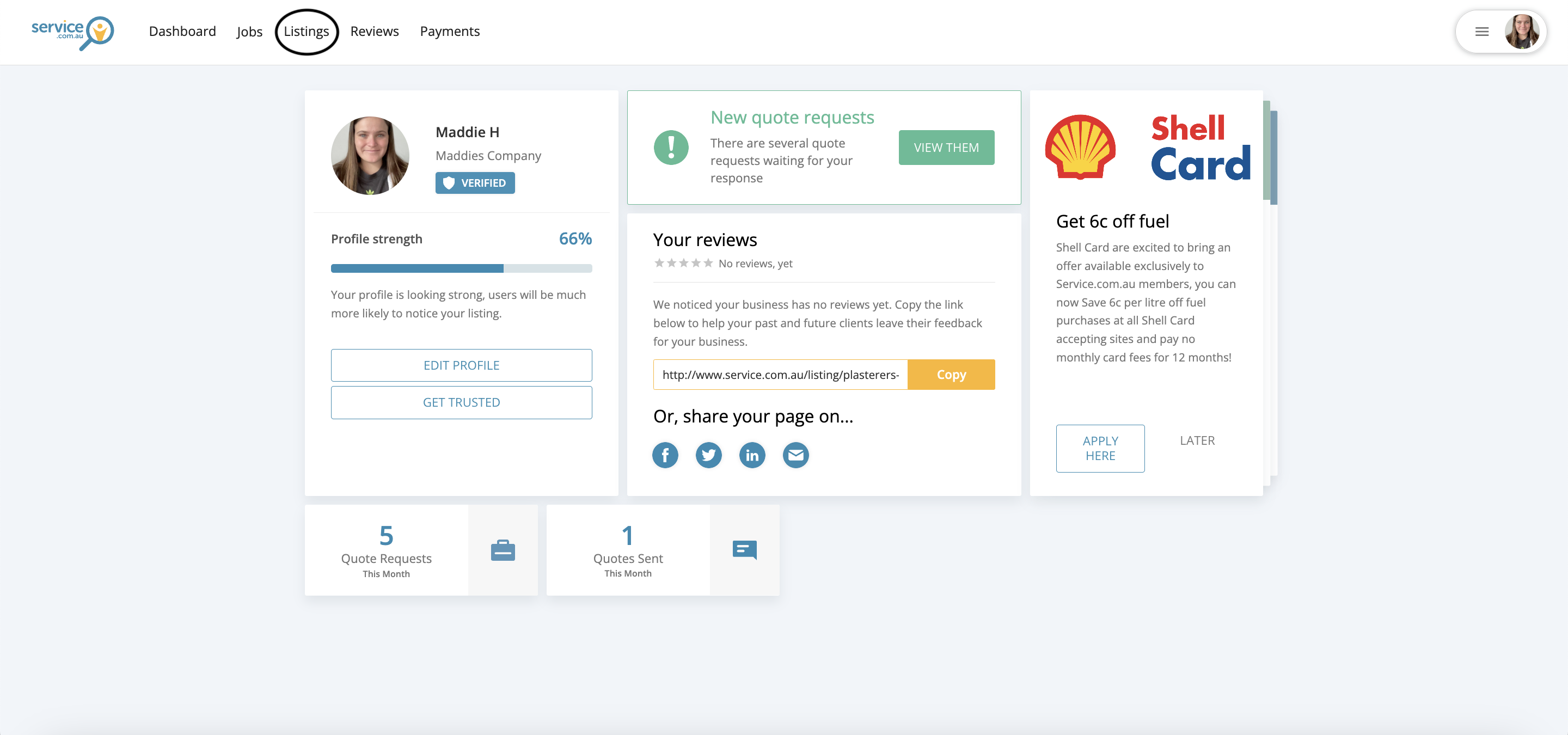
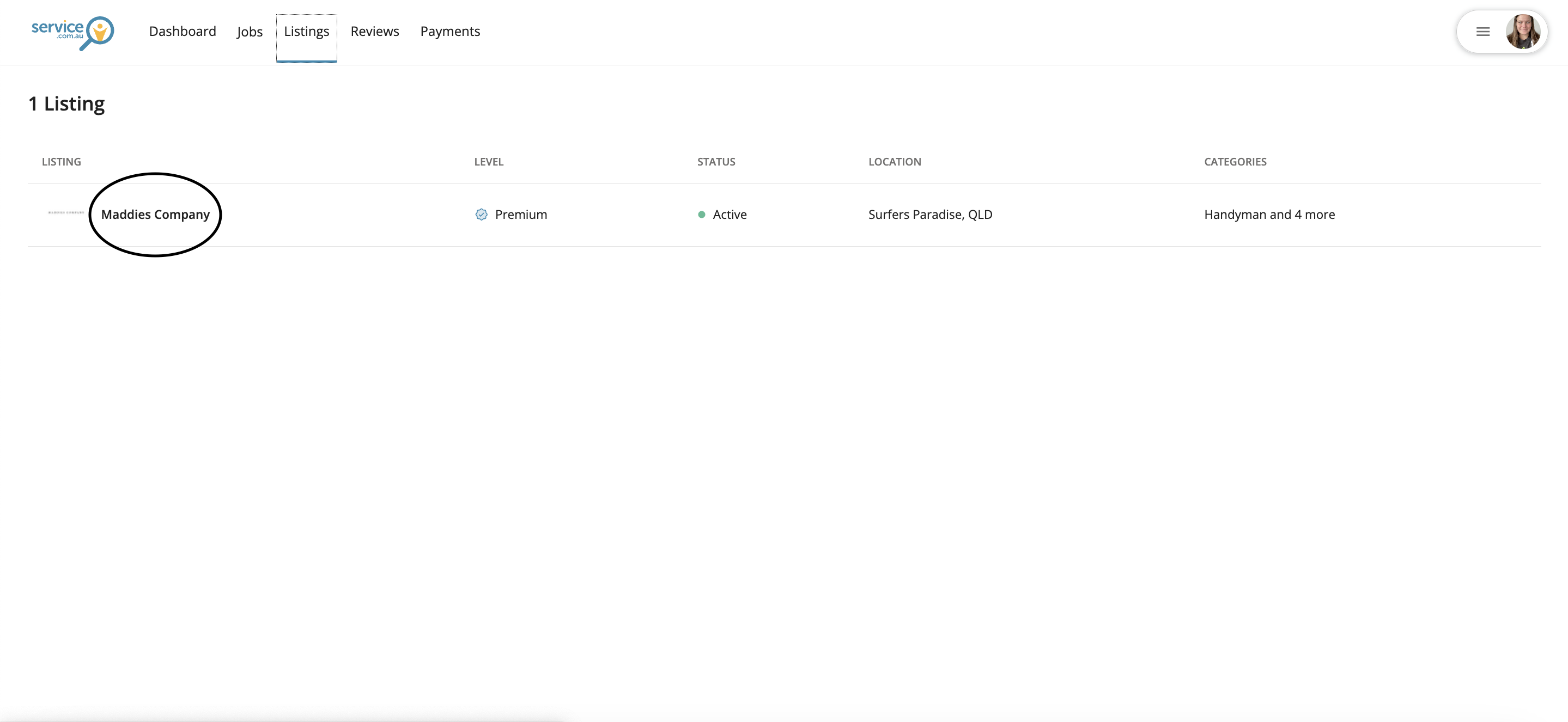
Log in to your account dashboard, navigate to Listings, and select your business name.
Check your profile strength
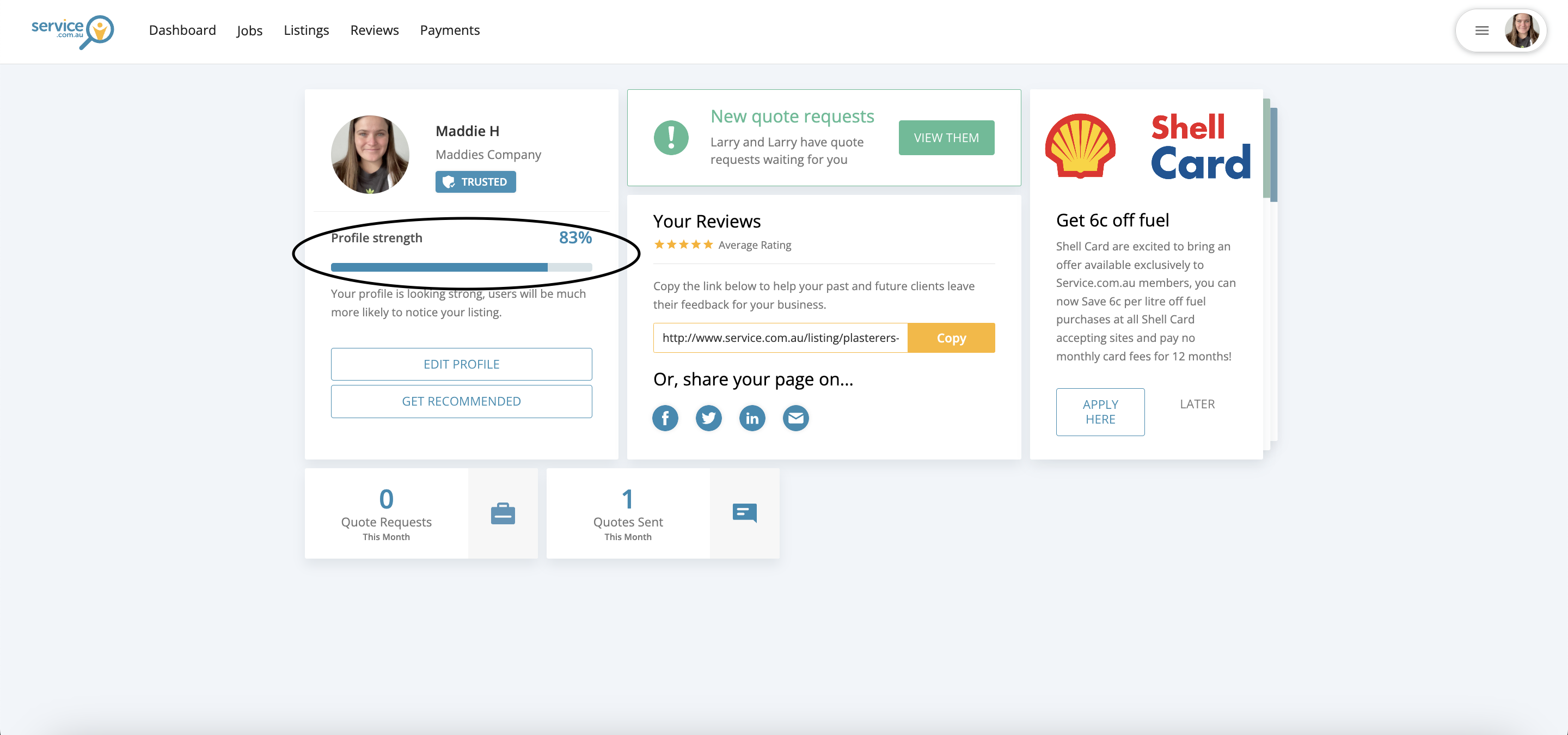
Review your profile strength percentage to see how complete your listing is and where you can improve it.
Update your business details
Edit your business details so they are accurate, current, and easy for homeowners to understand.
Refresh your description
Update your business description with clear details about your services, experience, and the type of work you do.
Add professional photos
Upload relevant photos of your work to help homeowners feel more confident in your business.
Preview your listing
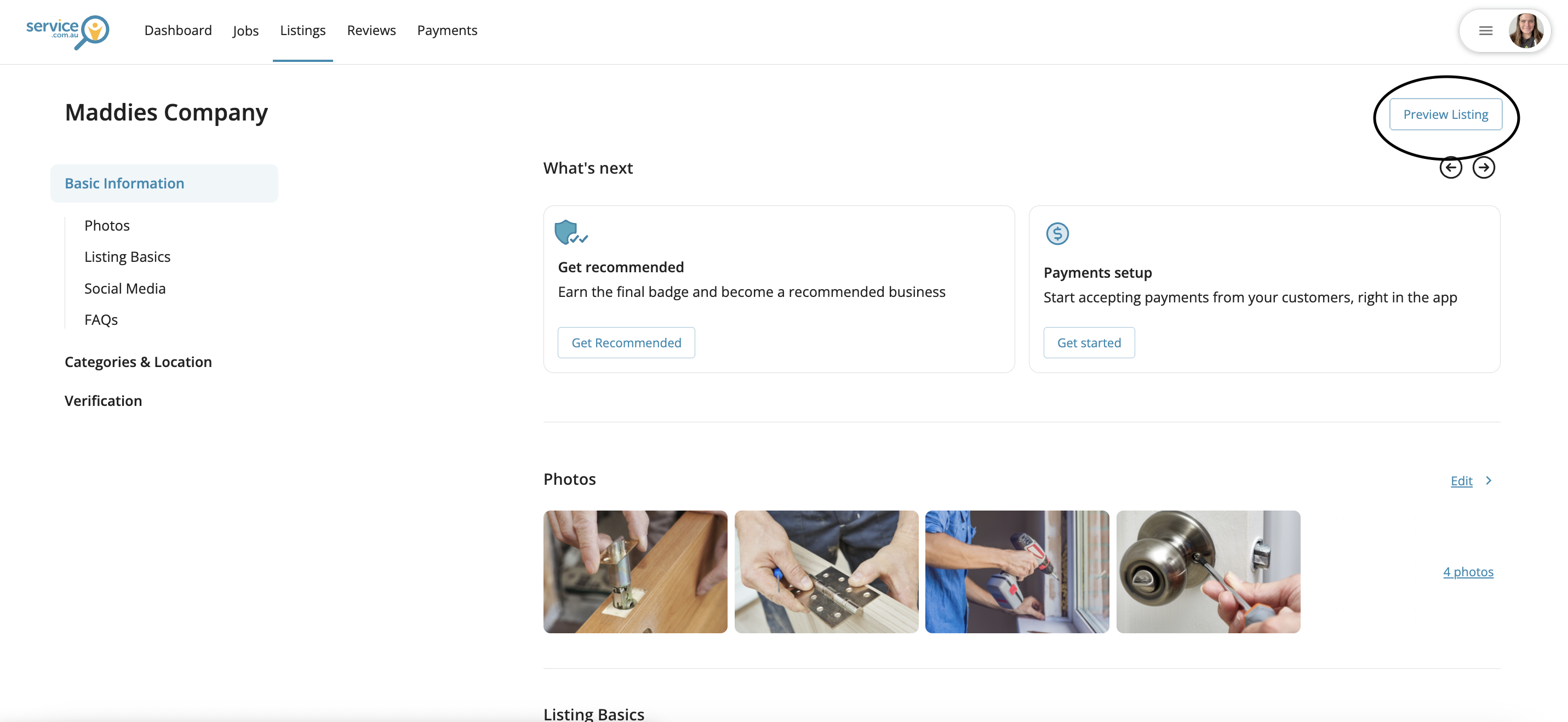
Click on Preview Listing to check how your profile appears to homeowners and make sure everything looks professional.
Complete your Trusted profile
Open Get Trusted
Navigate to Get Trusted from your listing or profile area.
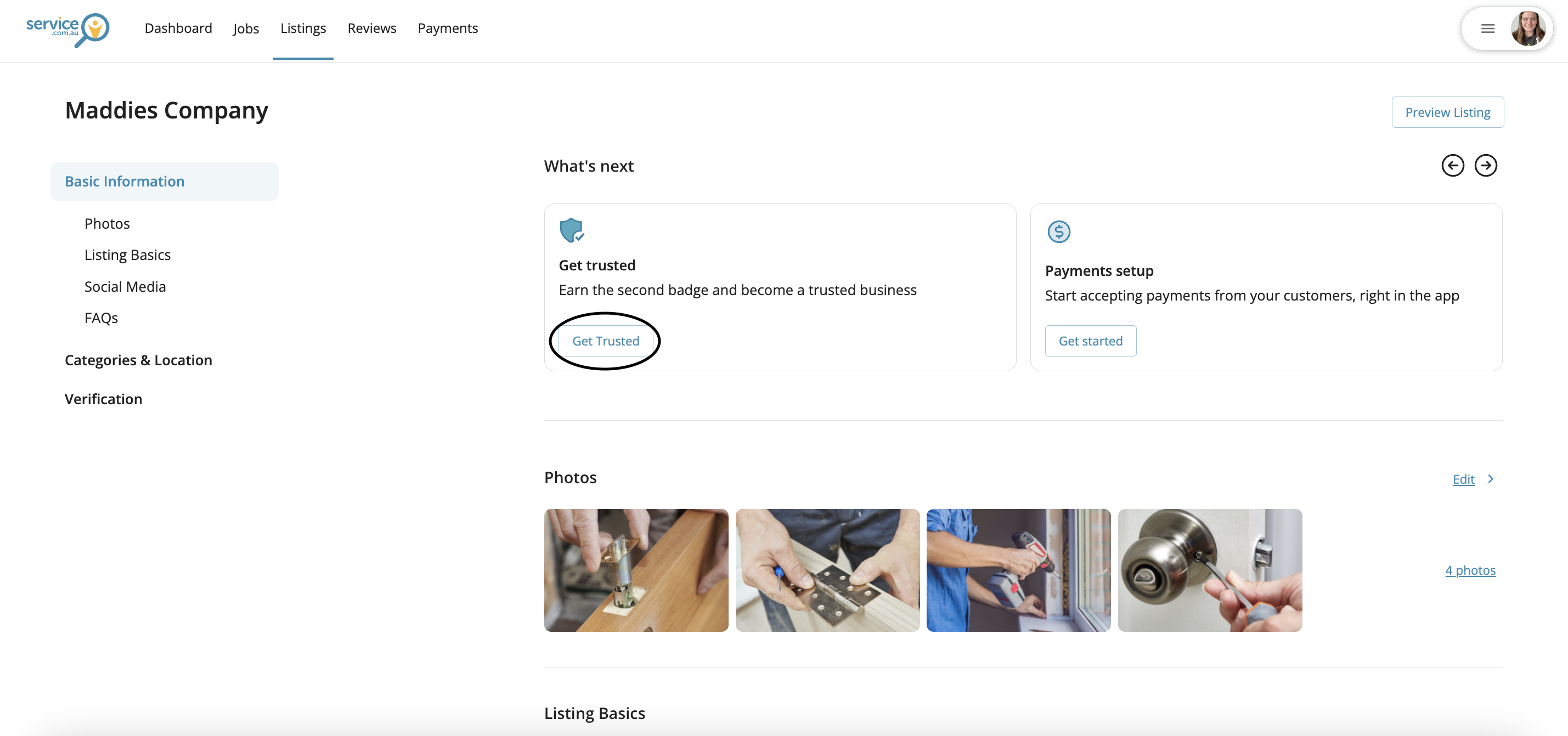
Complete the required sections
Enter any missing information and complete the requested profile sections, including FAQ content if available.
Check your Trusted status
Review your profile once complete to confirm your business has received Trusted status.
Final review
Go back through your profile and make sure your photos, business information, and description are current and professional.
You can then return to your Dashboard or listing to check whether your profile strength percentage has improved.