Use these steps to update the services you offer, your business location, and how far you're willing to travel for jobs.
1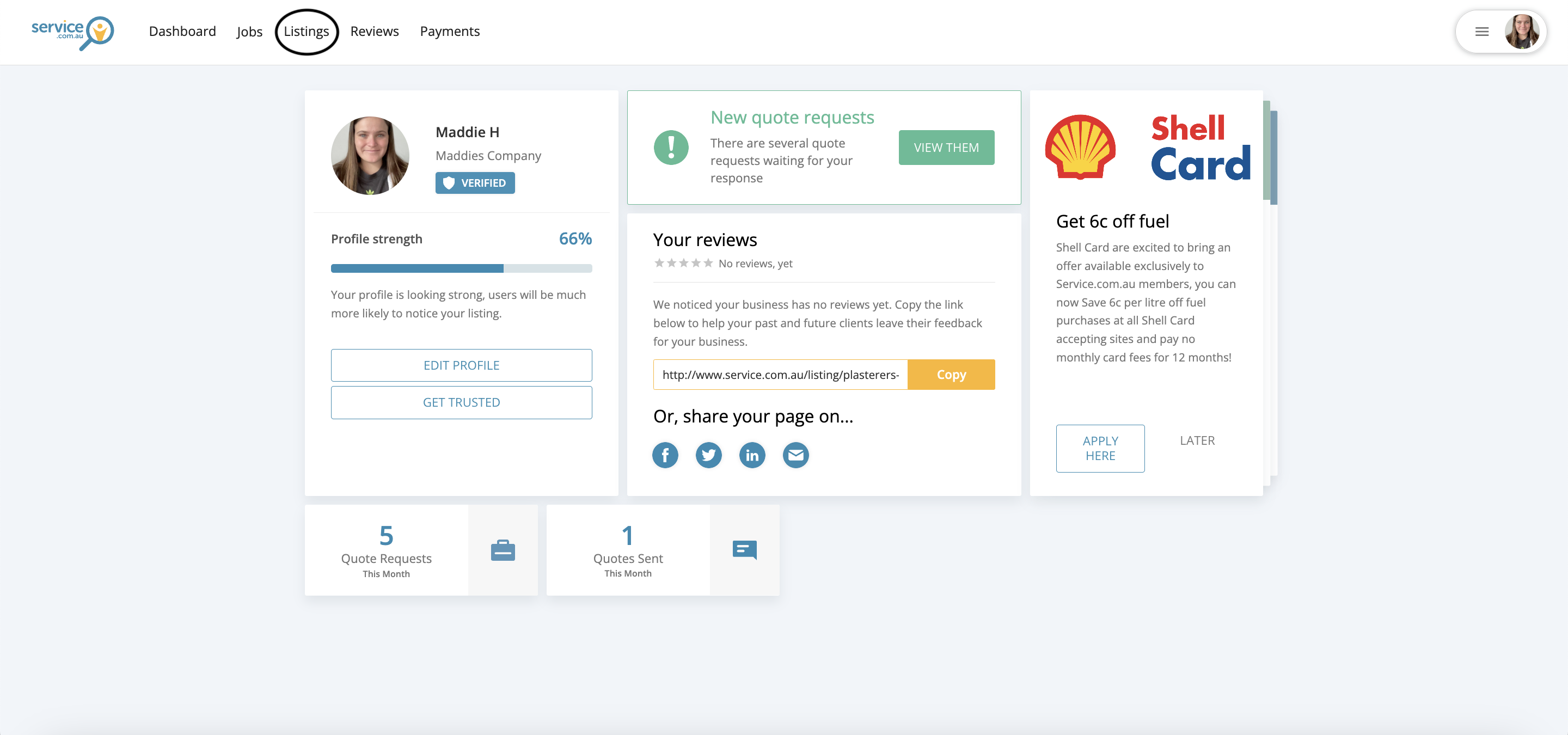
The Listings section in the account dashboard
Open your Listings
Log in to your account and select Listings from your dashboard.
2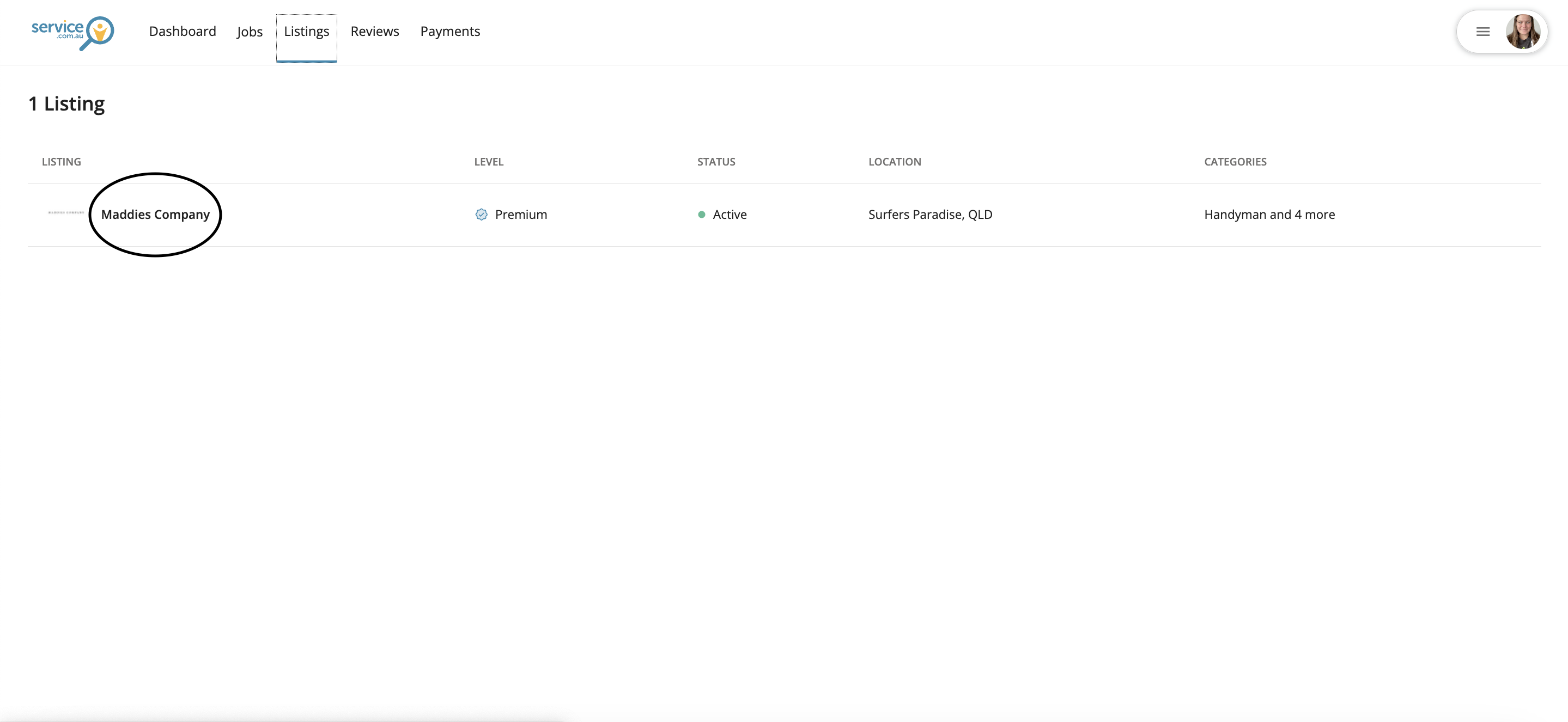
A business name selected from the Listings page
Open your business listing
Click on your business name to open the listing you want to update.
3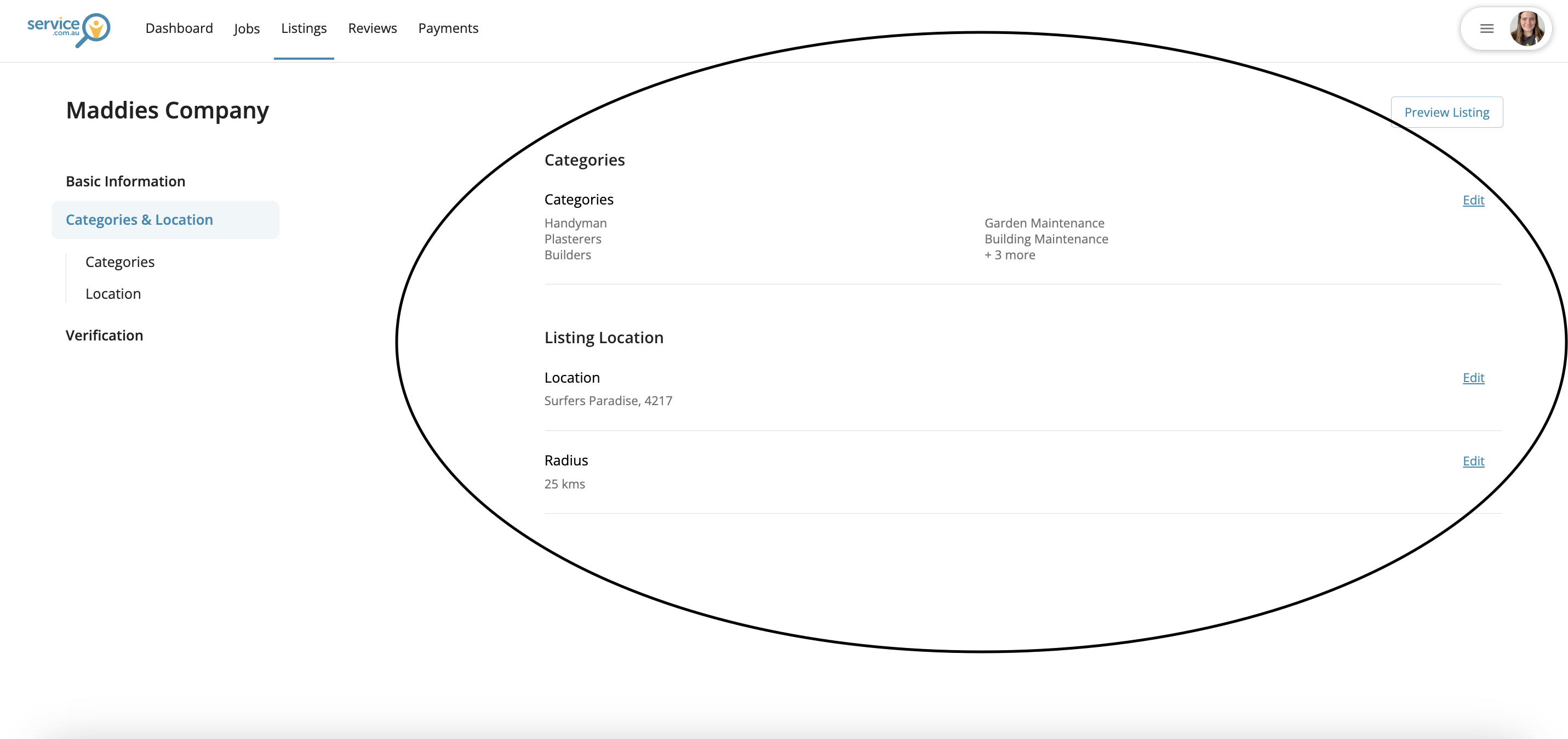
The Categories and Location section showing service categories, location, and travel distance
Go to Categories and Location
Select Categories and Location to view your current service categories, business location, and travel distance.
4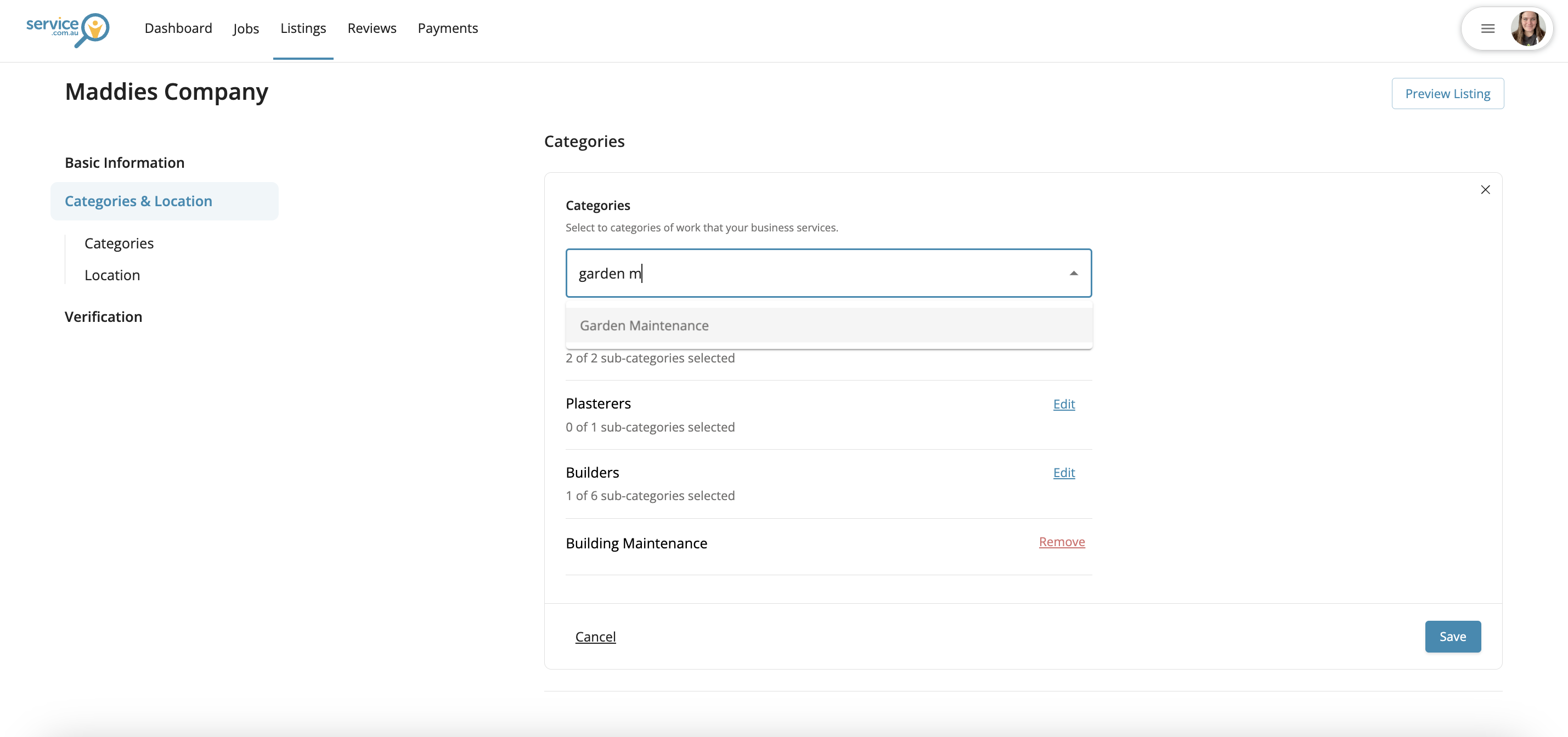
The edit view for updating listing details such as location or services
Edit your details
Click on Edit next to the section you want to update, then enter your new service categories, business location, or travel distance.
5
Save your changes
Click on Save to update your listing.