You can update your profile at any time from your dashboard. This includes your business details, services, service areas, trading hours, social links, and gallery images.
1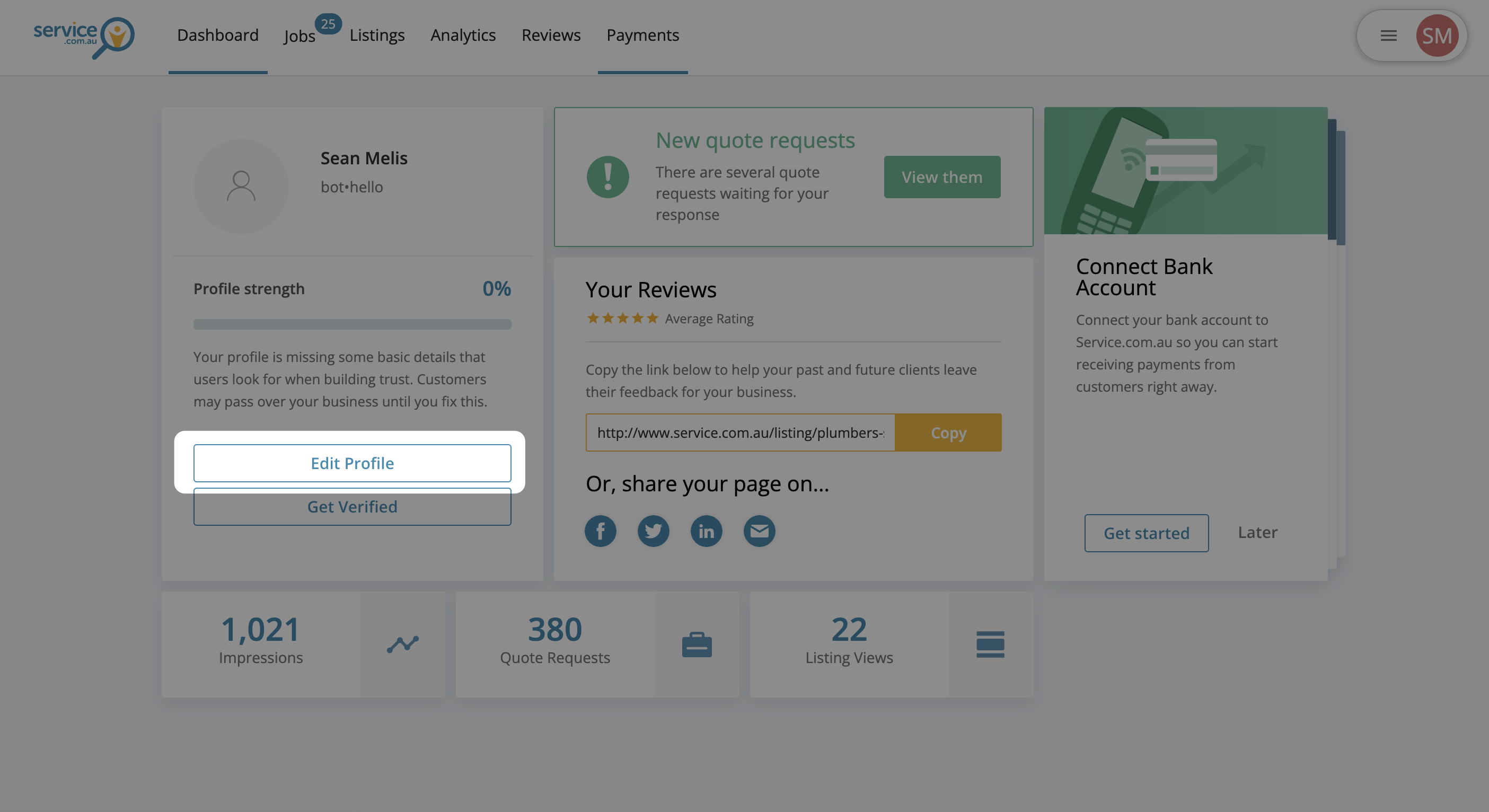
Dashboard showing the Edit Profile option
Open Edit Profile
Log in to your account dashboard and click on Edit Profile.
2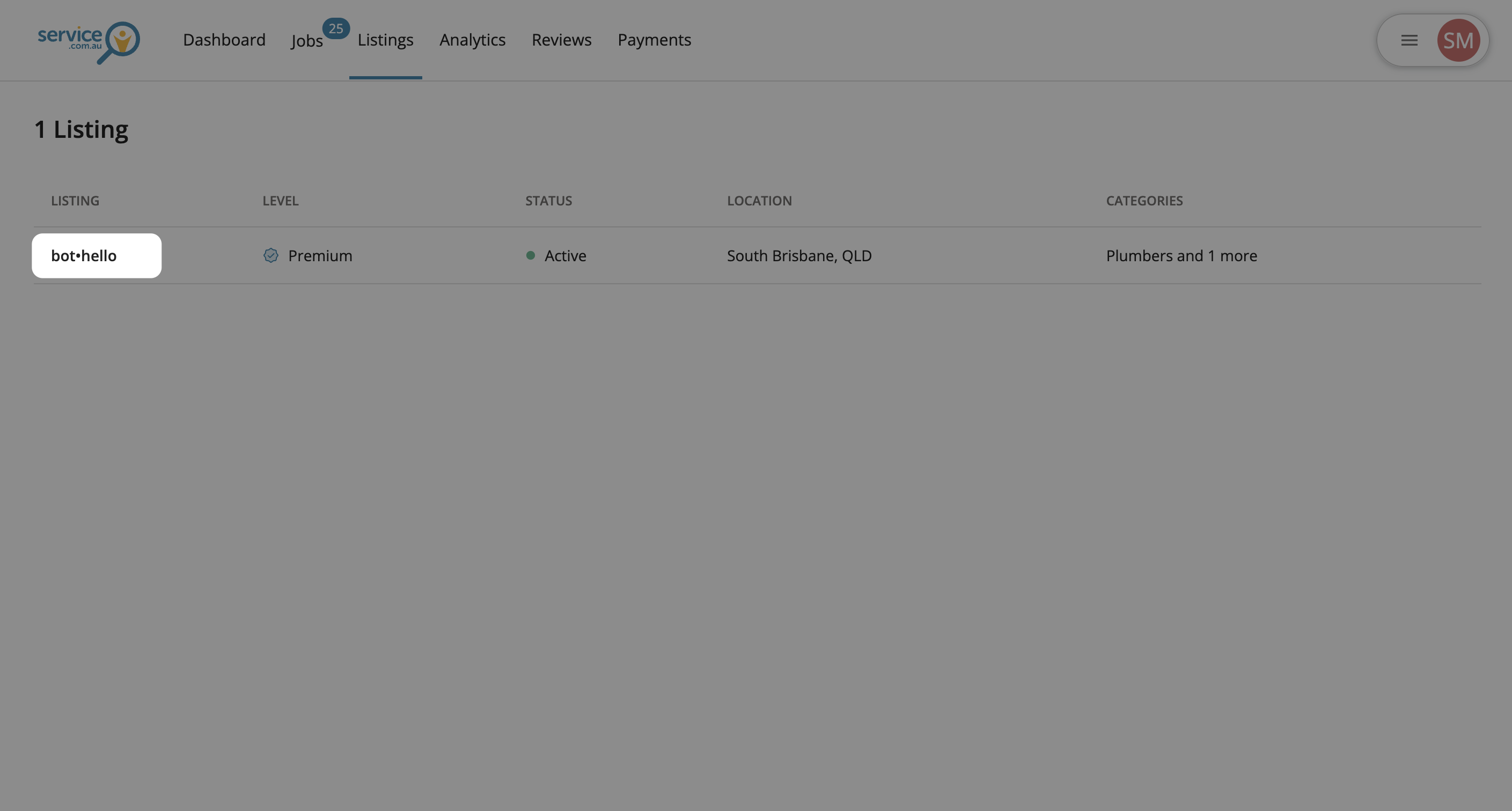
Profile editor showing a business listing selected
Select Your Listing
Click on your Listing to open the profile editor.
3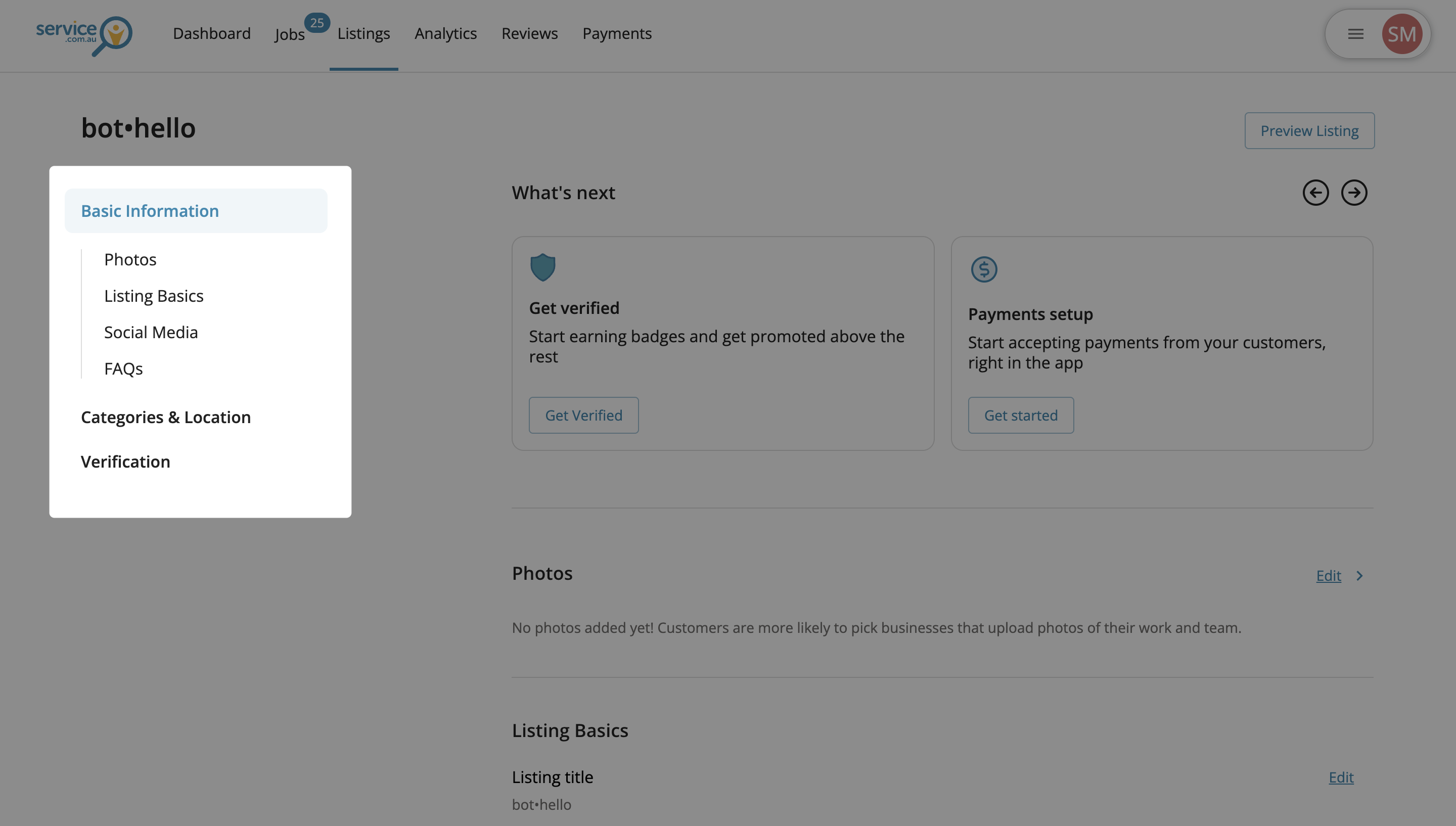
Profile page with the left navigation menu and editable sections
Go to the Section You Want to Update
Scroll through the page or use the left-hand menu to find the section you want to change.
4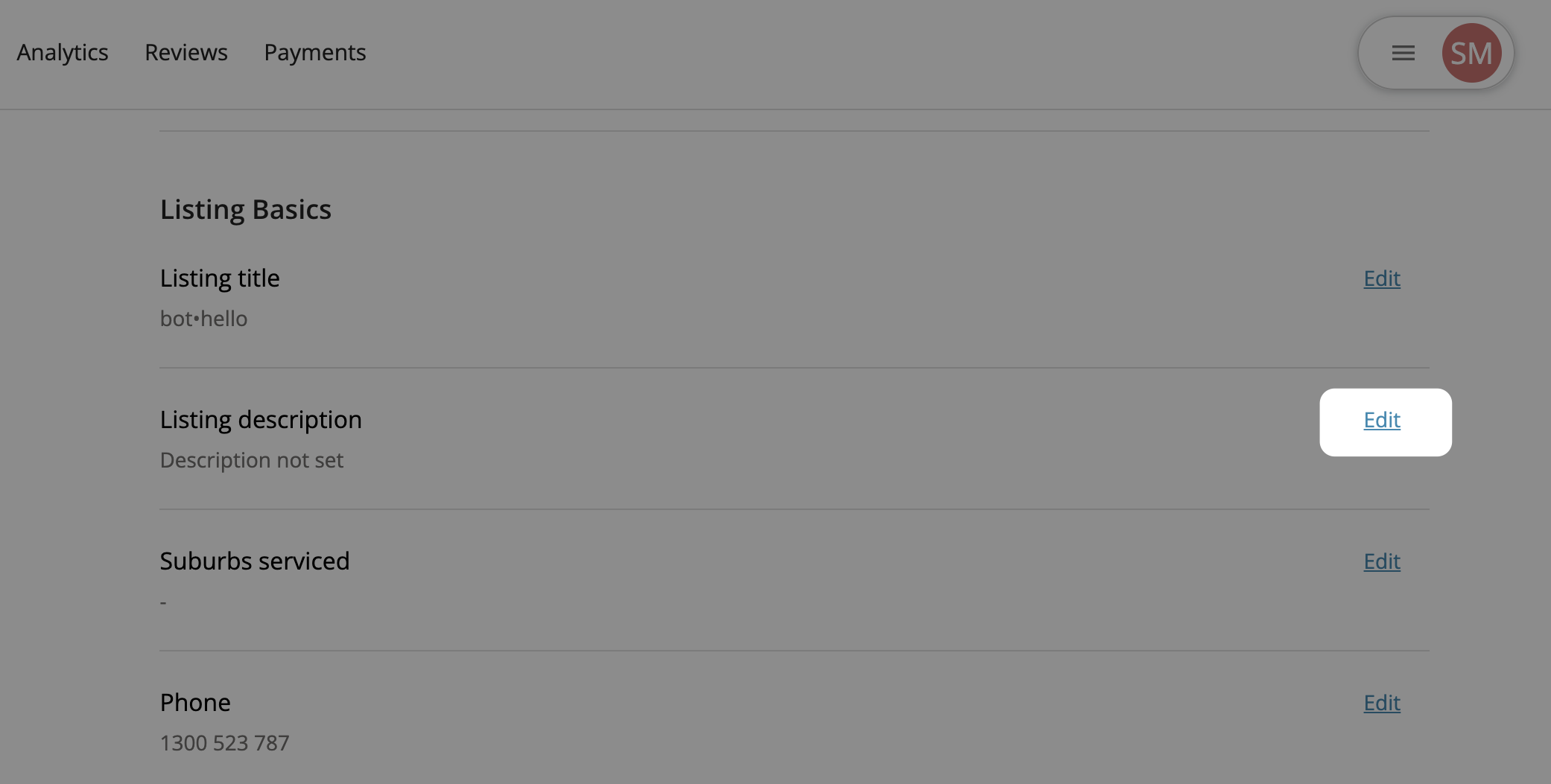
A profile section with the Edit button on the right
Edit the Section
Click on Edit next to the section you want to update.
5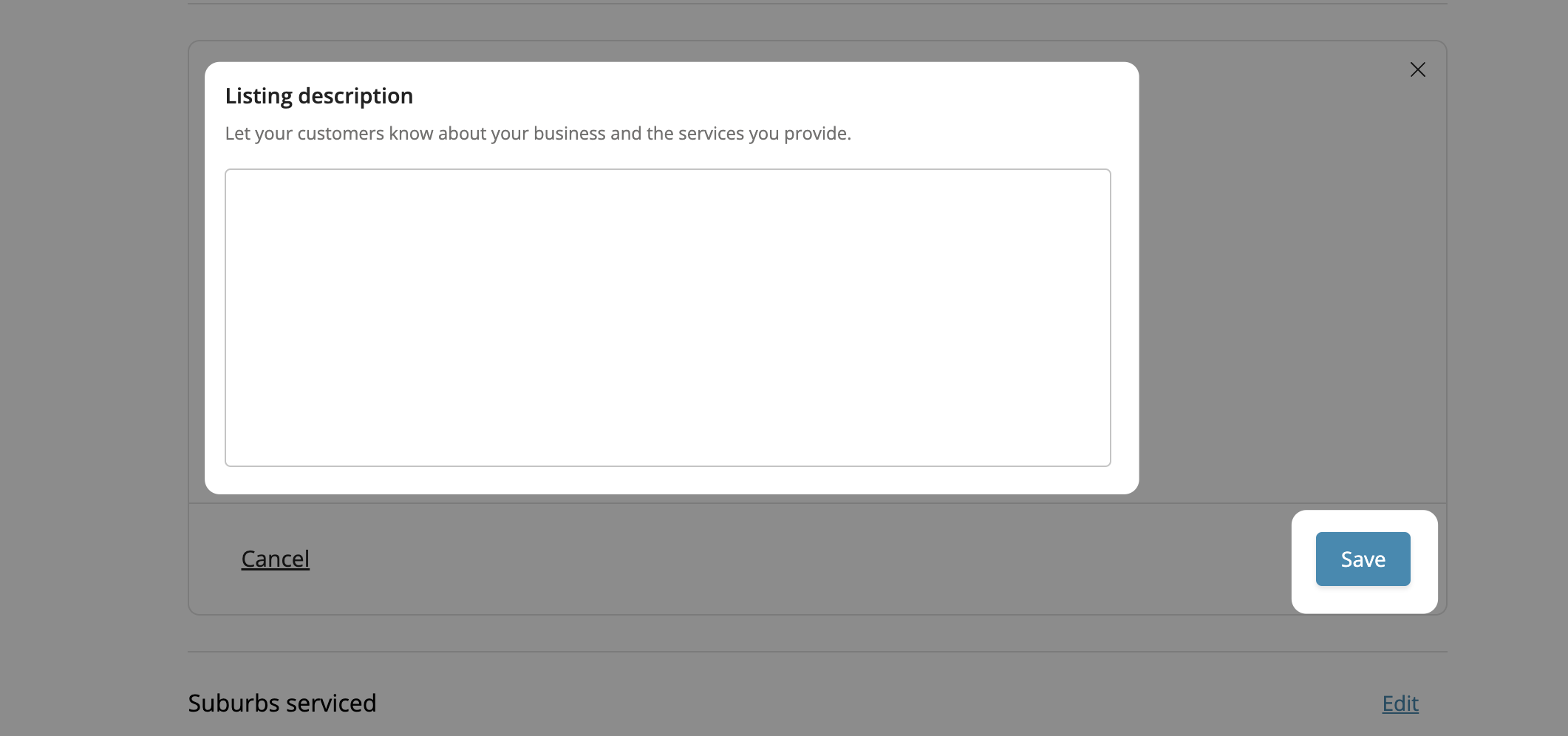
Form fields being updated before saving changes
Save Your Changes
Update your details and click on Save.
What You Can Update
You can edit different parts of your profile, including:
- Business name
- Contact details
- Services
- Service areas
- Trading hours
- Business description
- Social links
- Gallery and portfolio images
Need help?
If you need support, contact us at support@service.com.au or call 1300 523 787.