To claim an existing business listing, recover access to it or link it to your account, contact our team. There's no claim button on the listing itself, so our team checks the listing is yours and connects it to your account.
Why Your Business May Already Be Listed
A listing can be set up before anyone from the business logs in. You, someone else in your business or our team may have set it up earlier. Each listing is connected to one account, so if you can't log in to yours, our team can connect it to the right one.
If You Already Have an Account
If you signed up before, you may only need to log in.
Go to the sign-in page
Go to service.com.au/sign-in. Enter the email address you signed up with and follow the steps on screen. If you no longer have access to that email, contact our team (see below).
Check your listing
Once you've logged in, open your Dashboard to check it's the right listing.
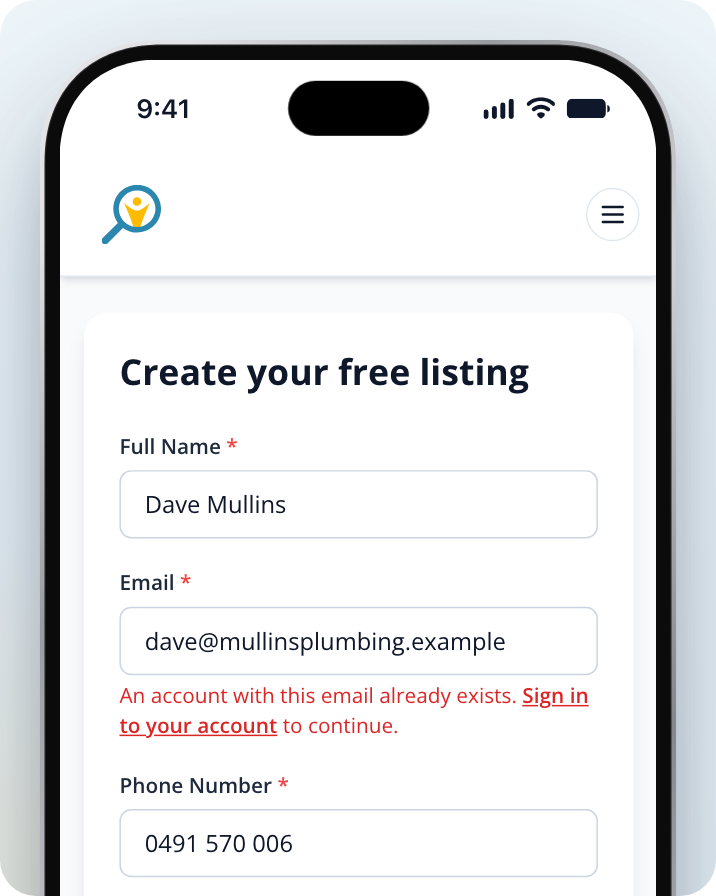
If you try to sign up again with an email that's already in use, you'll see An account with this email already exists. under the Email field, once you've filled in the form and selected Create Free Listing. Select Sign in to your account to log in instead.
Claiming or Linking a Listing to Your Account
If you don't know which email the listing was set up with, or you no longer have access to it, contact our team.
Find your listing
Search for your business on Service.com.au and copy the link to its listing page.
Contact our team
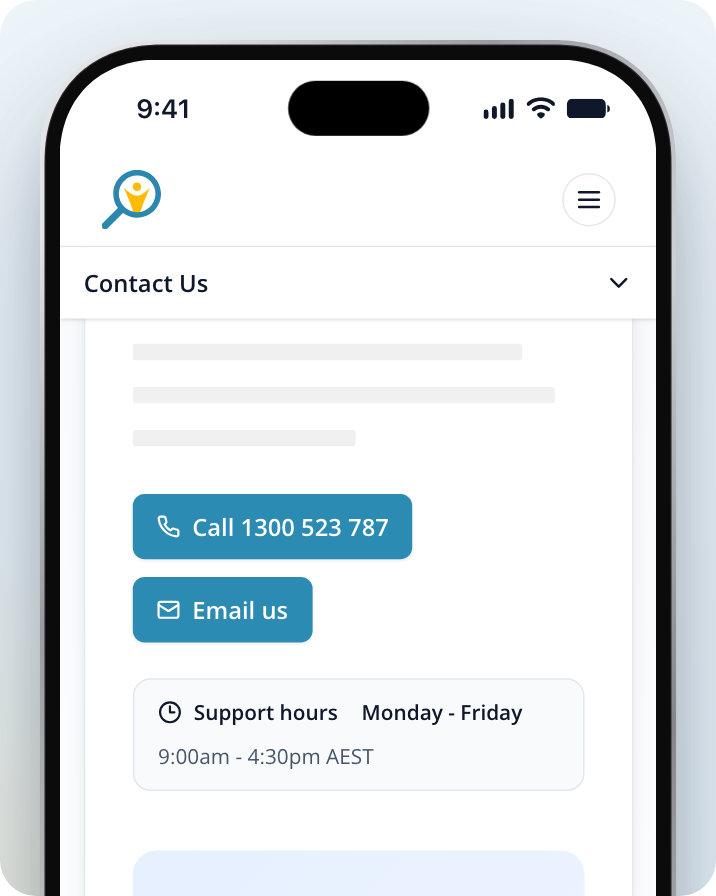
Call us on 1300 523 787, email support@service.com.au, or go to our Contact Us page and select Email us to open the contact form.
Tell us who you are
Include your business name, the link to your listing and the email address you want to use to log in.
Our team will check the details with you before connecting the listing to your account.
Need Assistance?
If you have questions, contact us at support@service.com.au or call 1300 523 787. Our team is here to help!