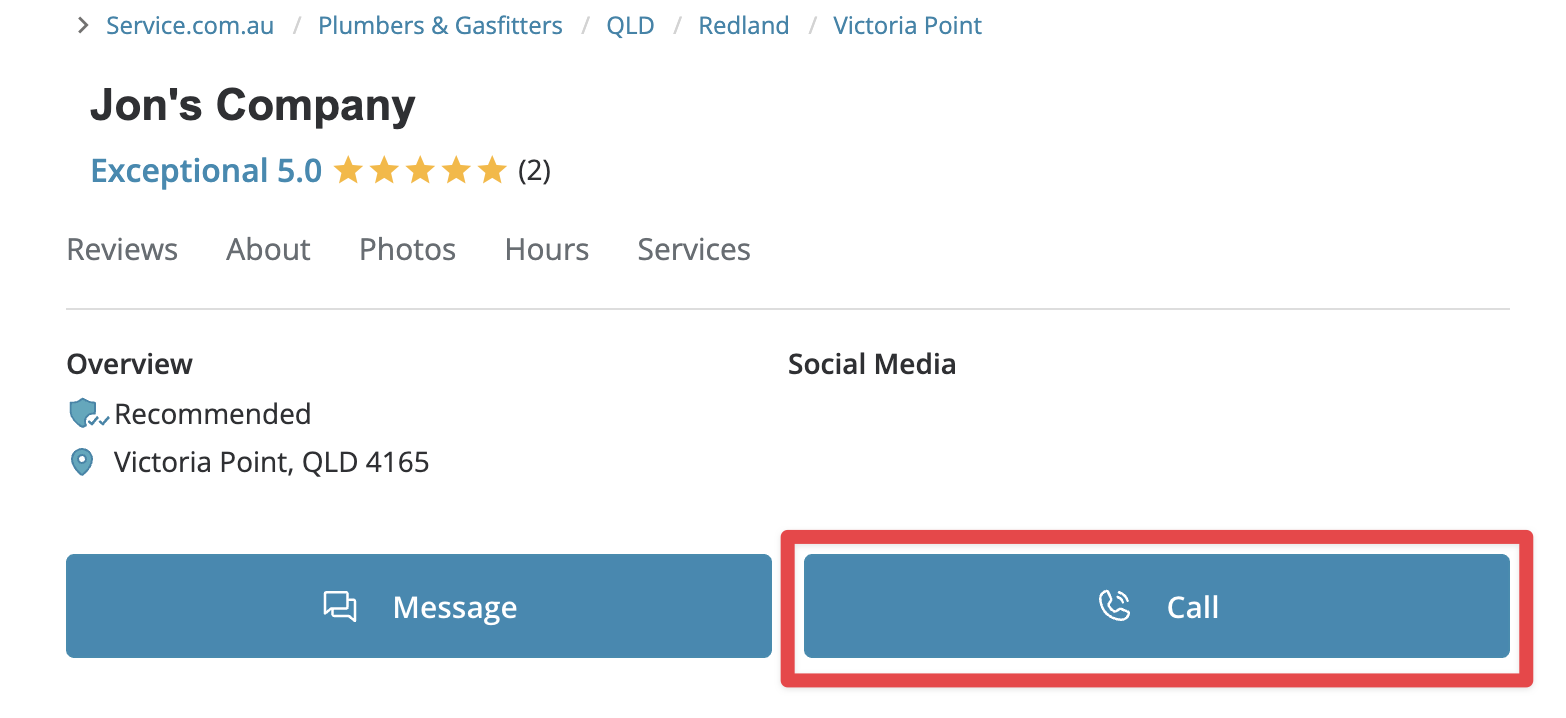
It is free to use Service.com.au to search the tradie directory, compare businesses, and contact a business about your job.
Search the directory
Open the homepage search
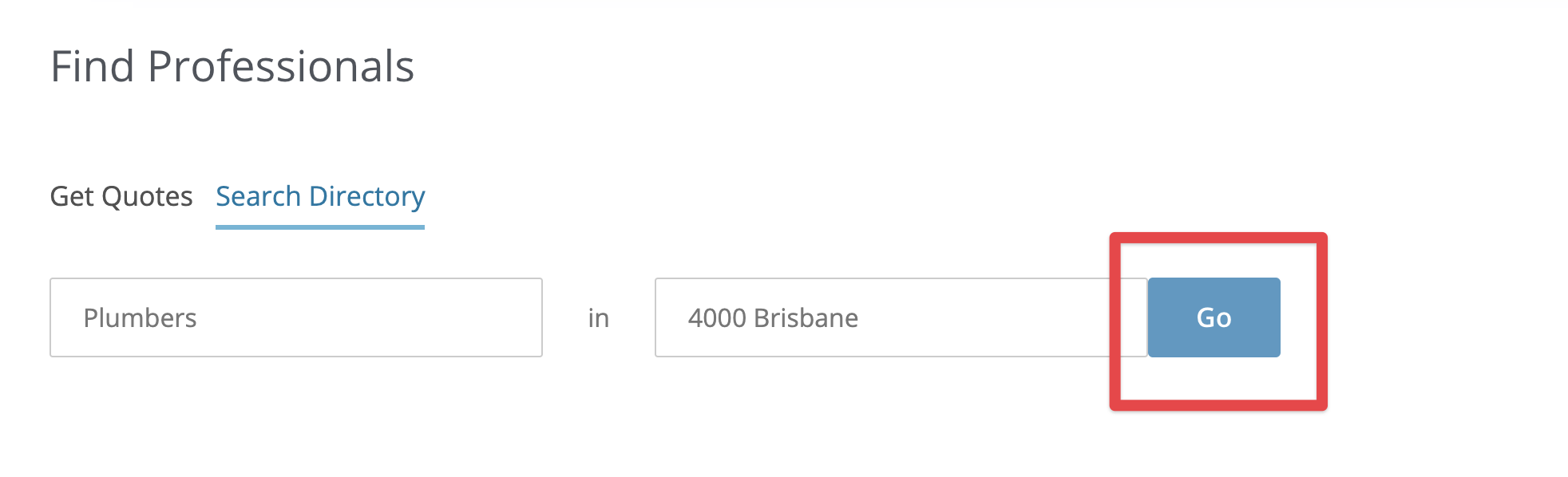
Go to the Service.com.au homepage and scroll down to the Find Professionals section.

Open Search Directory
Click on the Search Directory tab.

Enter the service you need
In the I'm looking for... field, start typing the service you need, then select the right option from the drop-down list.

Enter your location
In the Postcode field, enter your suburb, location, or postcode, then select the right option from the drop-down list.

View matching businesses
Click on Go to see matching businesses.
Request a quote from a business
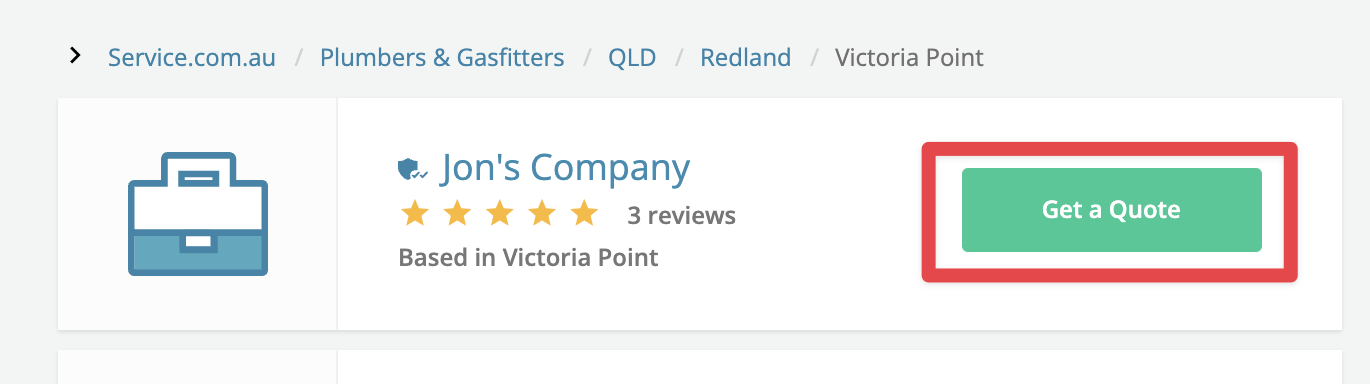
Once you find a business that suits your job, you can request a quote to compare your options. You are not required to hire a business after requesting a quote.
Start the quote request
Click on the Get a Quote button next to the business name.
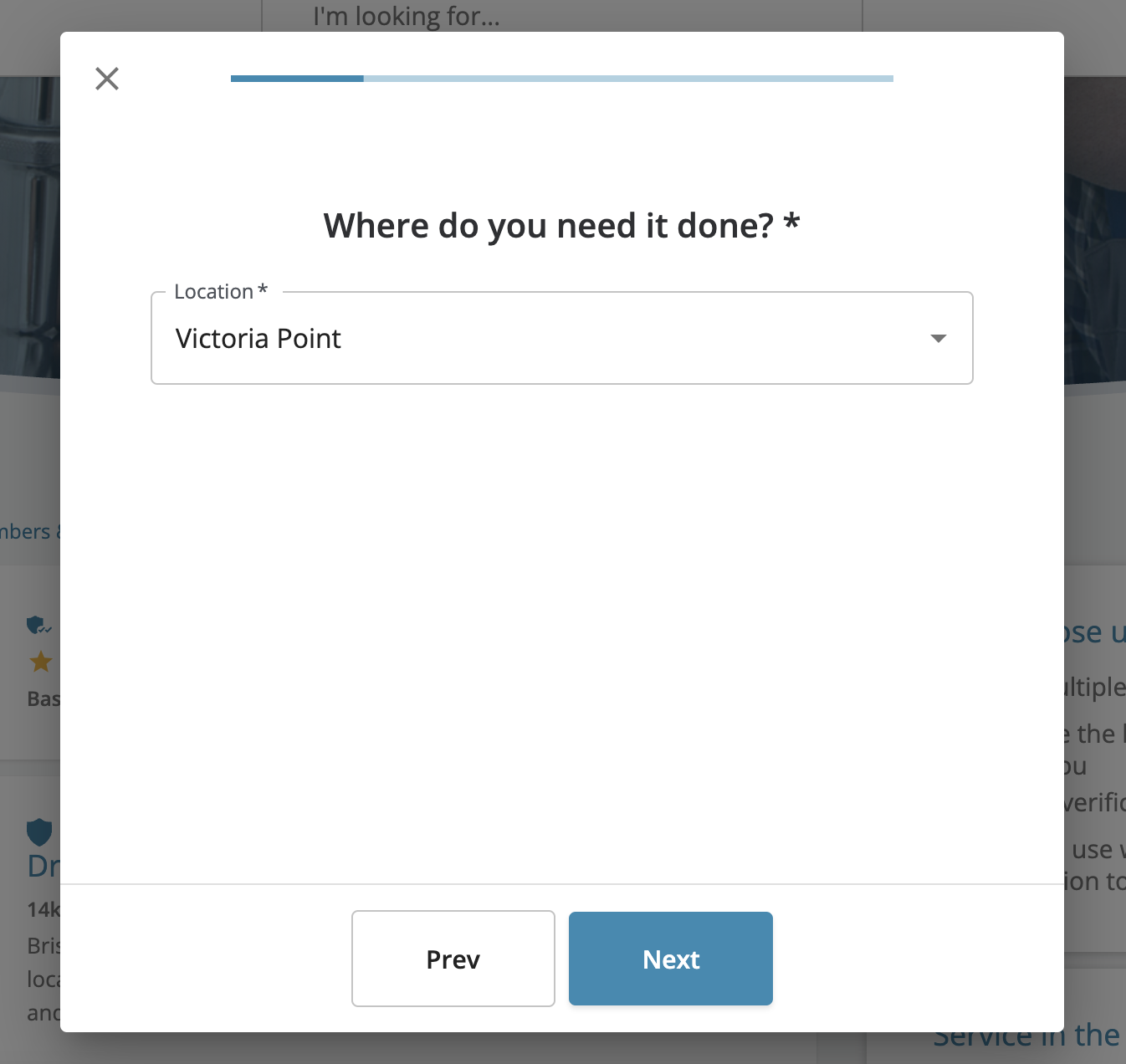
Complete the quote form
Enter your job details and location, then submit the form.
Message a business directly
Open the business profile
Click on the business name to open the profile page.

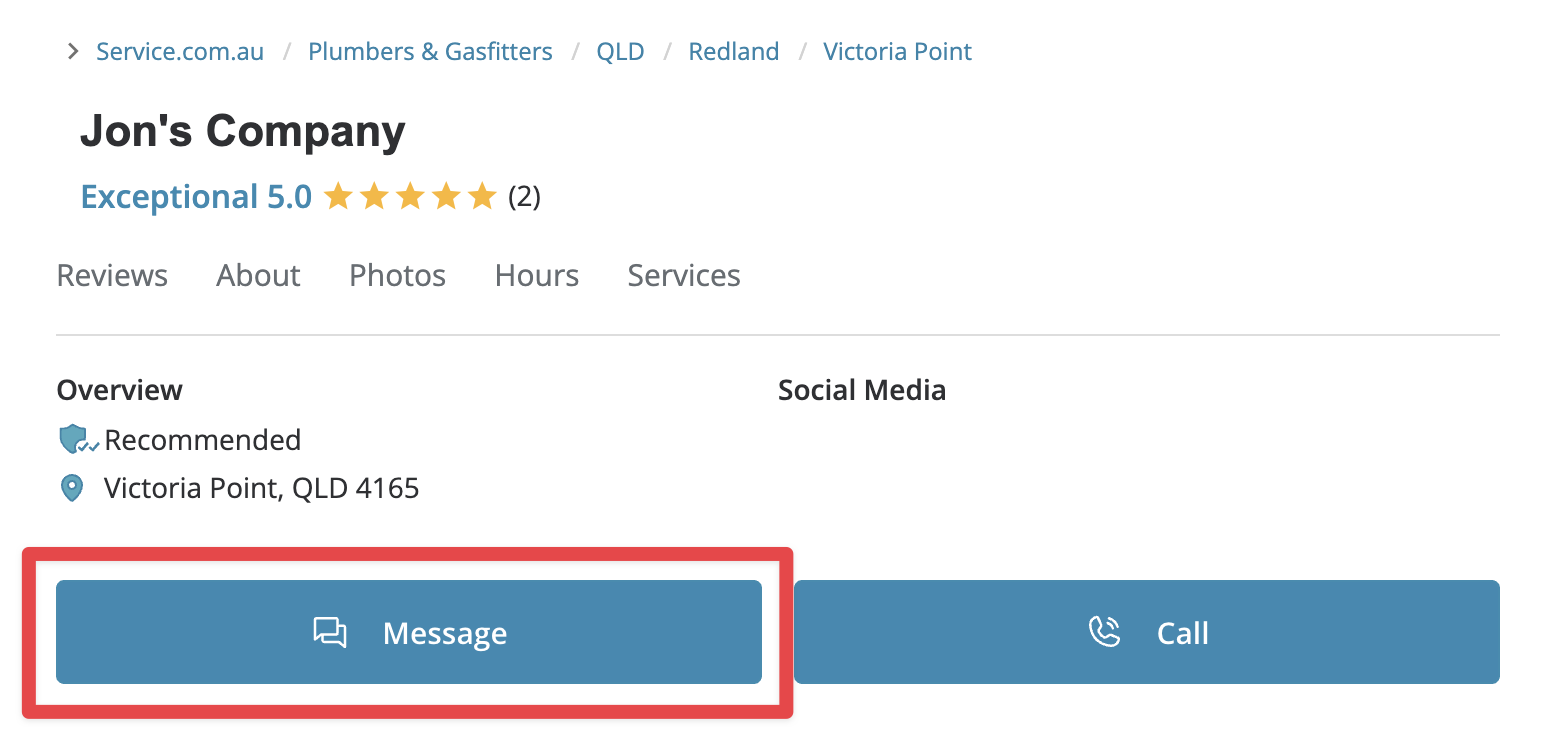
Open the message form
On the profile page, click on Message at the top.
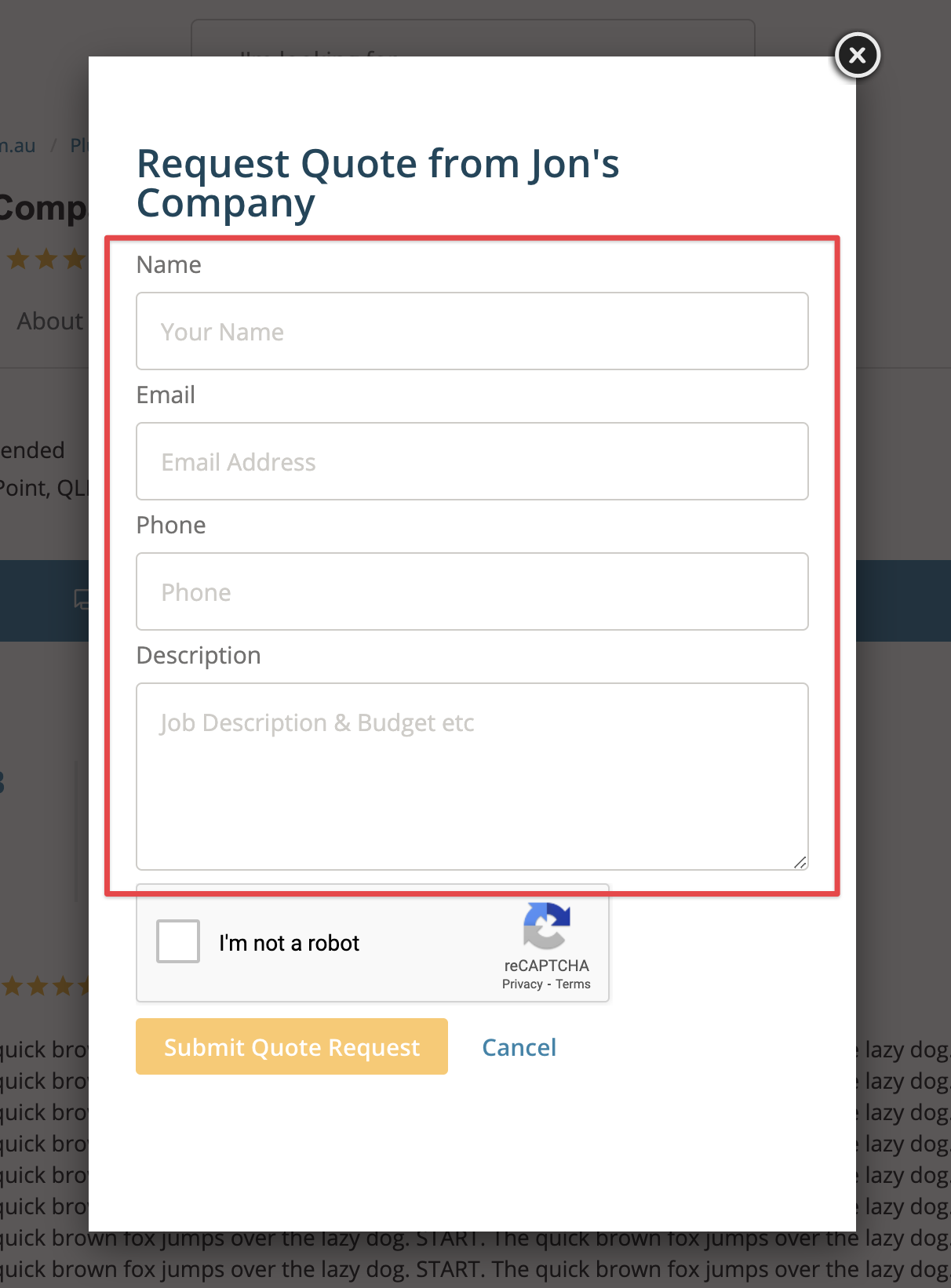
Add your details
Enter your contact details and a short description of your job.
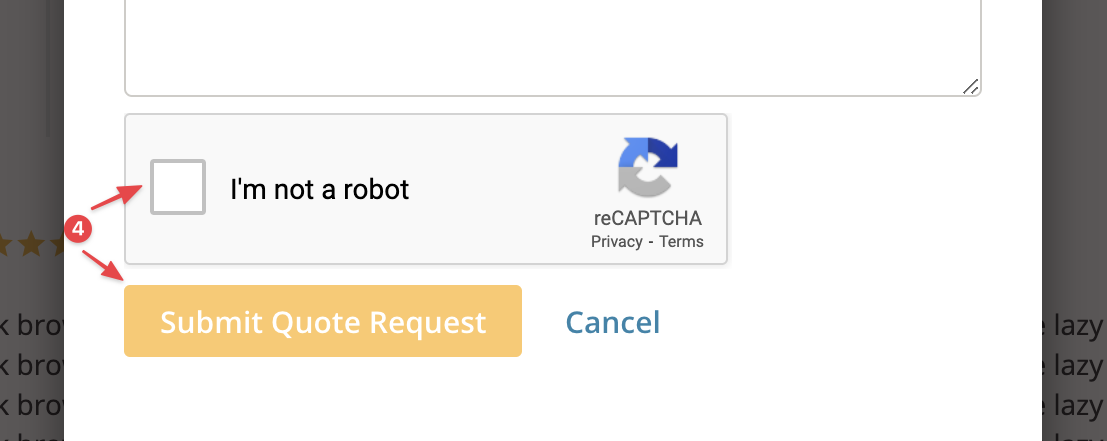
Send your message
Tick the I'm not a robot box, then click on Submit Quote Request.
Contact a business by phone
View the phone number
Click on Call to open a pop-up with the business phone number.